logo
To heylogin.comContact support
Help Center - English
🚀
Welcome
First steps
Set up with iPhone
Set up with Android
Install browser extension
Install browser extension for Safari
Add your first login
Logging in on iOS
Logging in on Android
First steps for admins
Import & export
📱
Access
Supported devices
Additional backup methods
Change phone
Lost phone
⭐
Features
Browser extension
2FA Automation
Desktop apps
Manage logins
Private & work
Settings
👥
Organizations
Manage organizations
Share logins
Microsoft integration
Google integration
🧾
Account & product
Billing and subscription
Managed Service Provider
Leaving heylogin
Security, privacy and compliance
Roadmap and release notes
Help Center - English
/
Welcome
/
First steps

Logging in on Android

We recommend to set up Autofill on Android, to be able to log into apps and websites. Autofill is supported by most apps as well as Chrome and Firefox on Android.
⚠️
Samsung Browser currently does not properly support Autofill.
  1. Open your heylogin app and tap on Logins. Then tap on ENABLE HEYLOGIN.
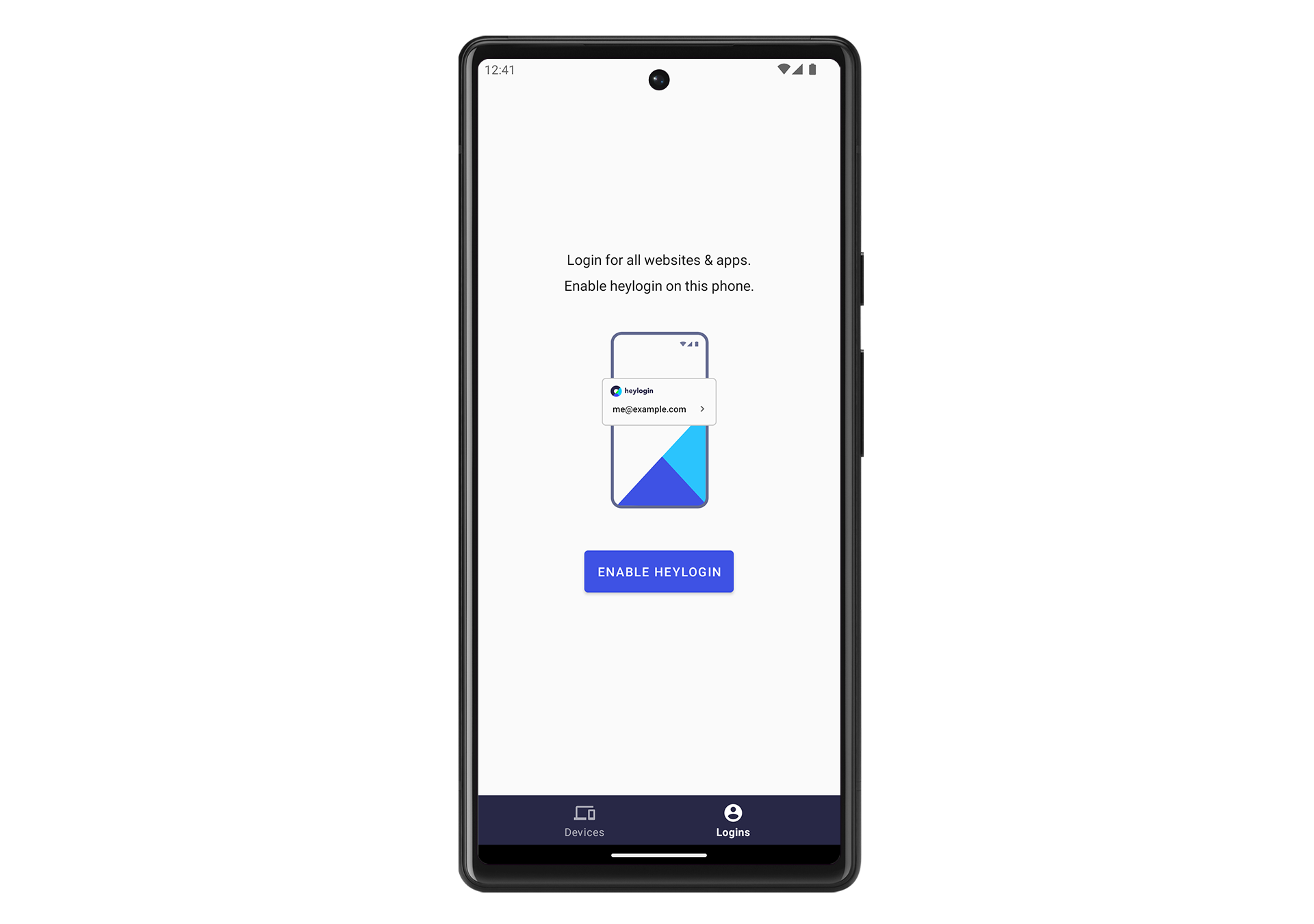
    1. Image without caption
  1. You are forwarded to Android’s settings menu to select heylogin as the default Autofill service.
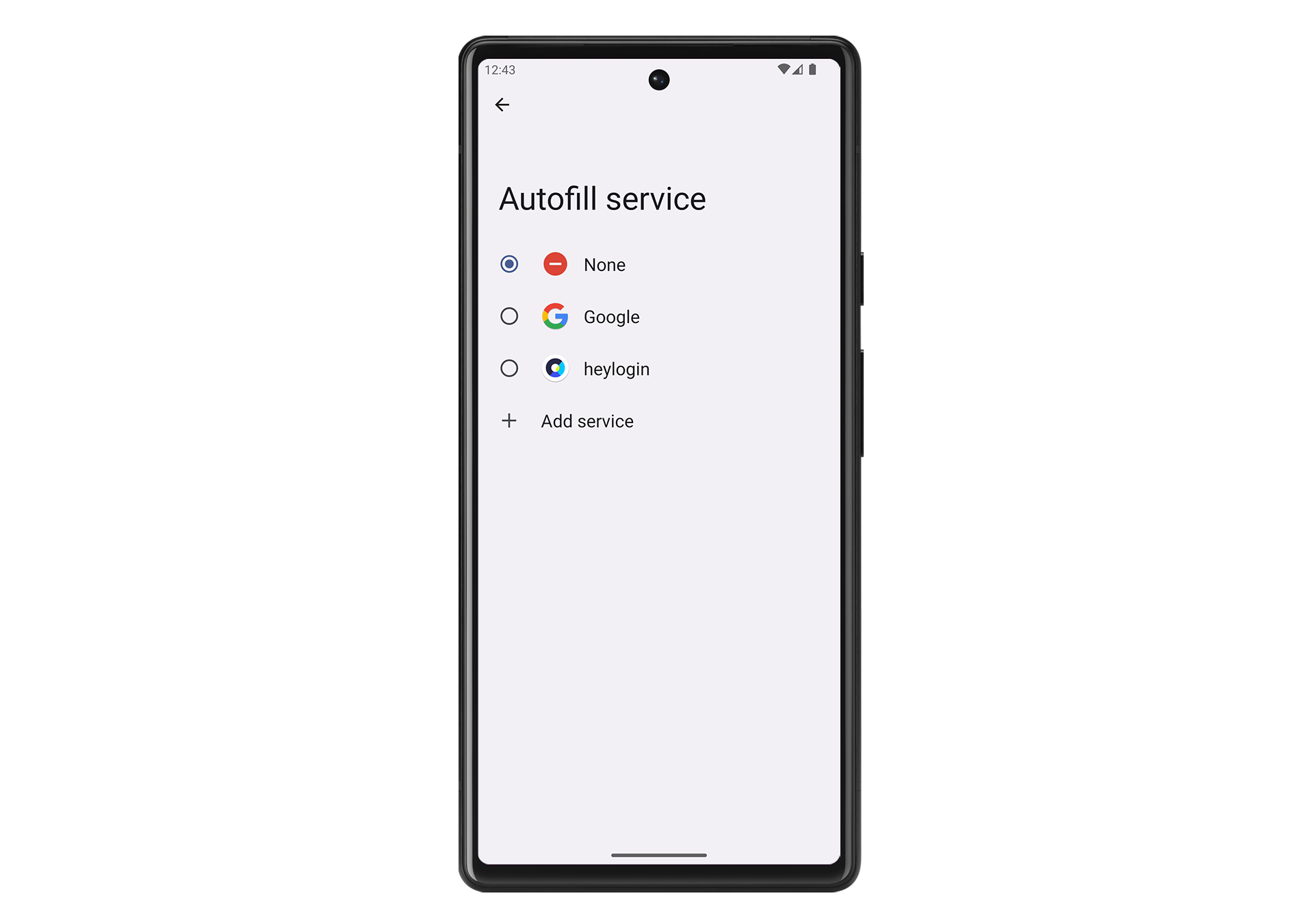
    1. Image without caption
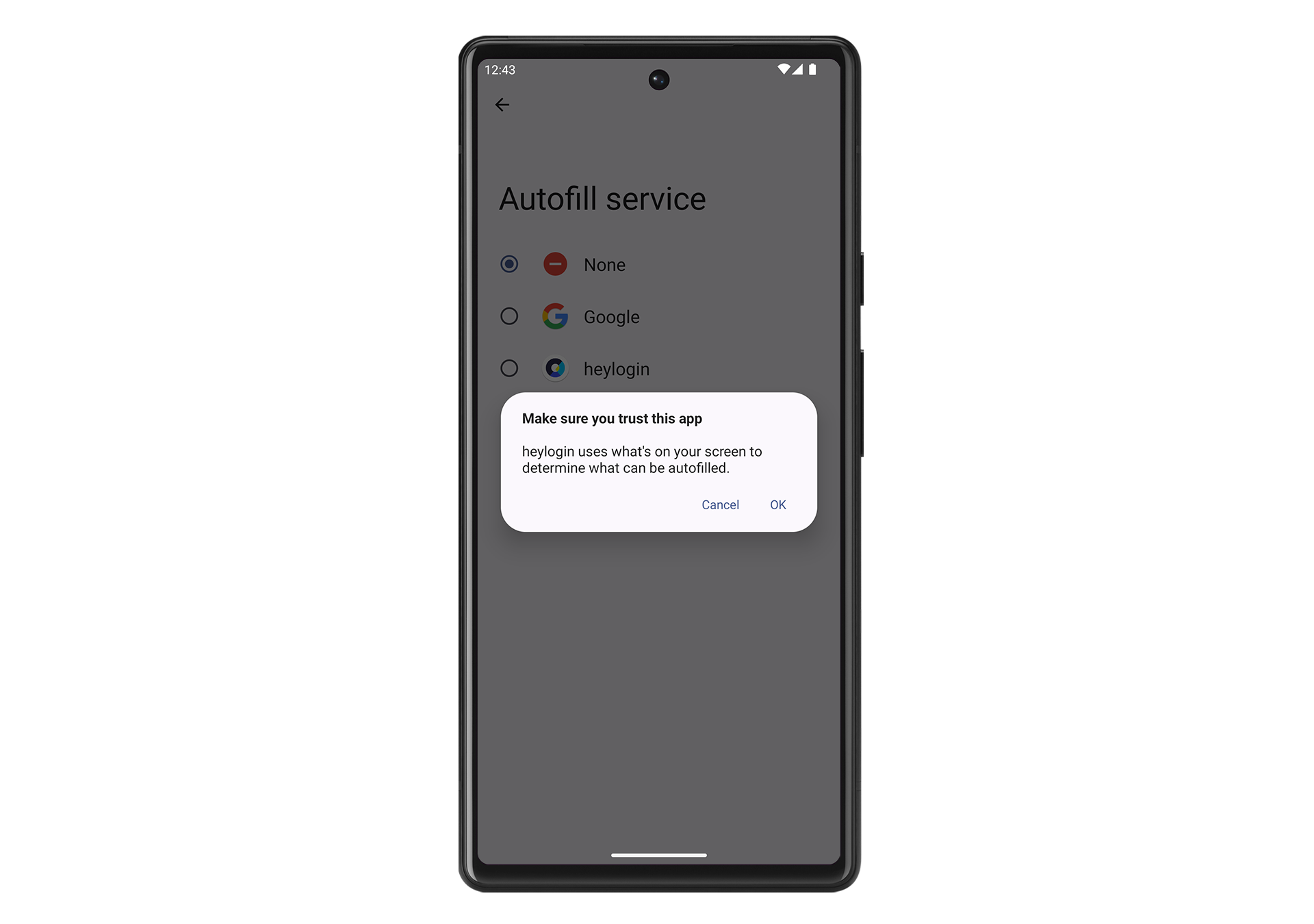
  1. Confirm heylogin by pressing OK
    1. Image without caption
Logging in on iOS
First steps for admins

Powered by Notaku
Helpful?
Privacy
Site Notice
Share