
This feature is currently in public beta.
Passkeys offer an alternative to the classic password and allow you to sign in to websites without entering a password at all.
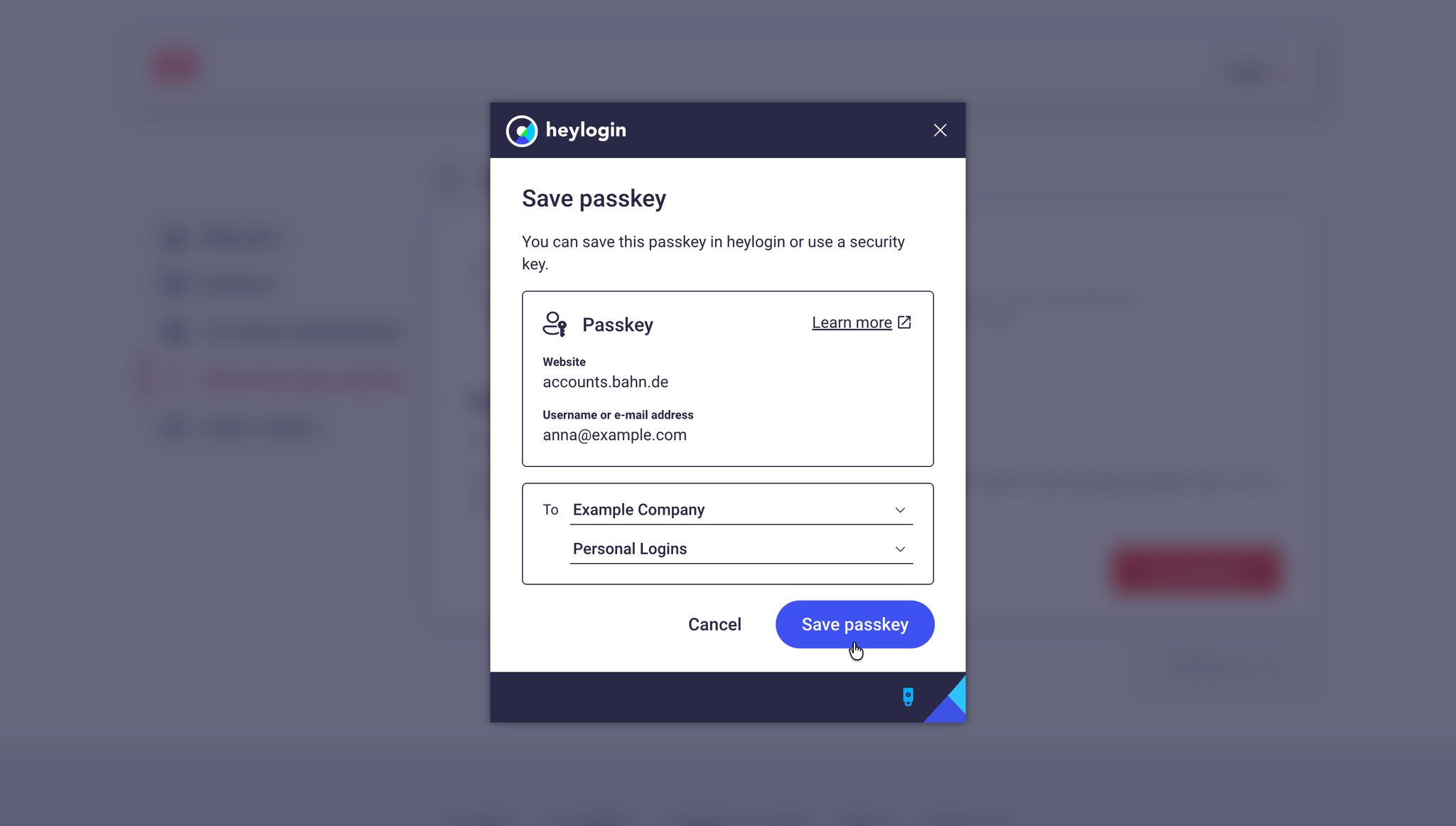
When you create a passkey, a key pair is generated. One part is stored with the website provider, the other is securely stored in heylogin. When you sign in, both sides match the keys and you are securely logged in without having to enter a password.
A passkey only works on the website it was created for.
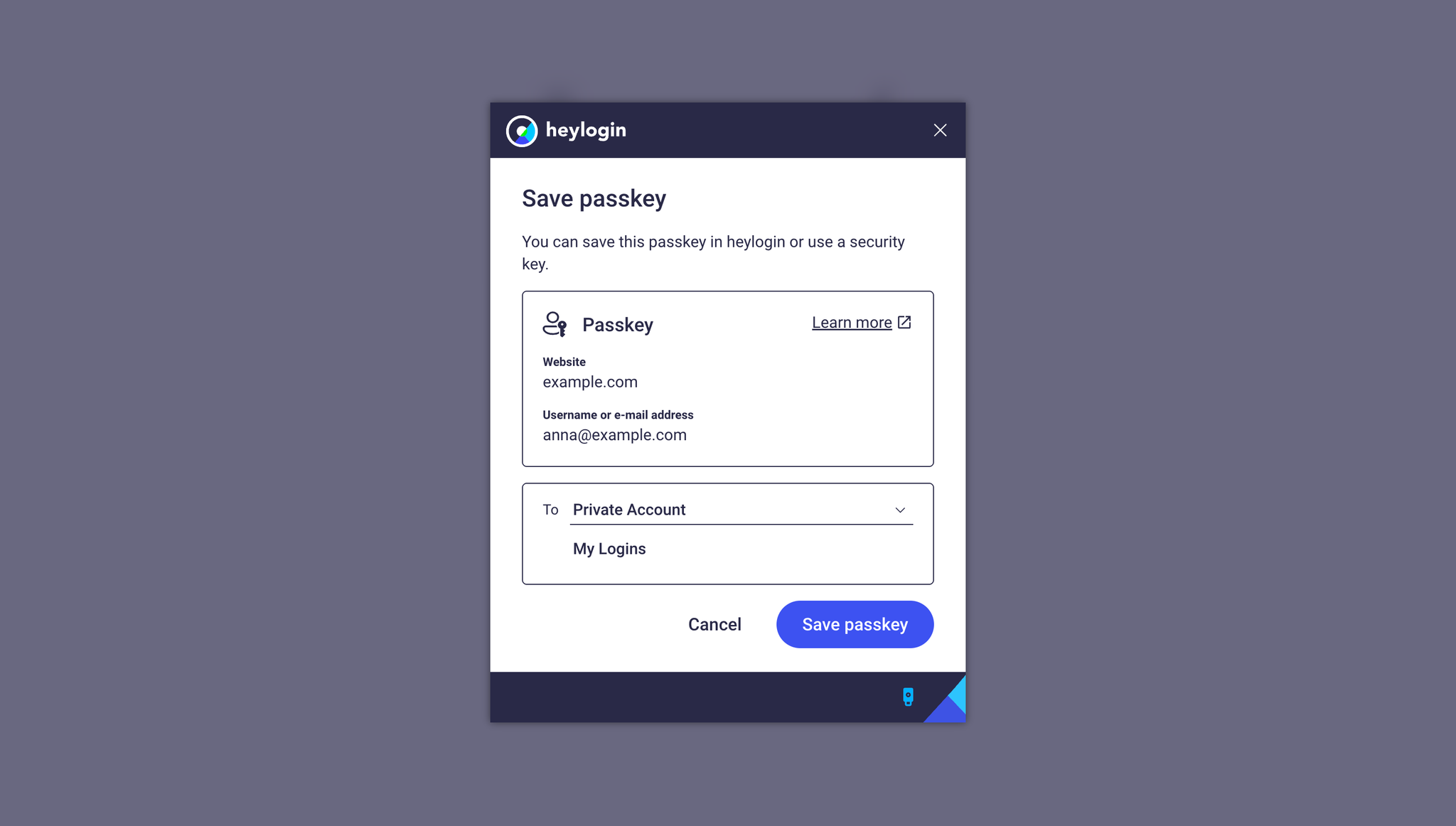
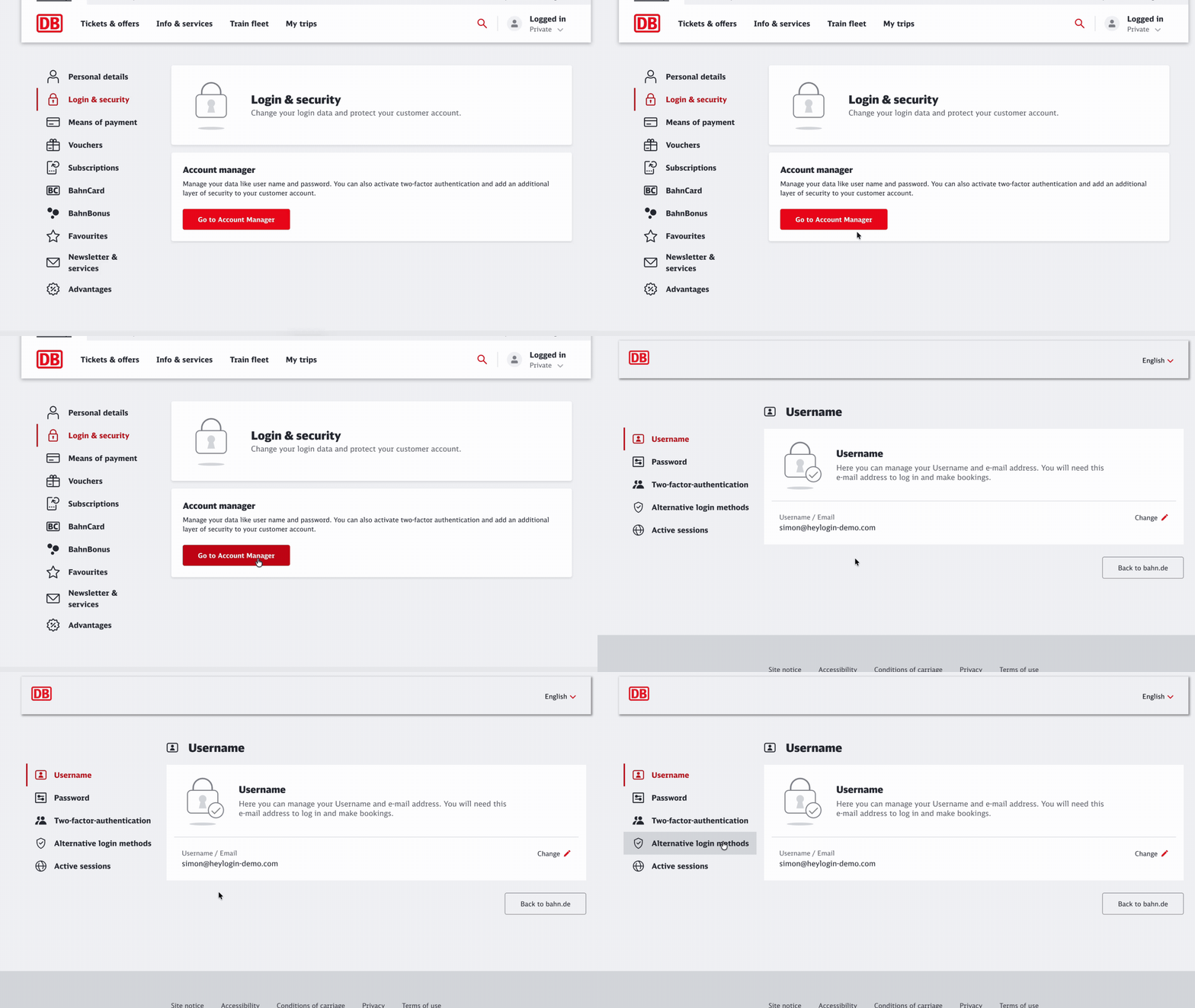
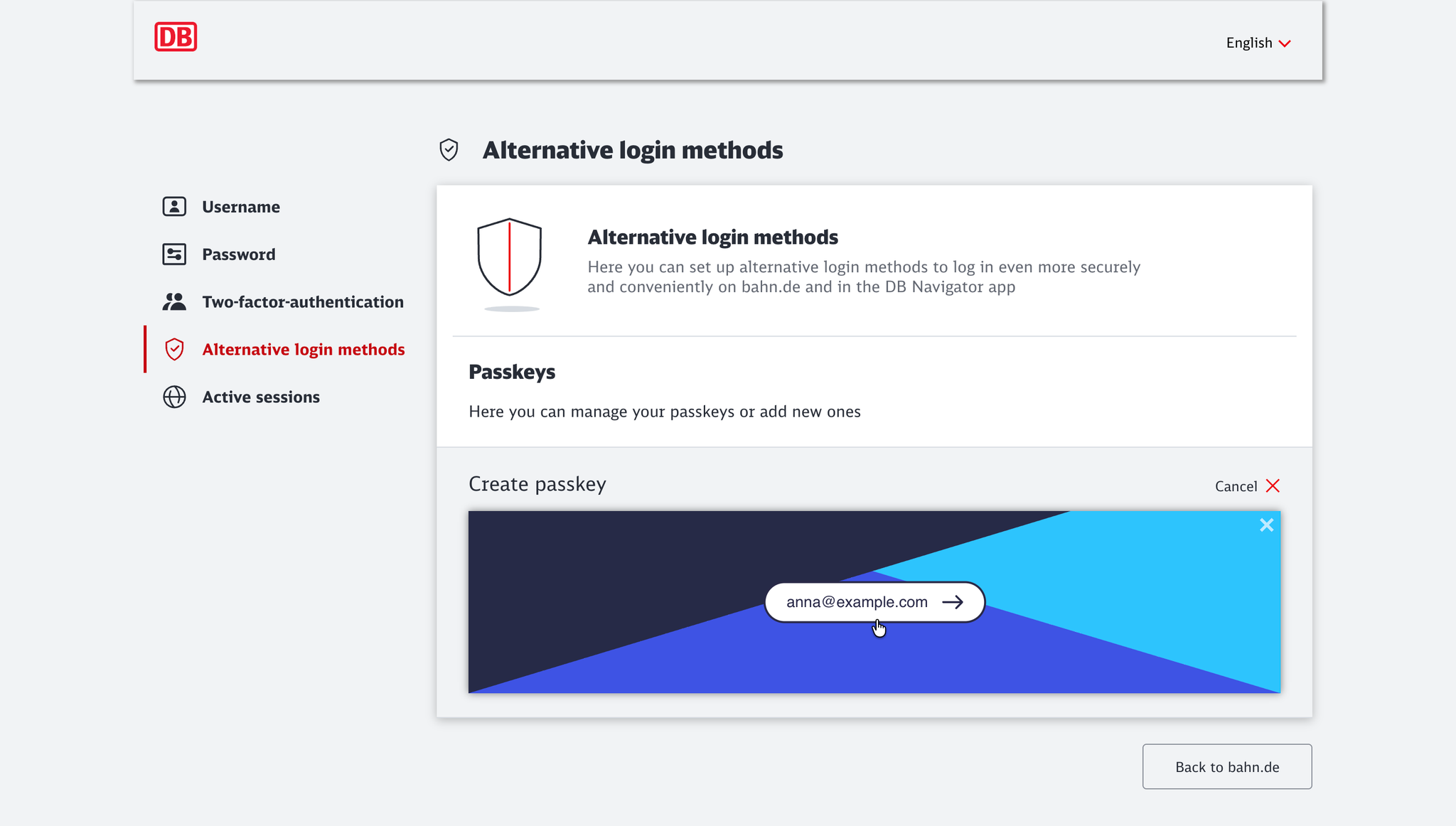
In the following guide, we use bahn.de as an example. The process is similar for other services. However, the exact wording of the menu items may vary depending on the provider.
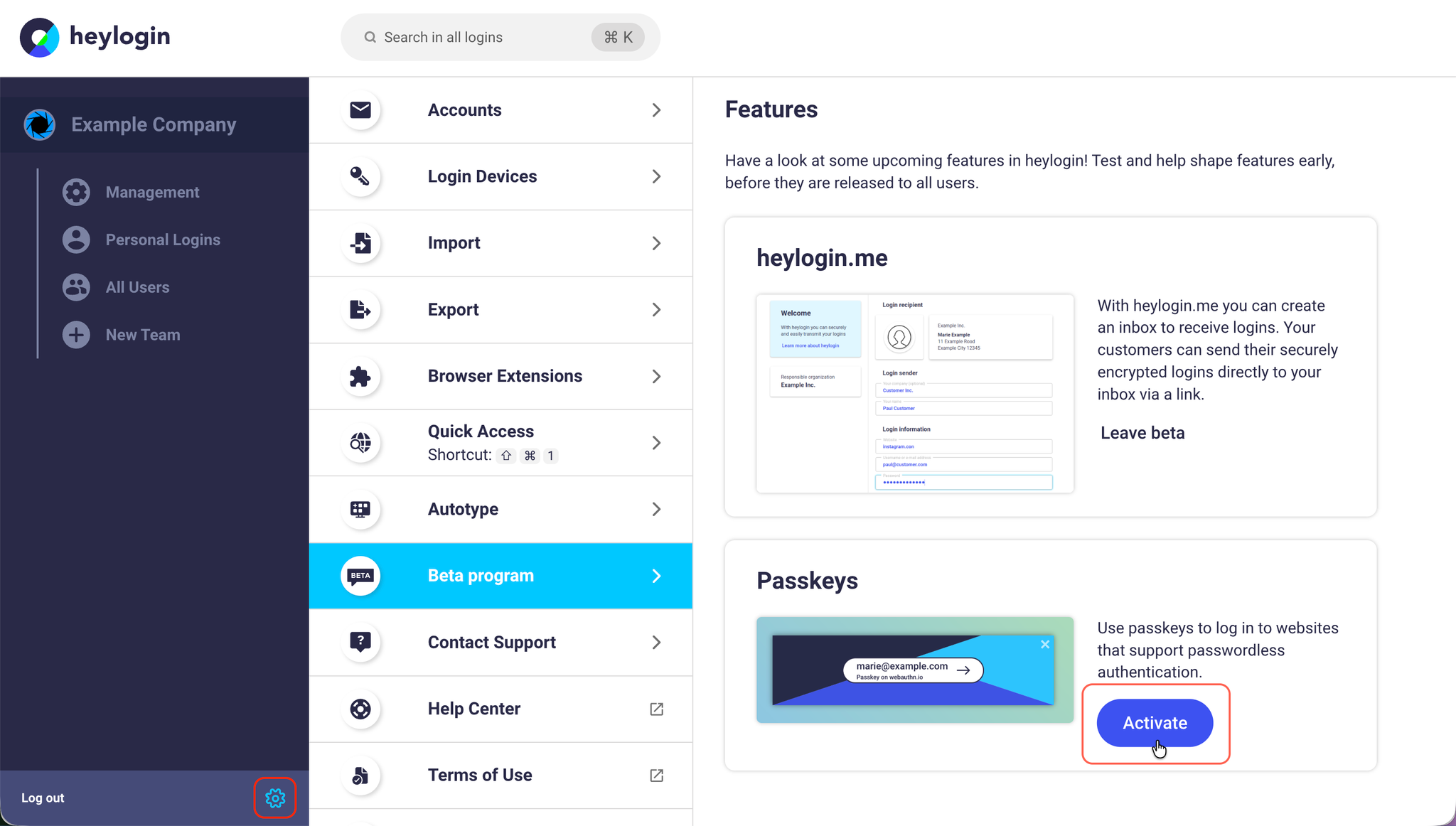
Activate passkeys
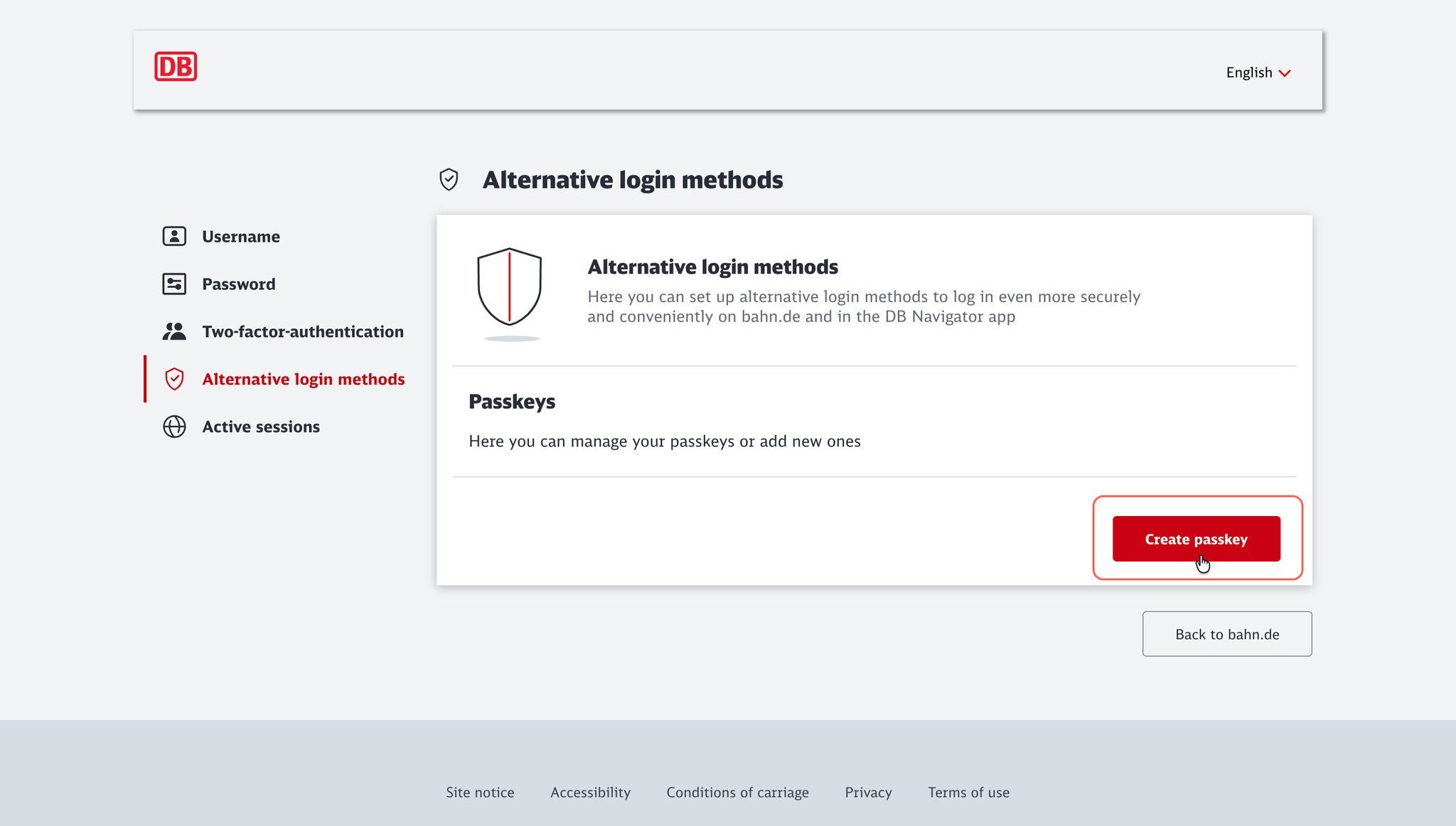
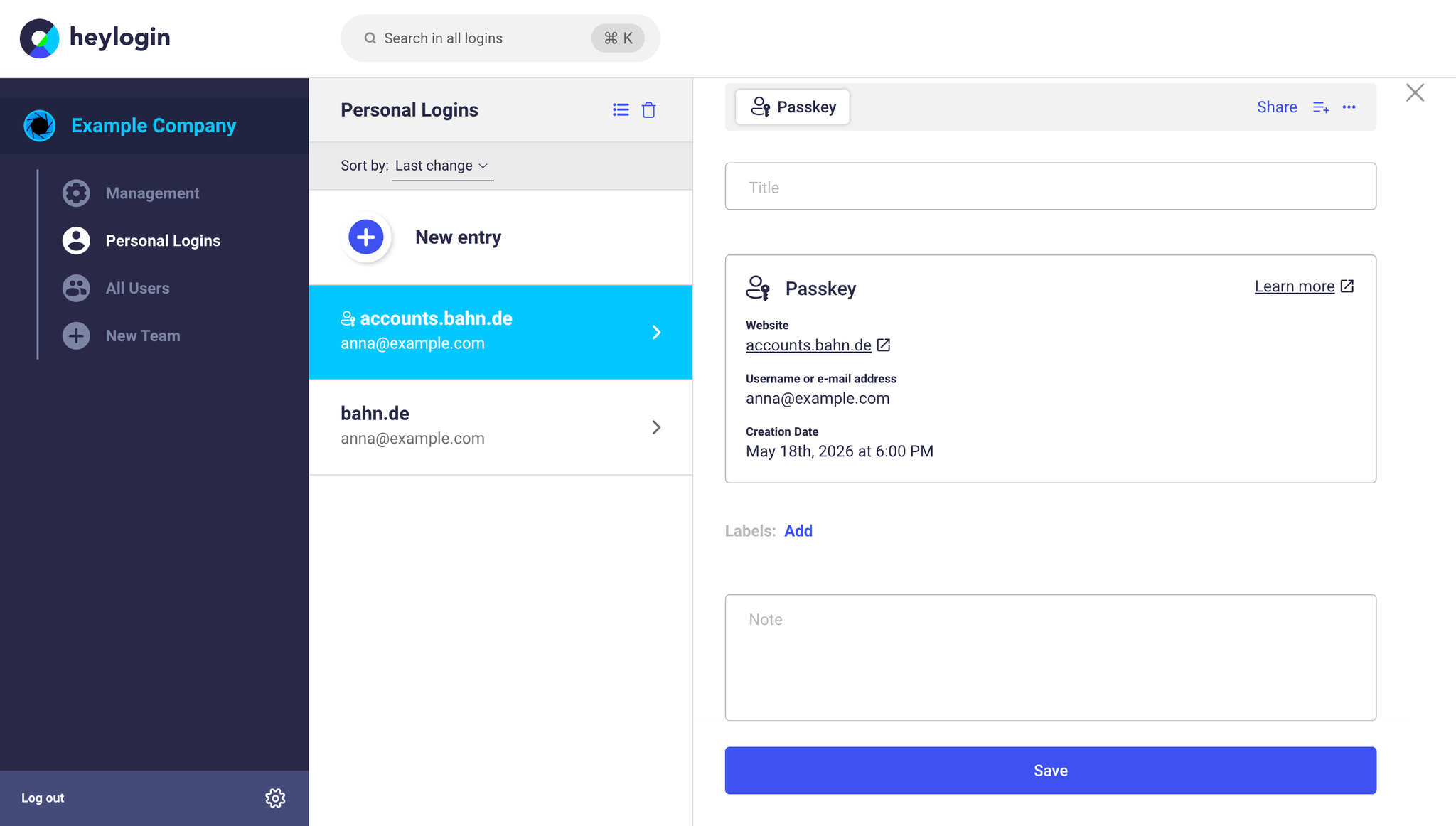
Create a passkey
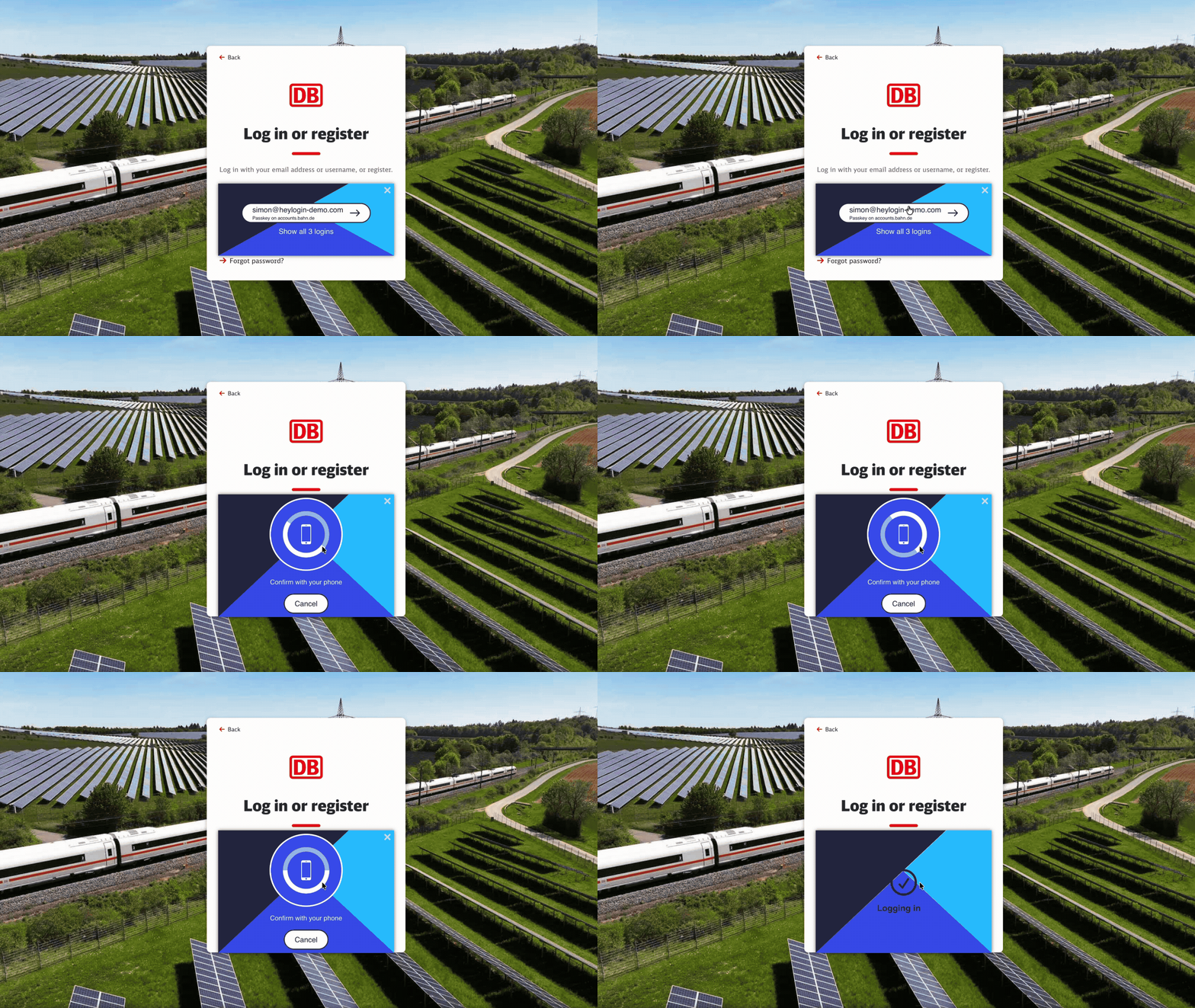
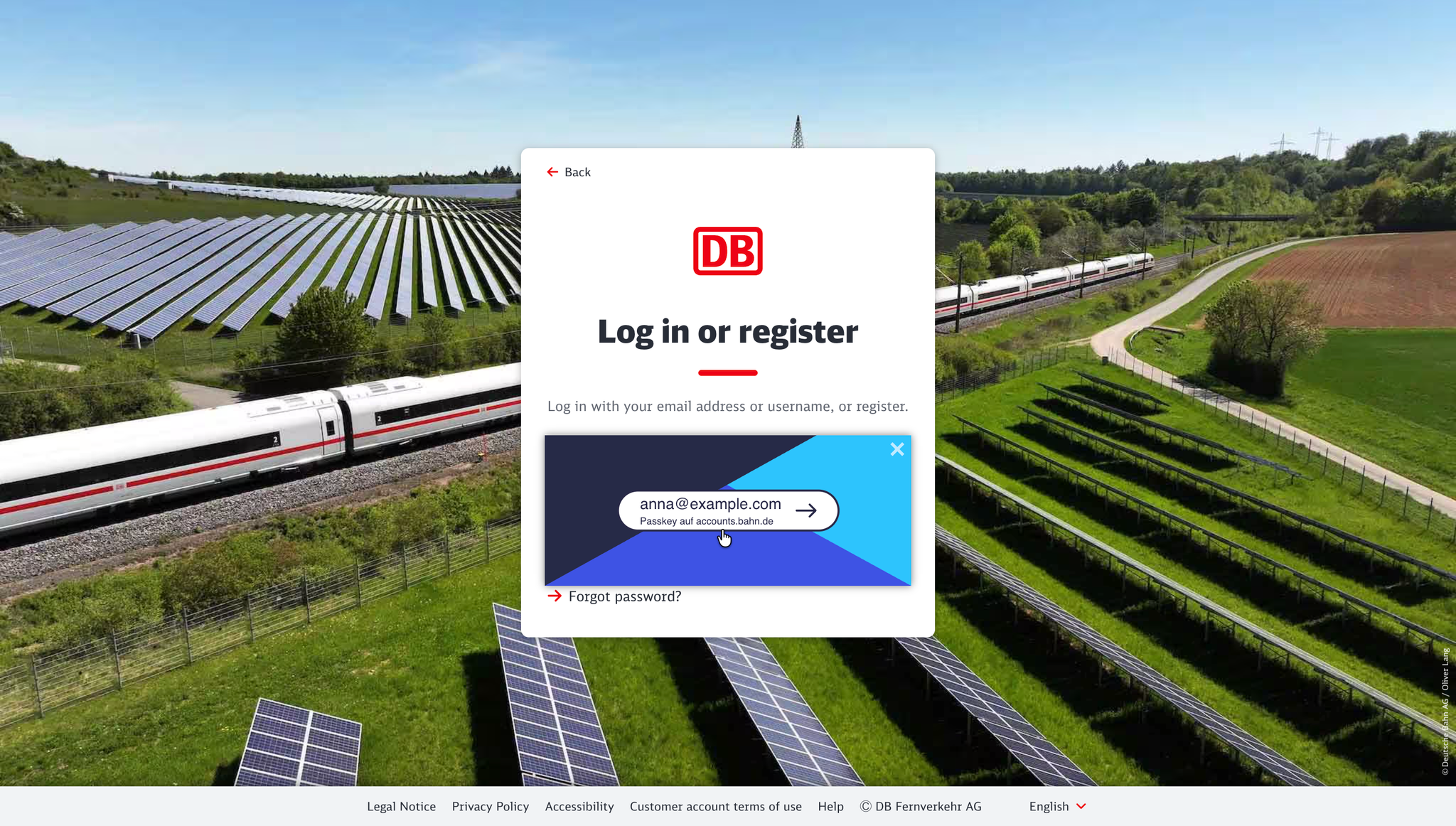
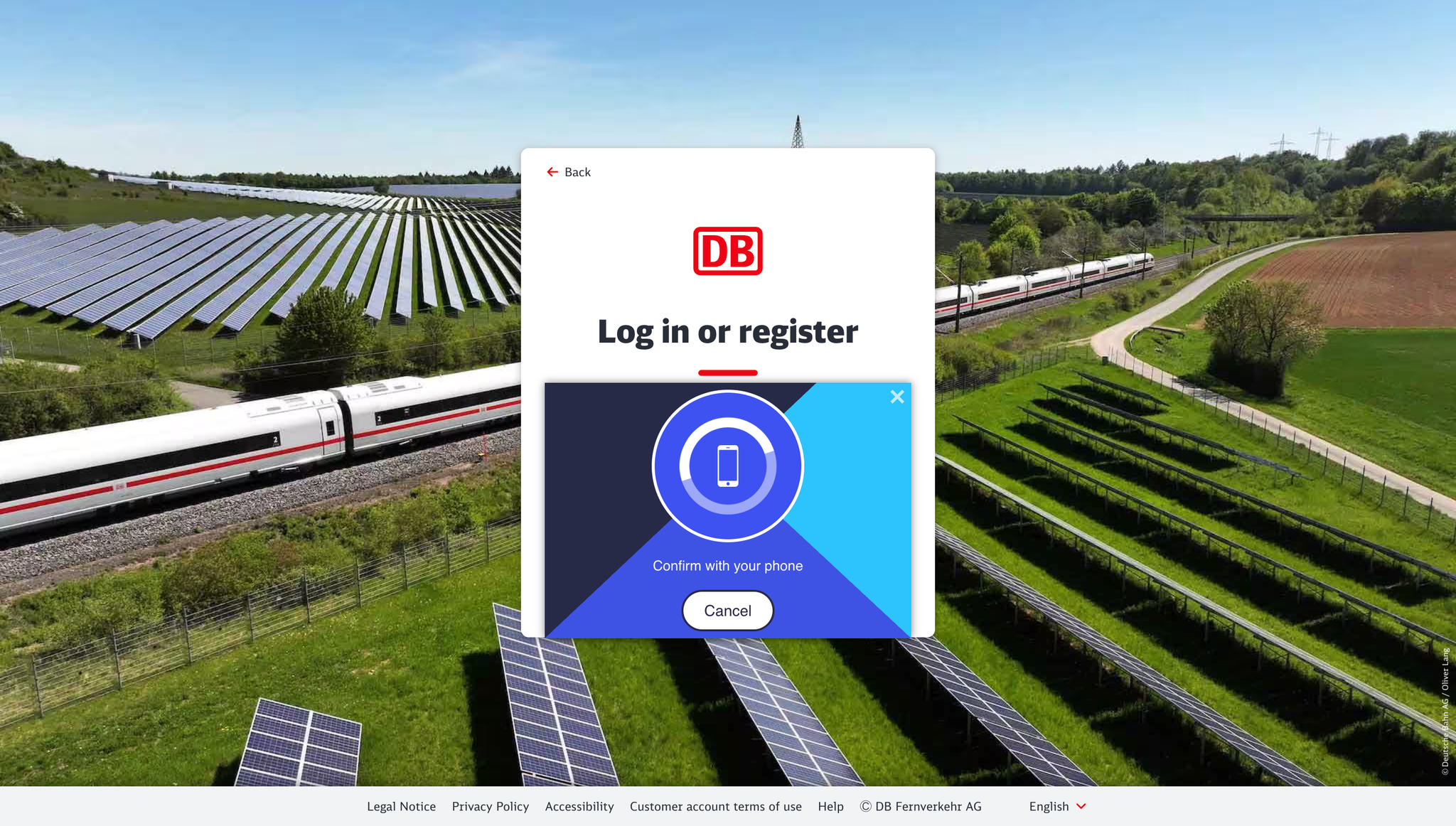
Sign in with a passkey
During the be beta the following known limitations apply:
- Passkeys can not yet be used in the iOS/Android apps
- Passkeys can not yet be used in desktop apps on Windows/macOS
- Passkeys may not work on pages that use multiple domains (support for related origins is not yet implemented)
- Passkeys can’t be exported / imported at the moment