
Join organization using iPhone
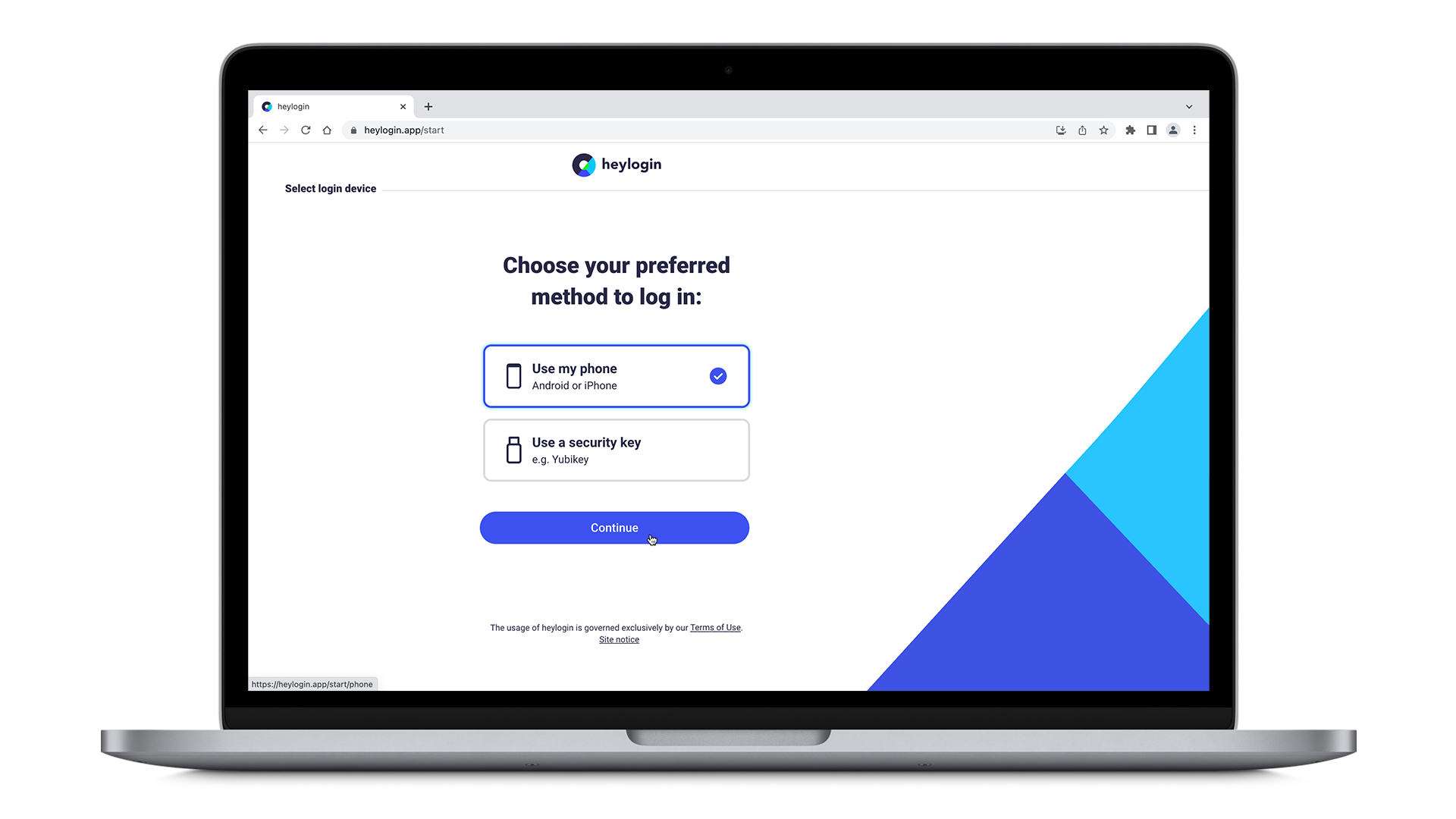
- Get your Mac or PC and visit heylogin.app/start in your preferred browser. Make sure to have Use my phone selected and hit Continue.
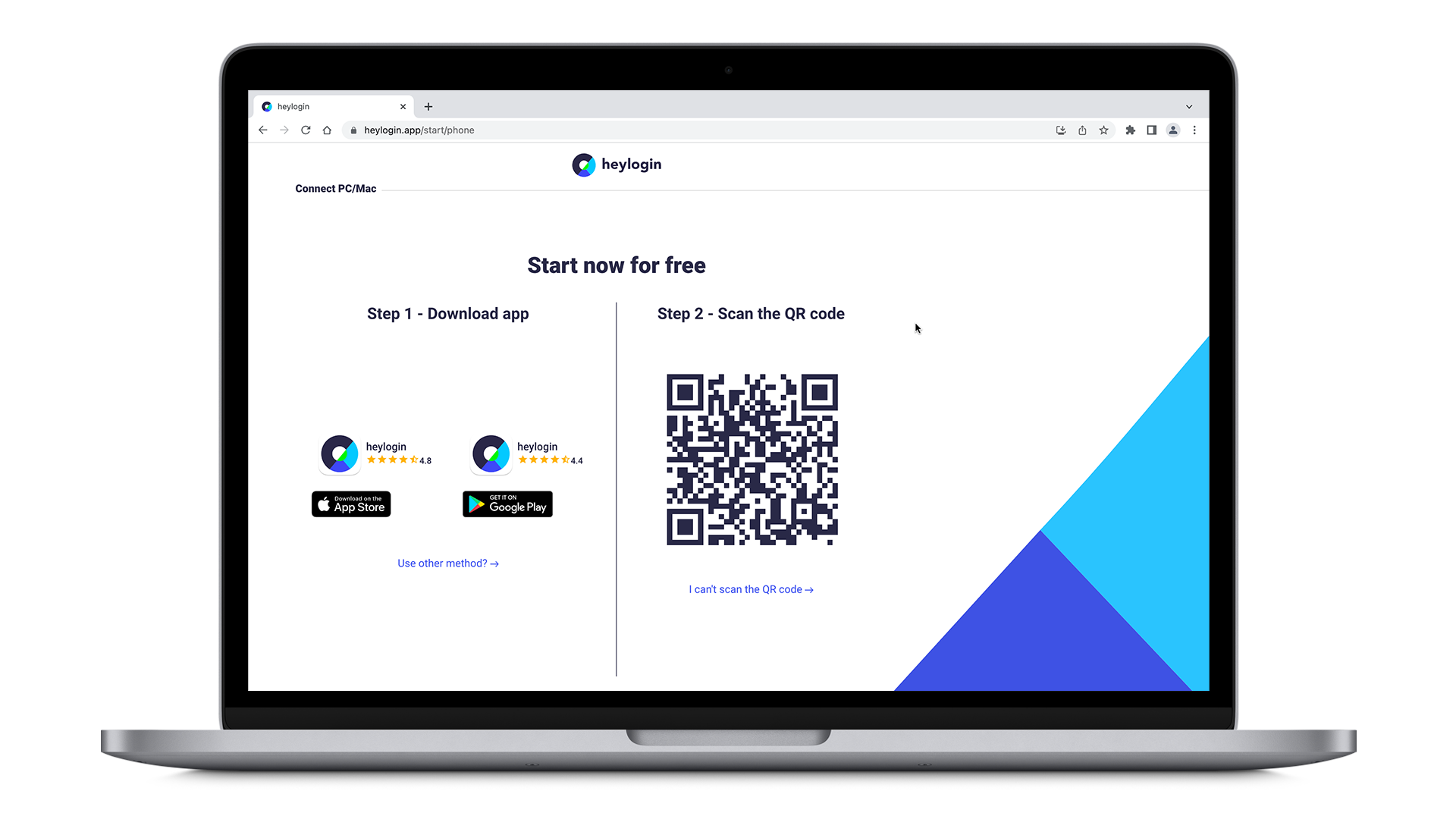
- Install the heylogin app from the AppStore.
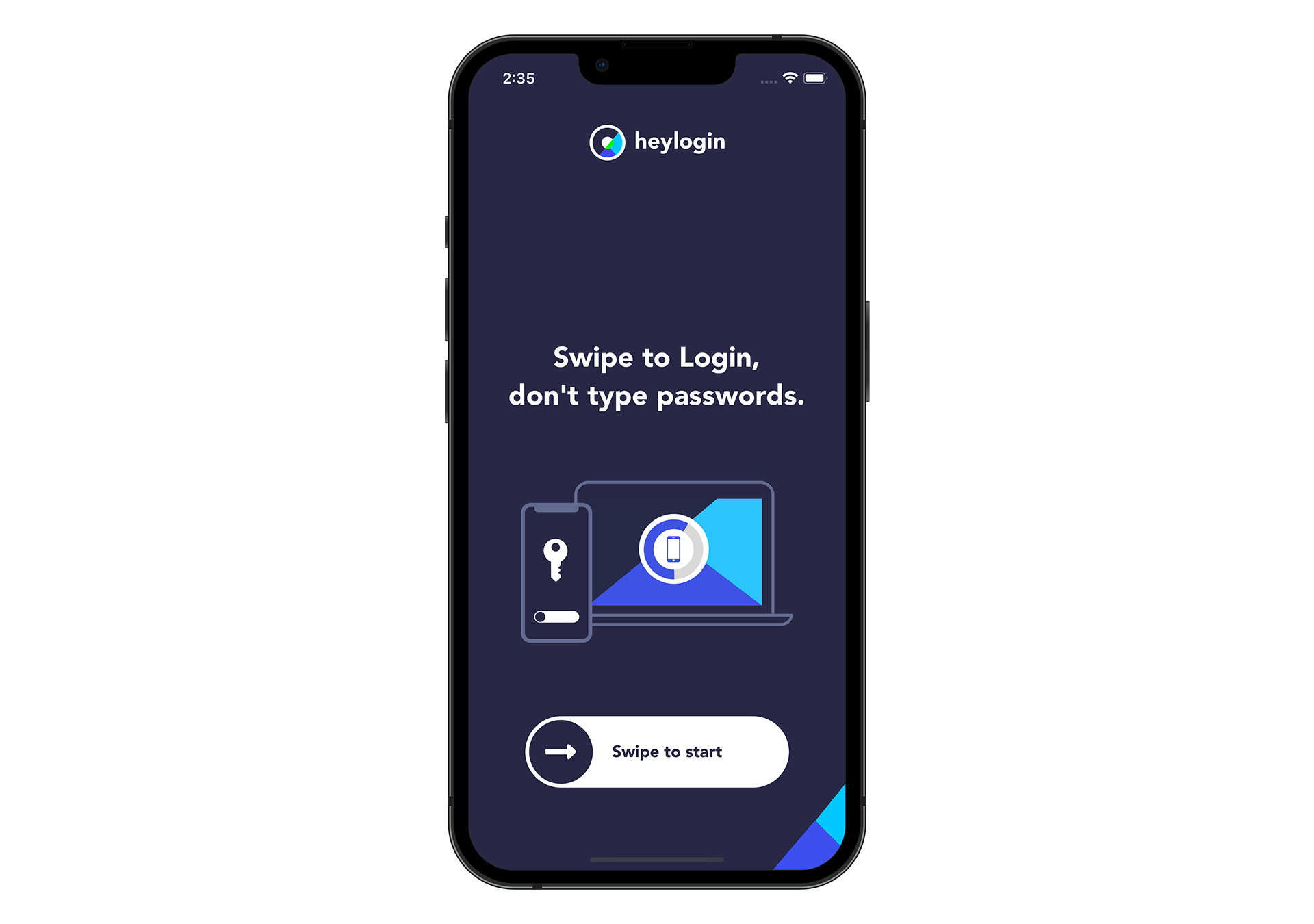
- Open your new heylogin app and swipe to start.
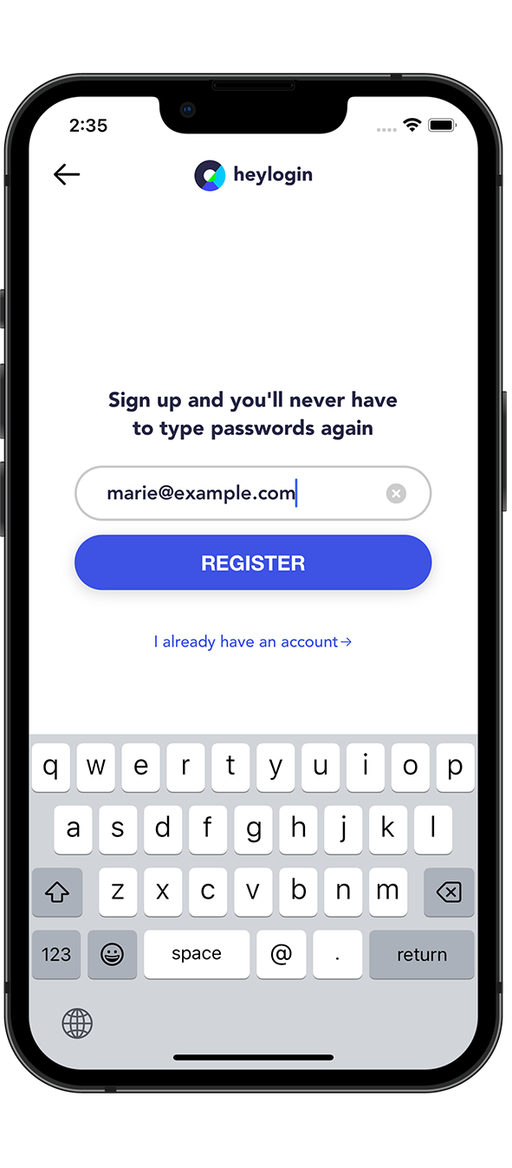
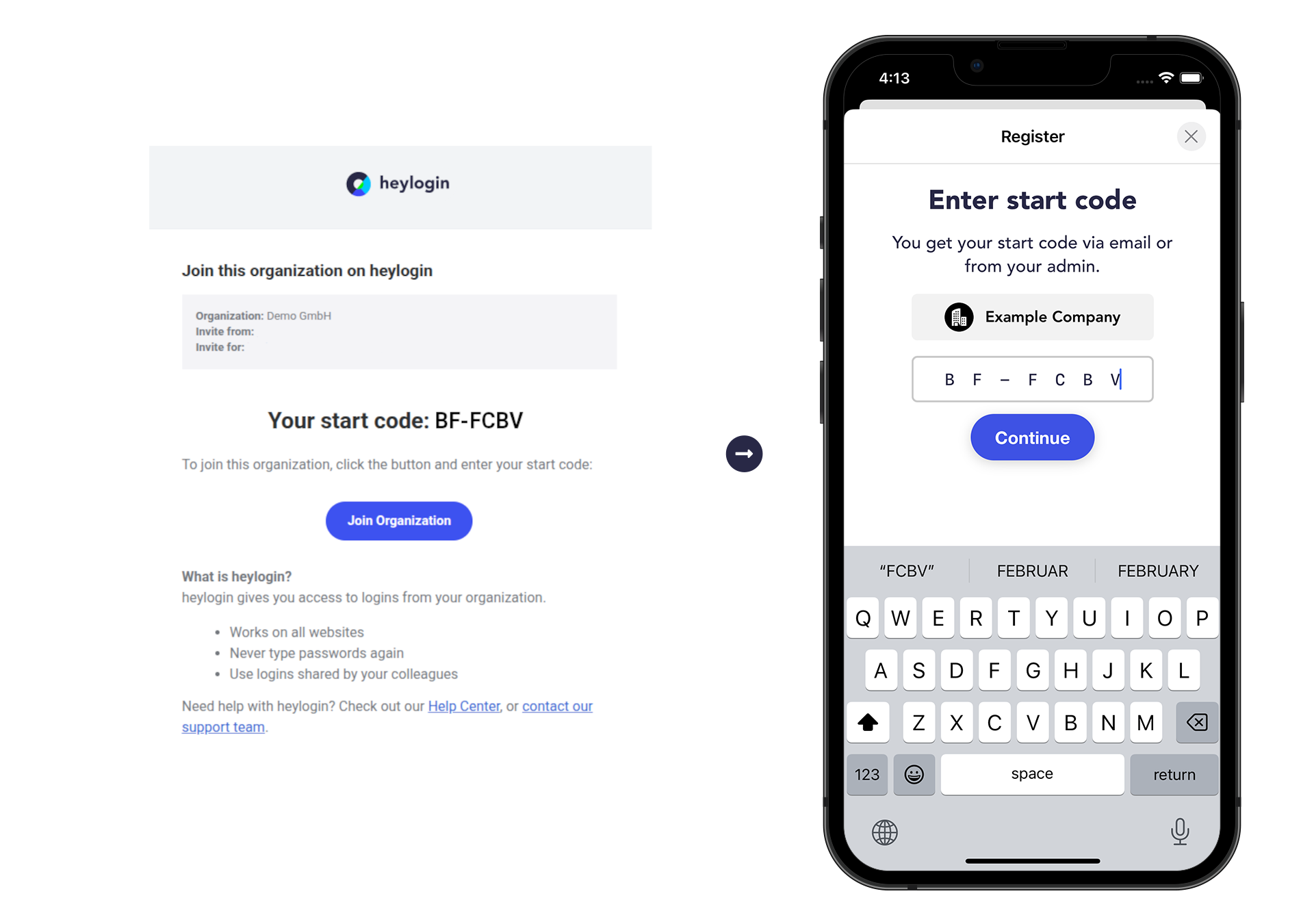
- Type in your email address, hit REGISTER and allow notifications
- Enter the start code you received from your IT desk or by email.
- Tap enable swipe to login → tap enable camera and allow your camera to be used to scan the QR Code.
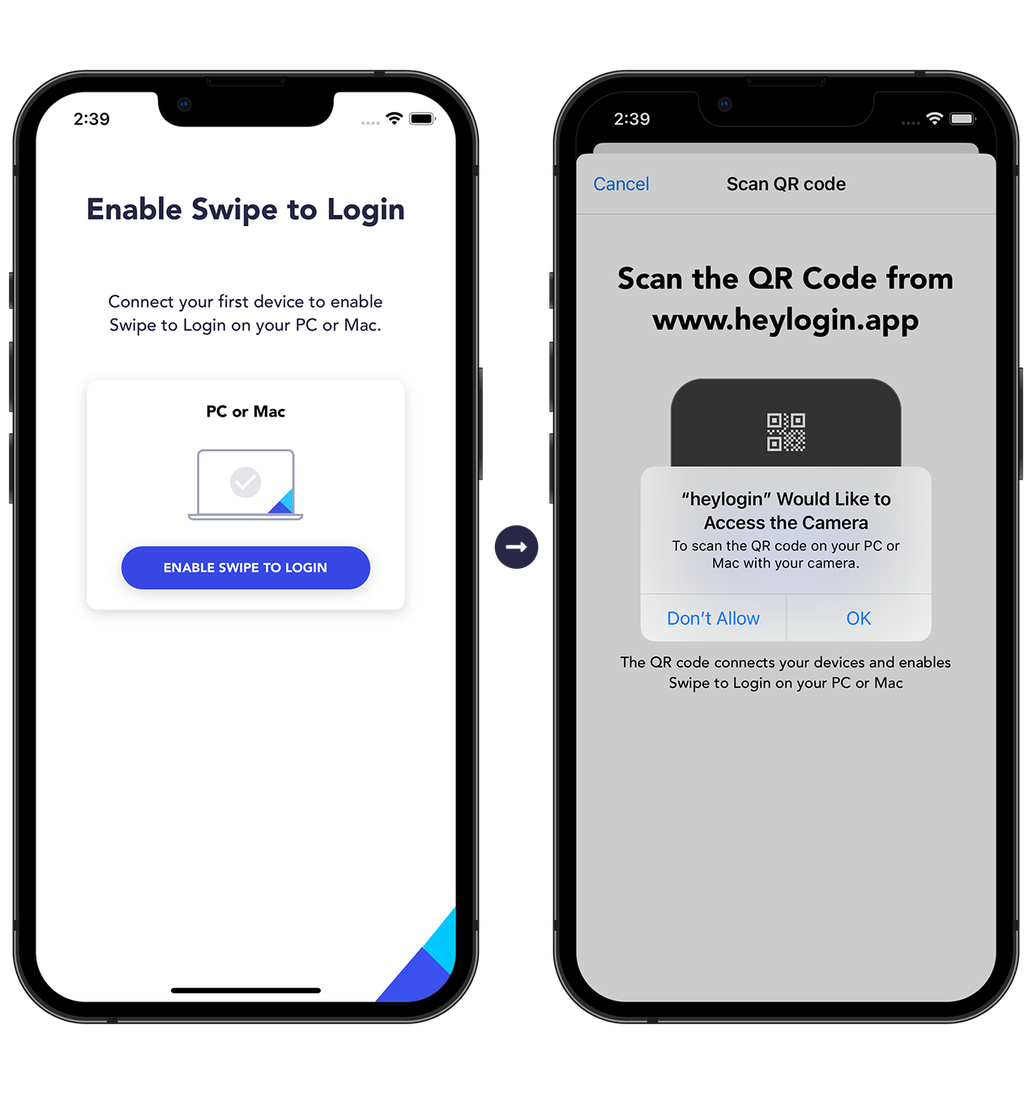
- Scan the QR Code from heylogin.app.
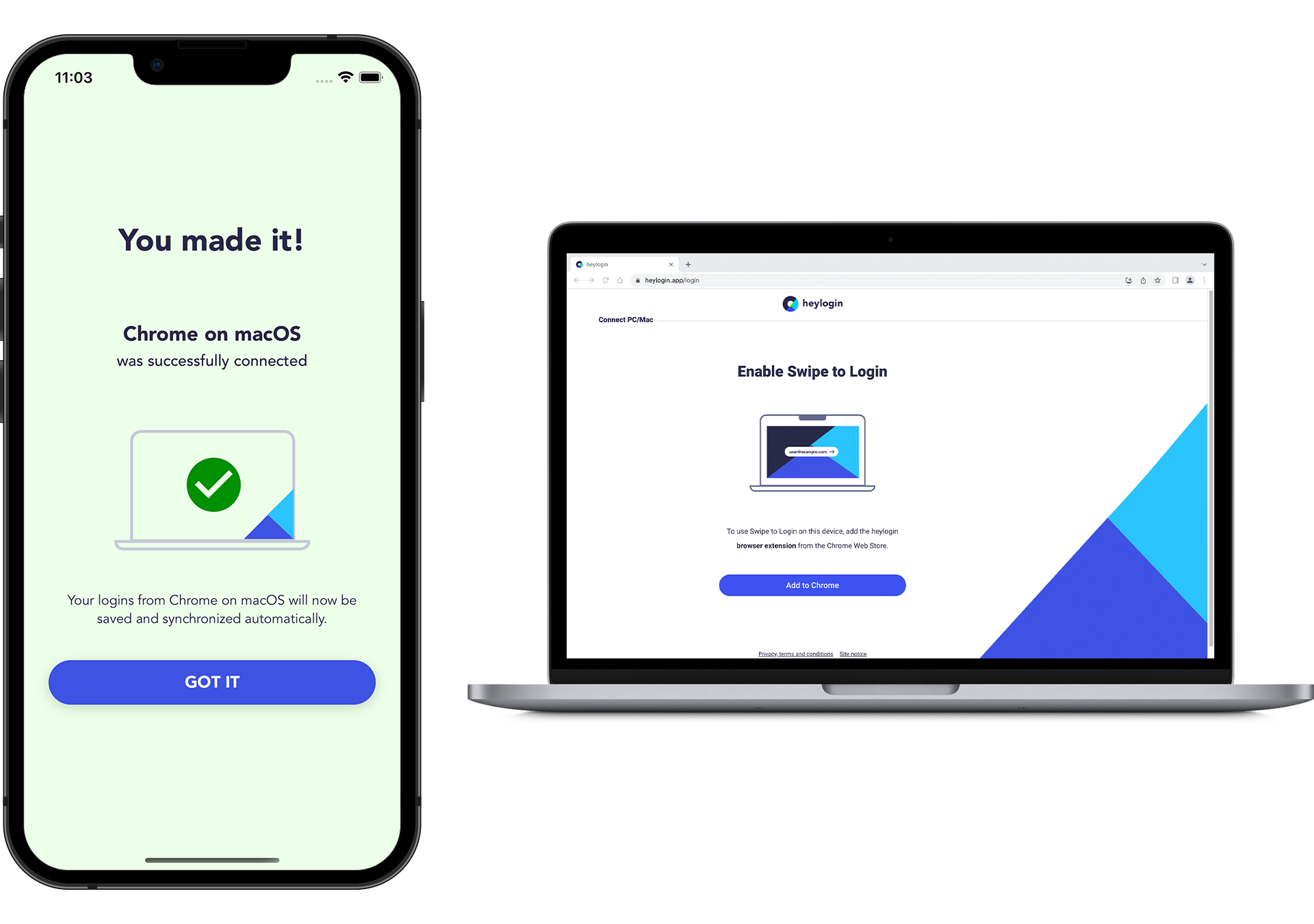
- You made it!
💡
You can set up a security key as an additional login device. Learn more here.
To complete setup download the heylogin browser extension:
Join organization using Android phone
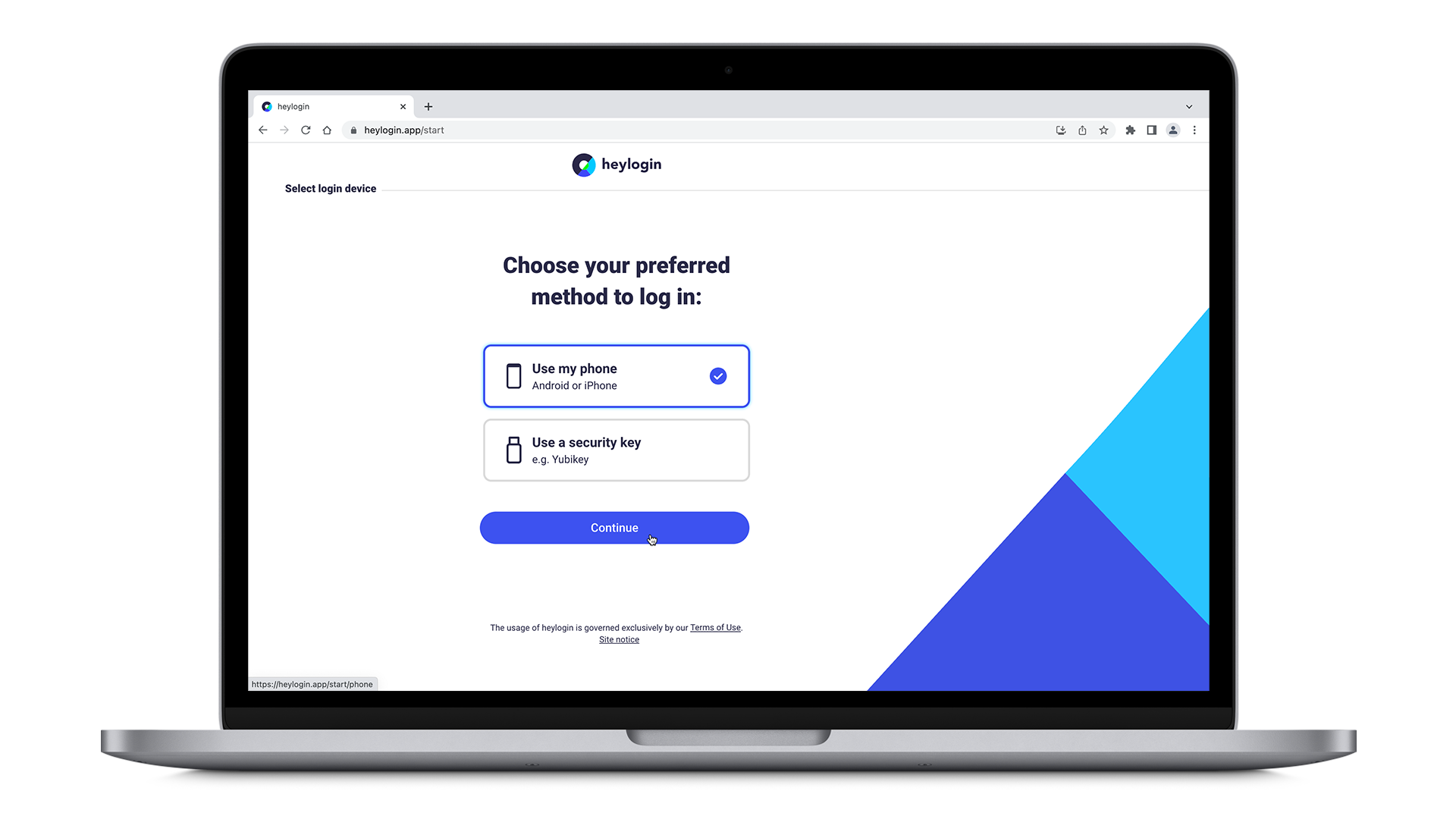
- Get your Mac or PC and visit heylogin.app/start in your preferred browser. Make sure to have Use my phone selected and hit Continue.
- Install the heylogin app from Google Play.
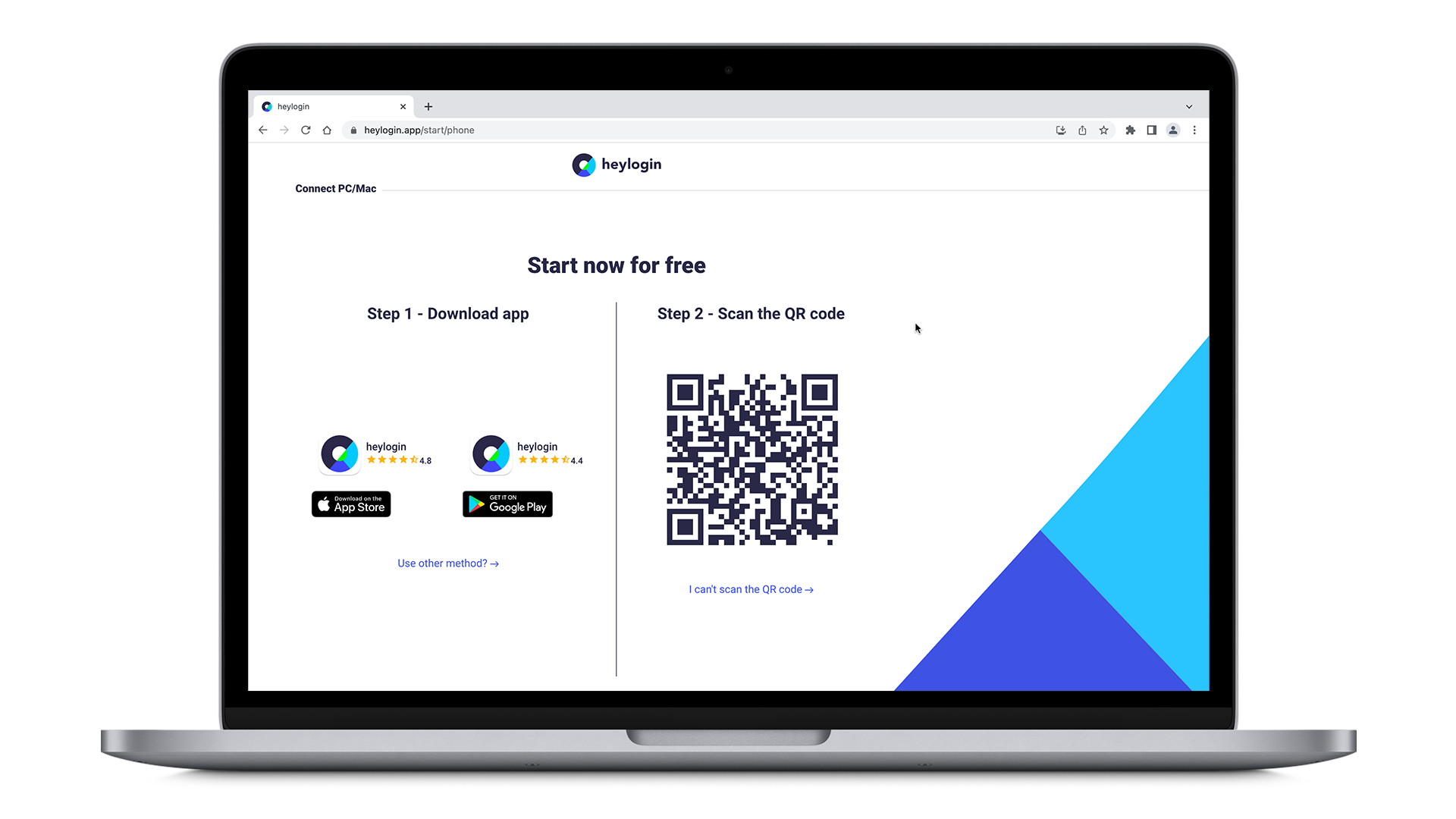
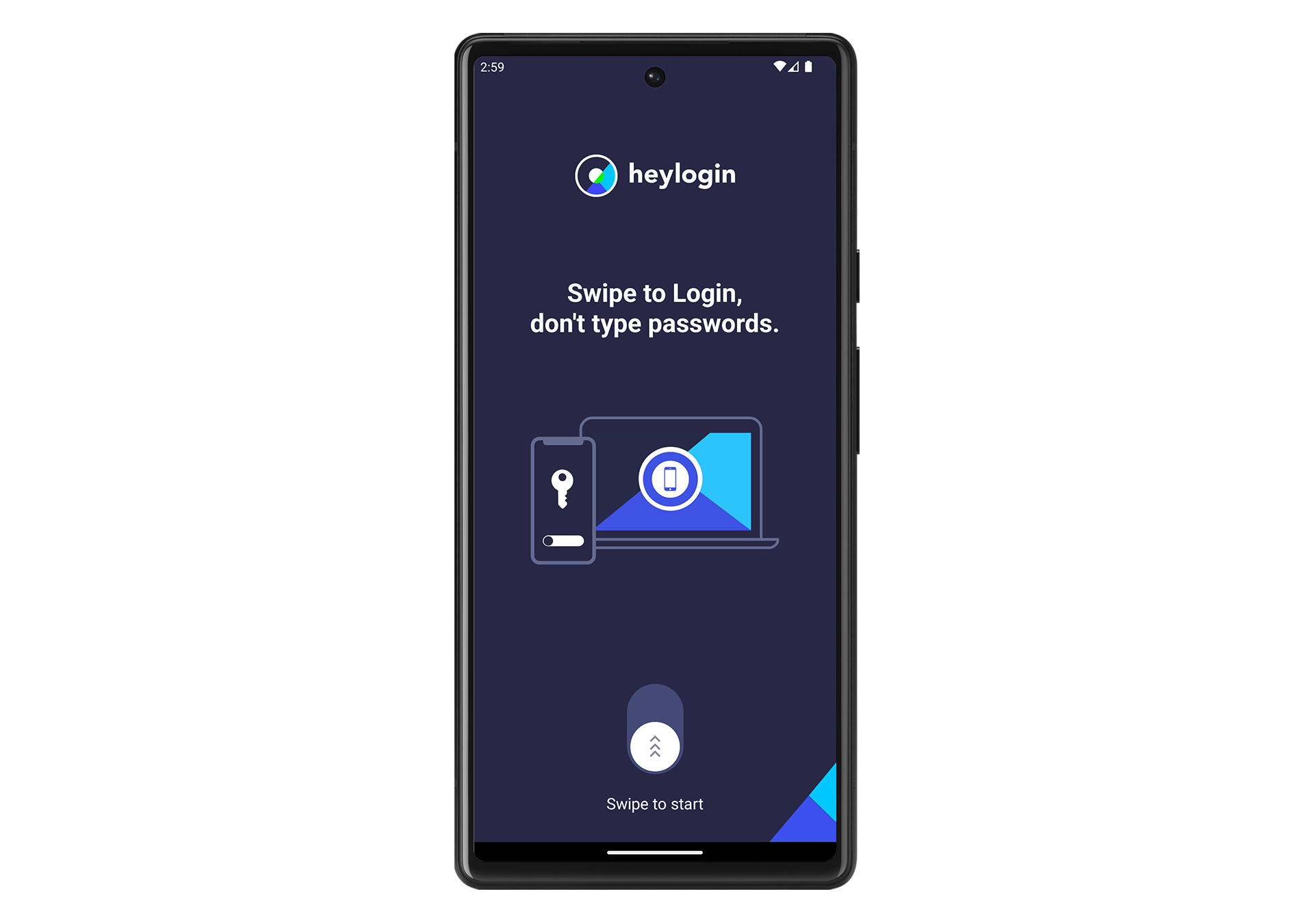
- Open your new heylogin app and swipe to start.
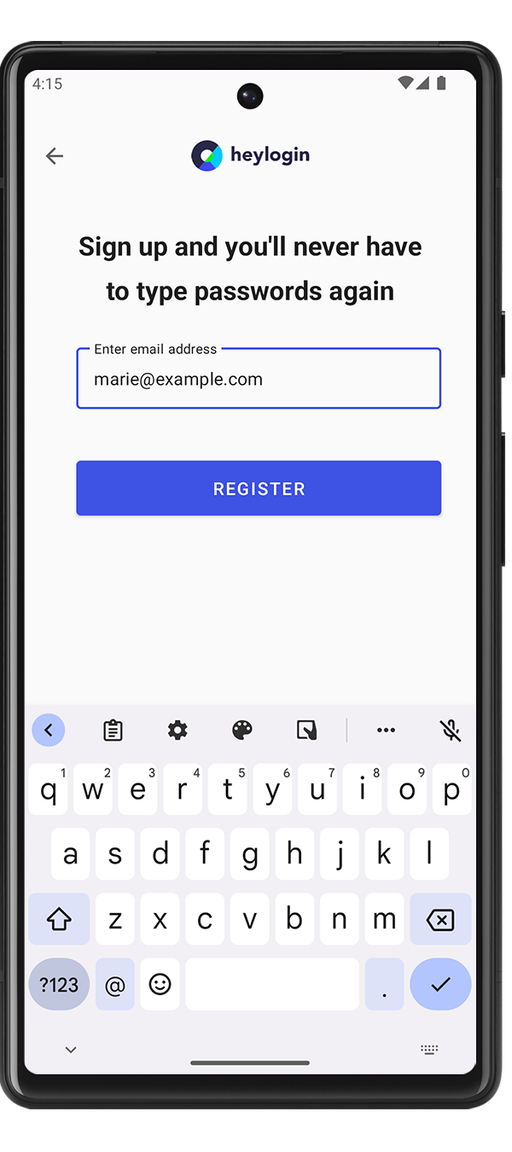
- Type in your email address and hit REGISTER.
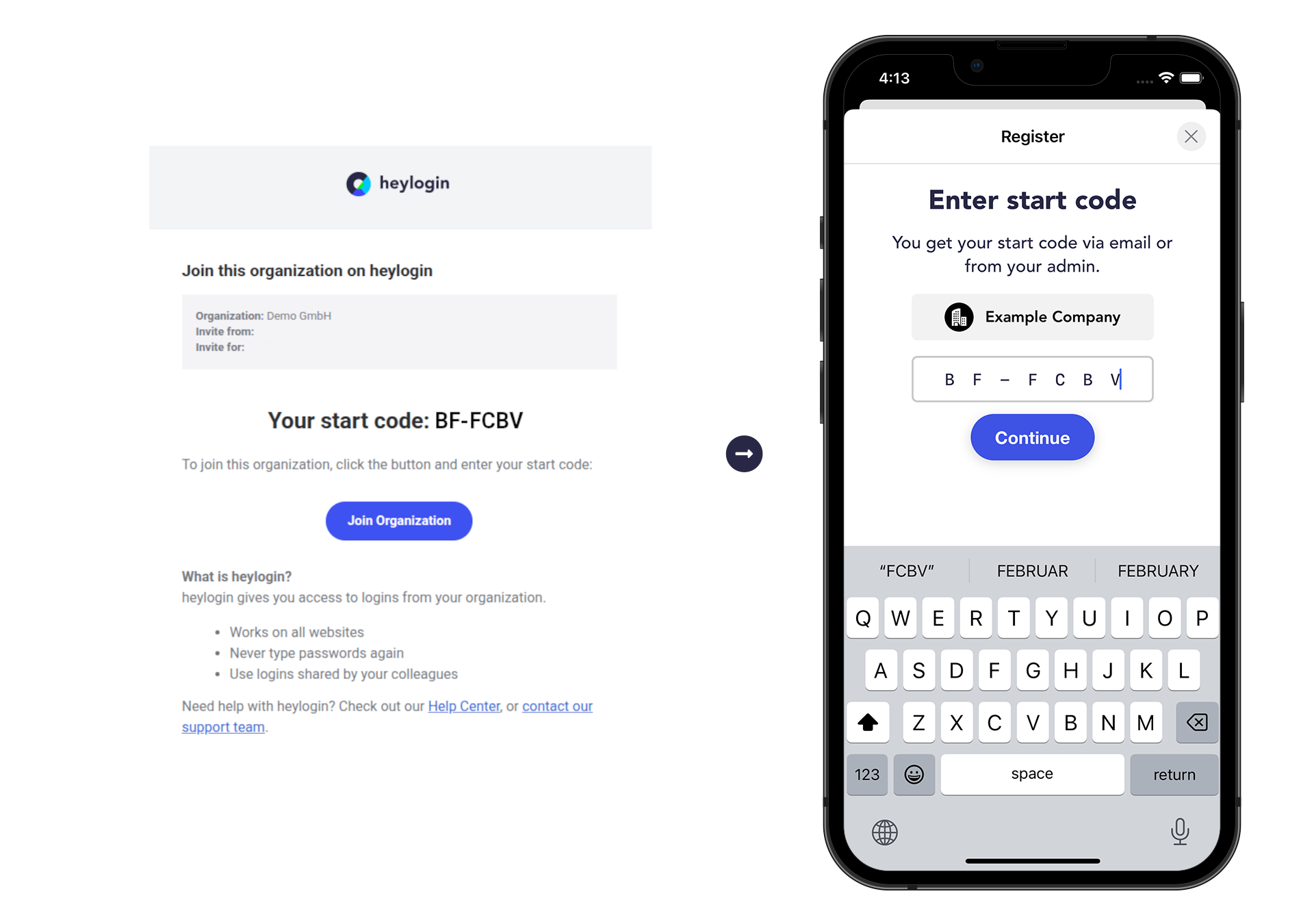
- Enter the start code you received from your IT desk or by email.
- Tap ENABLE SWIPE TO LOGIN → tap ENABLE CAMERA and hit While using the app in order to scan the QR Code.
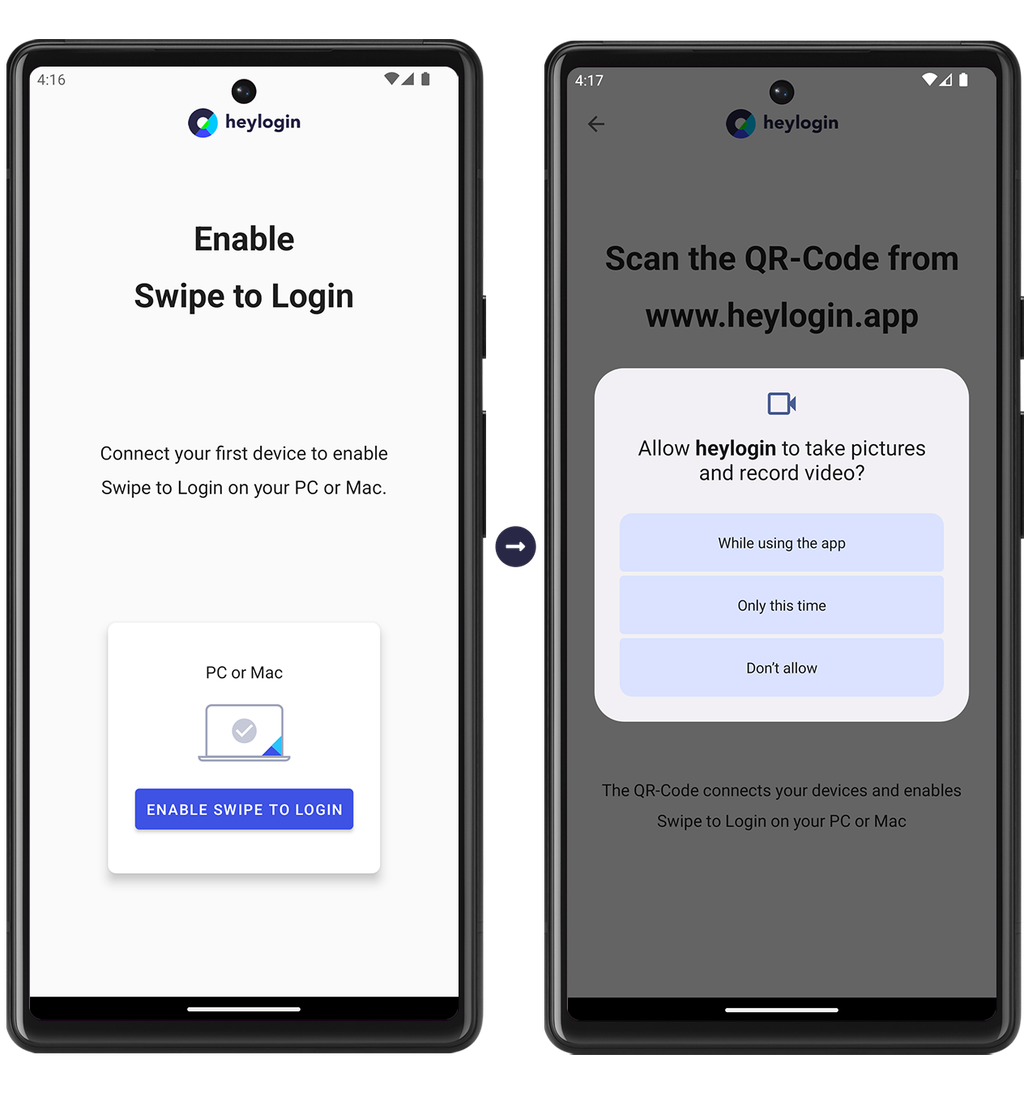
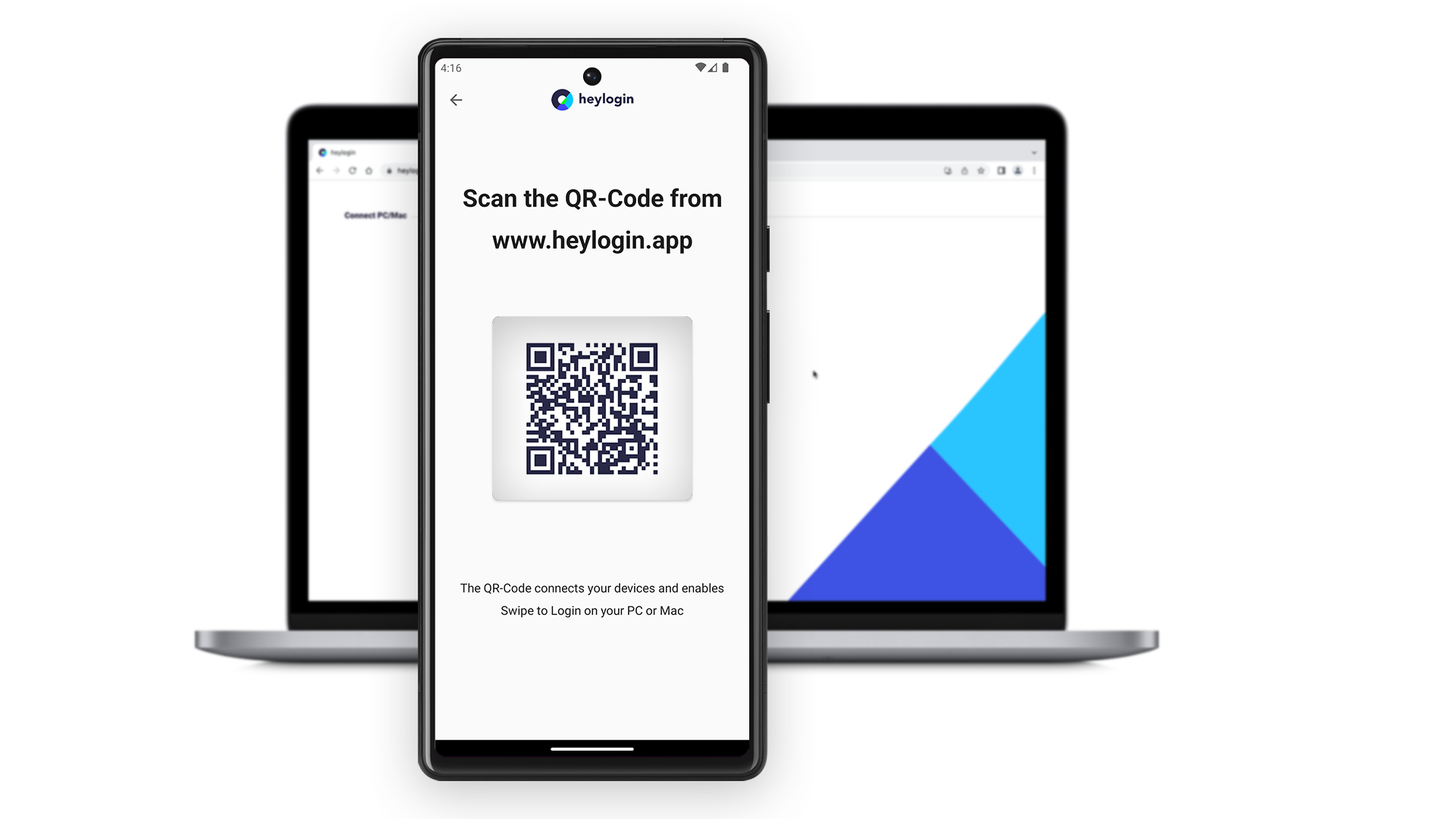
- Scan the QR Code from heylogin.app.
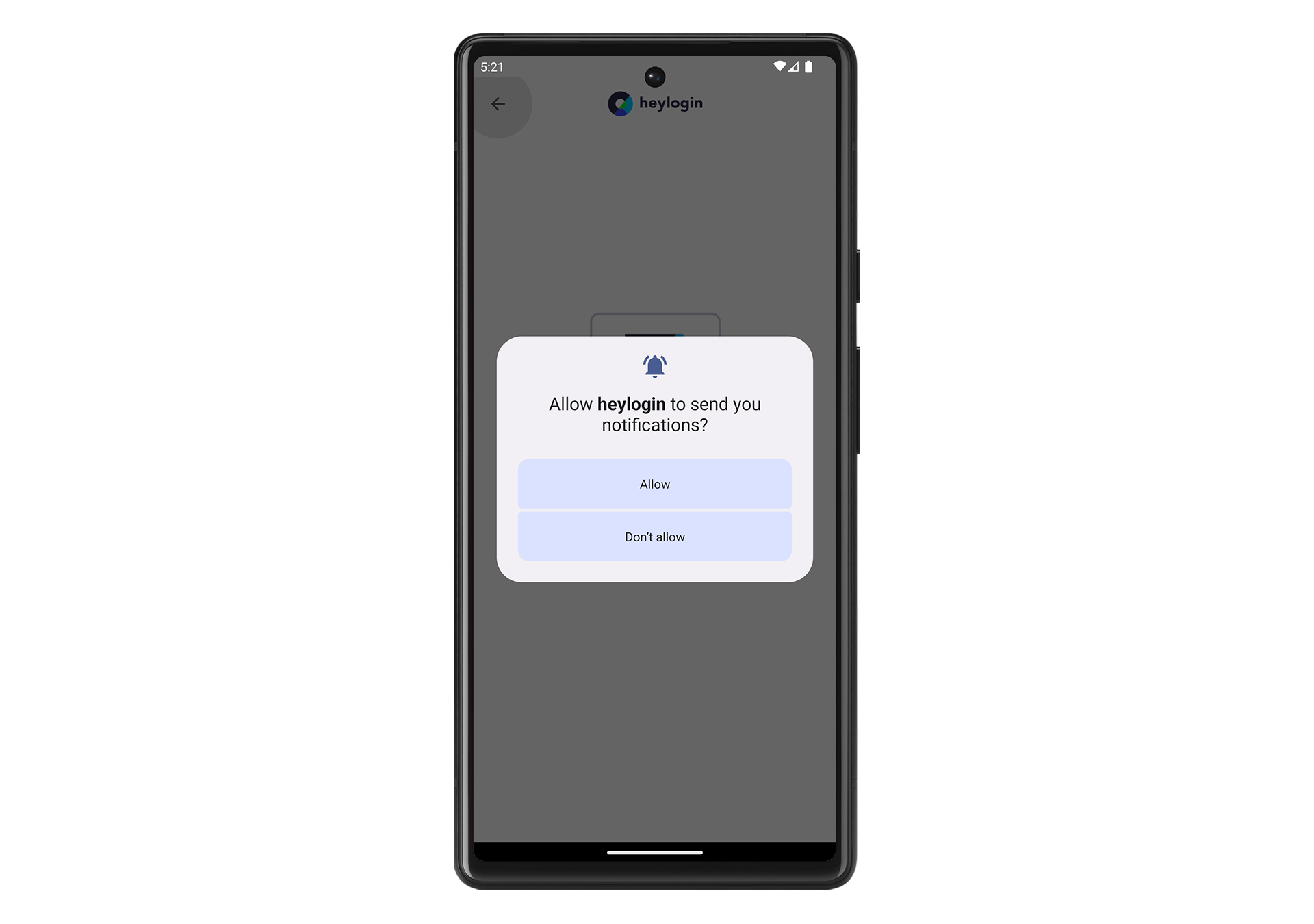
- Hit Allow to let heylogin notify you when you need to authenticate for logins.
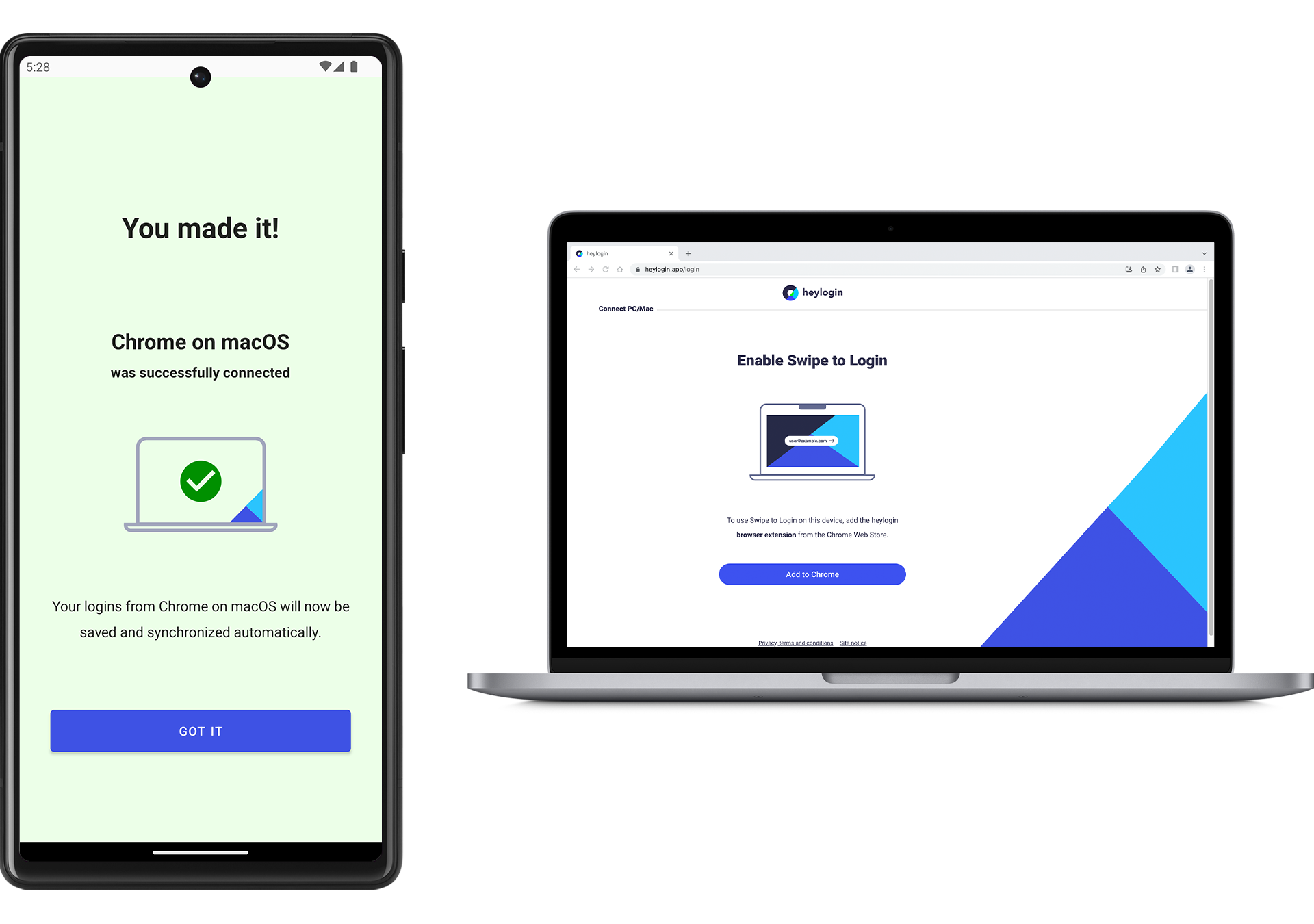
- You made it!
💡
You can set up a security key as an additional login device. Learn more here.
To complete setup download the heylogin browser extension:
Join organization using security key
If you have been invited to an organization using a start code, you can set up heylogin with a security key without using a smartphone.
- Open heylogin.app/start on your Mac or PC in your preferred browser and select With a security key.
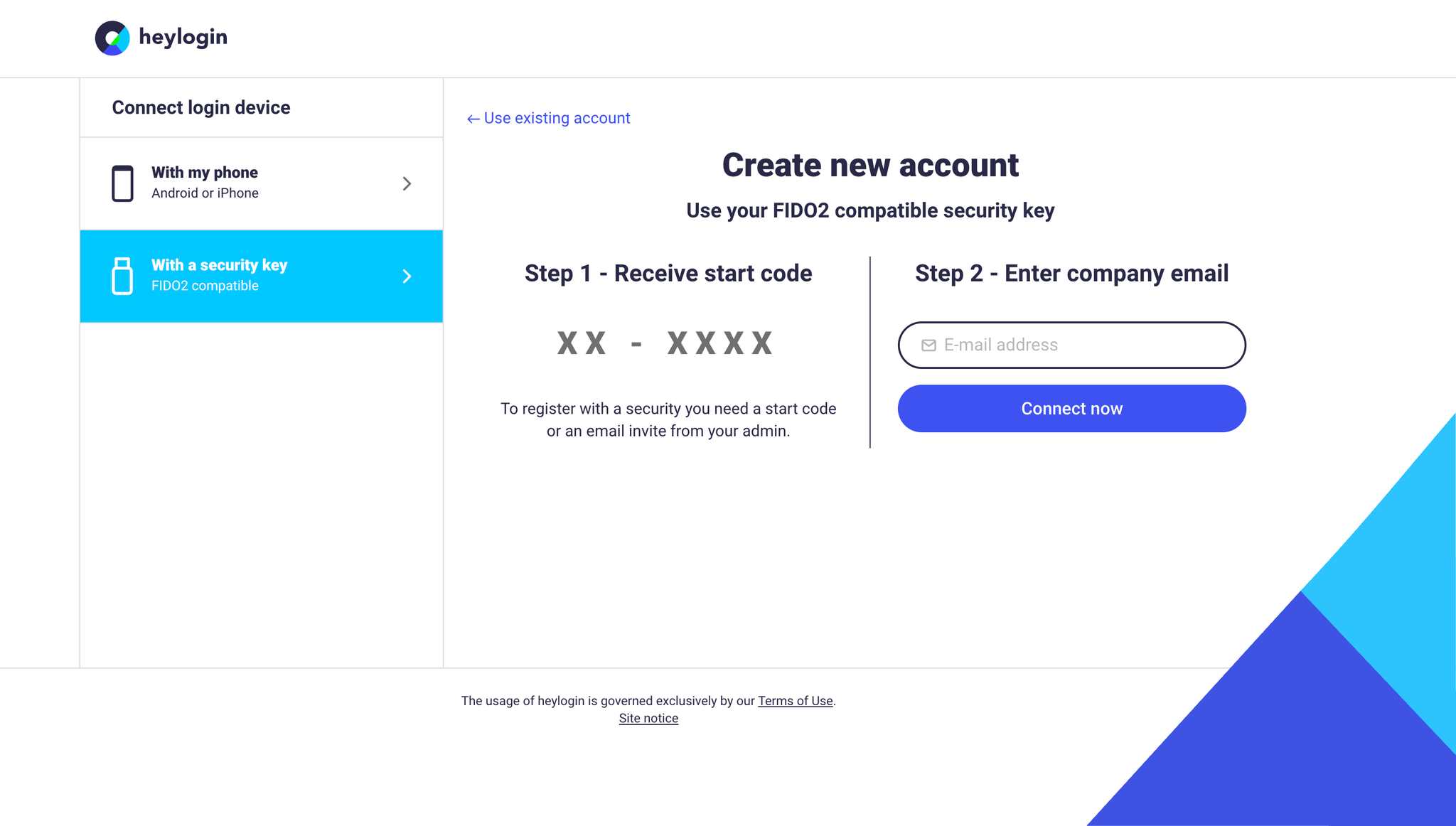
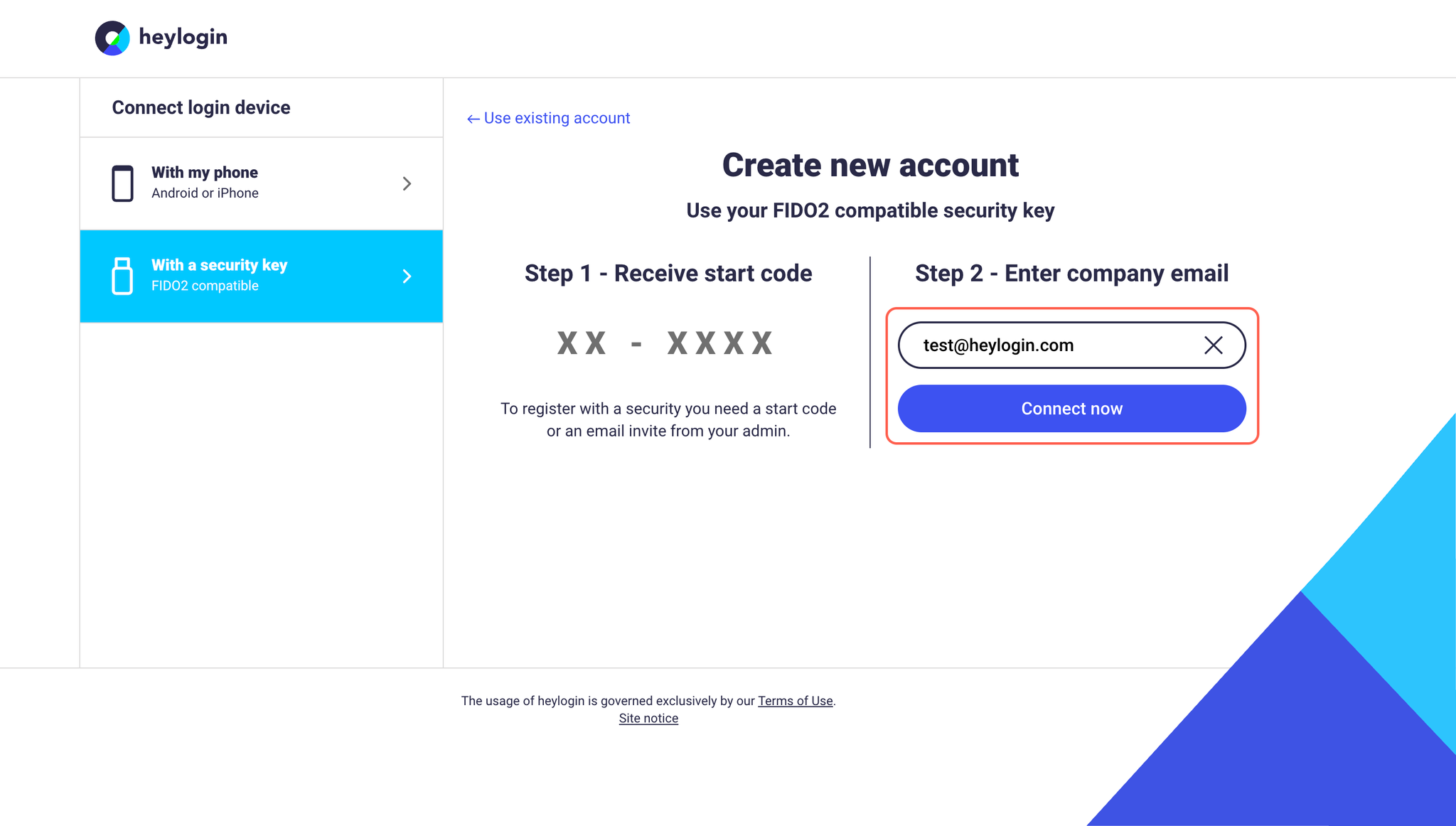
- Enter your company email address in the designated field and click Connect now.
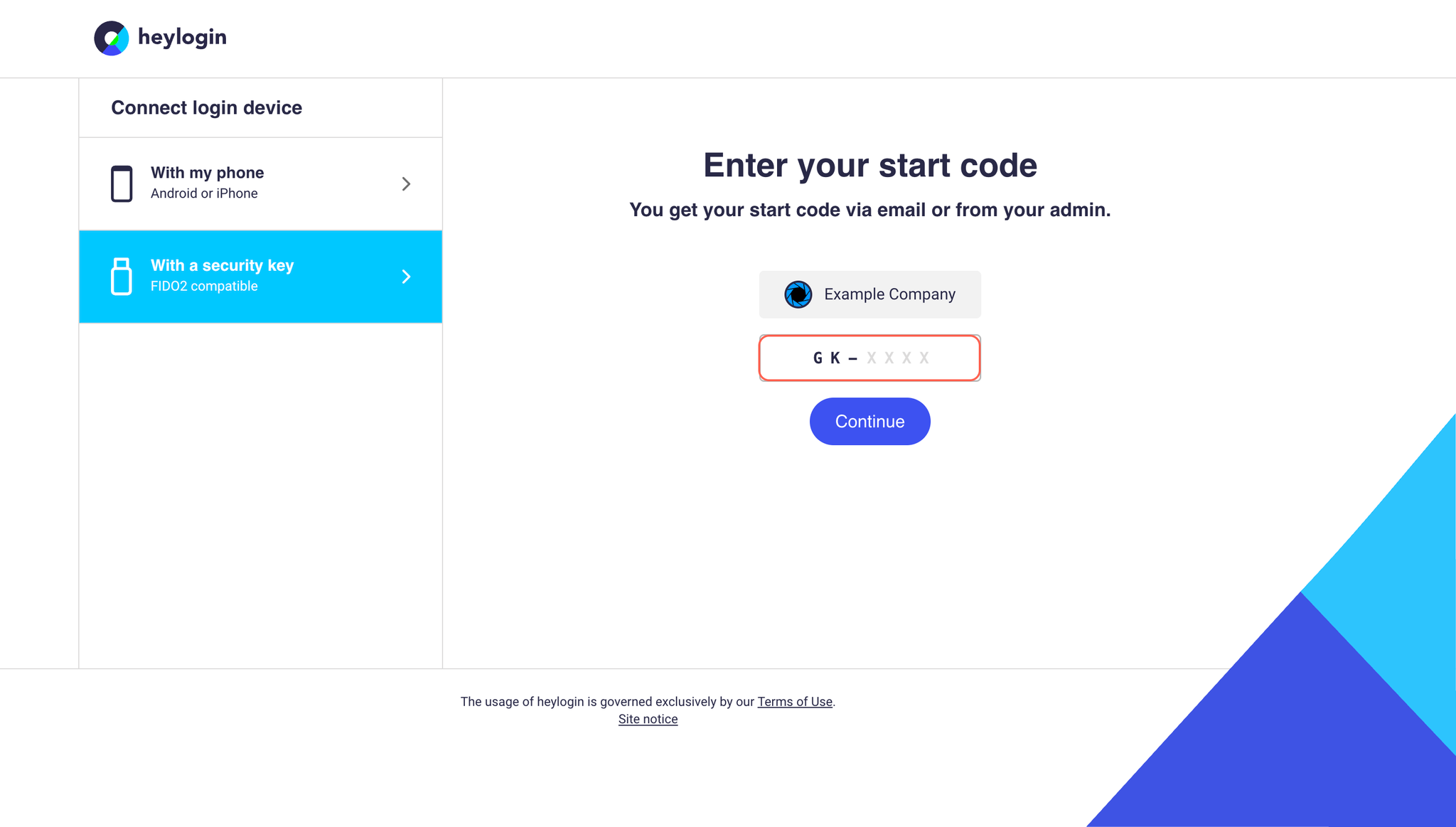
- Enter the start code provided by your administrator and click Continue.
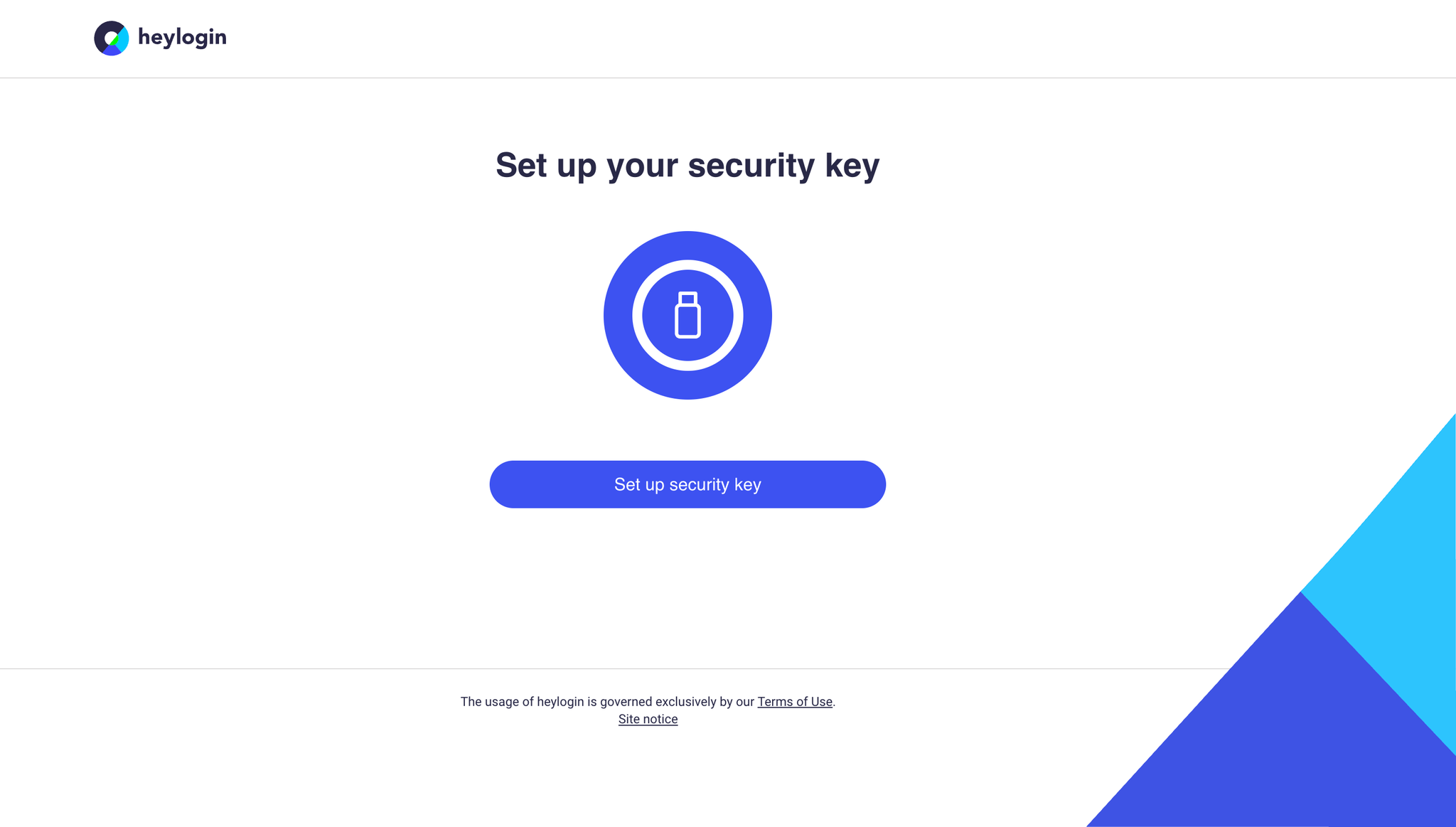
- Connect your security key and follow the on-screen instructions.
- Set a PIN for your security key and confirm it.
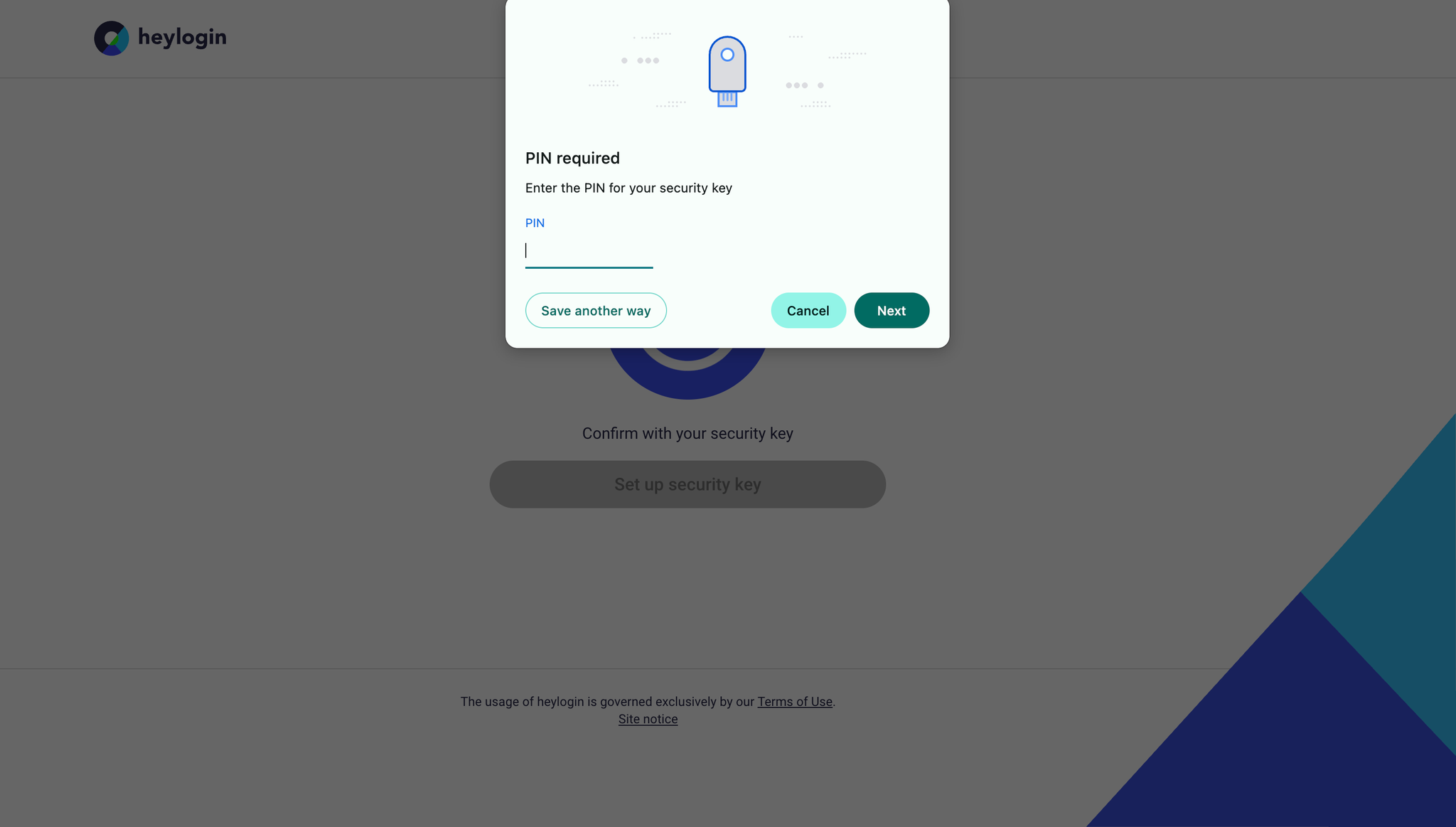
- You can now sign in using your email address and the PIN.
❗
A security key can be used both as an initial and as an additional login device.
heylogin supports all modern FIDO2-compatible security key. Learn more here.
To complete setup download the heylogin browser extension:
Set up private account using iPhone
- Get your Mac or PC and visit heylogin.app/start in your preferred browser. Make sure to have Use my phone selected and hit Continue.
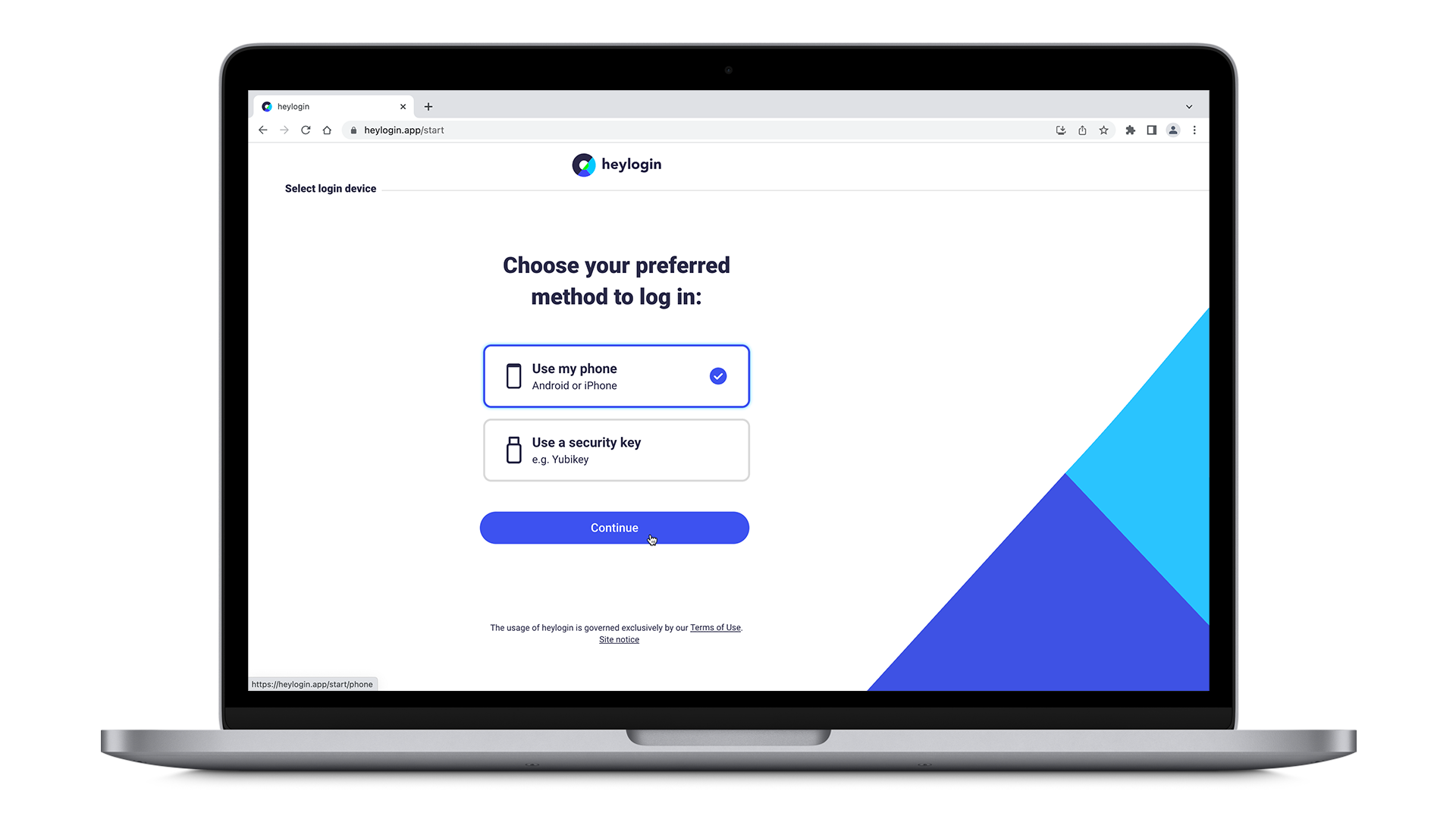
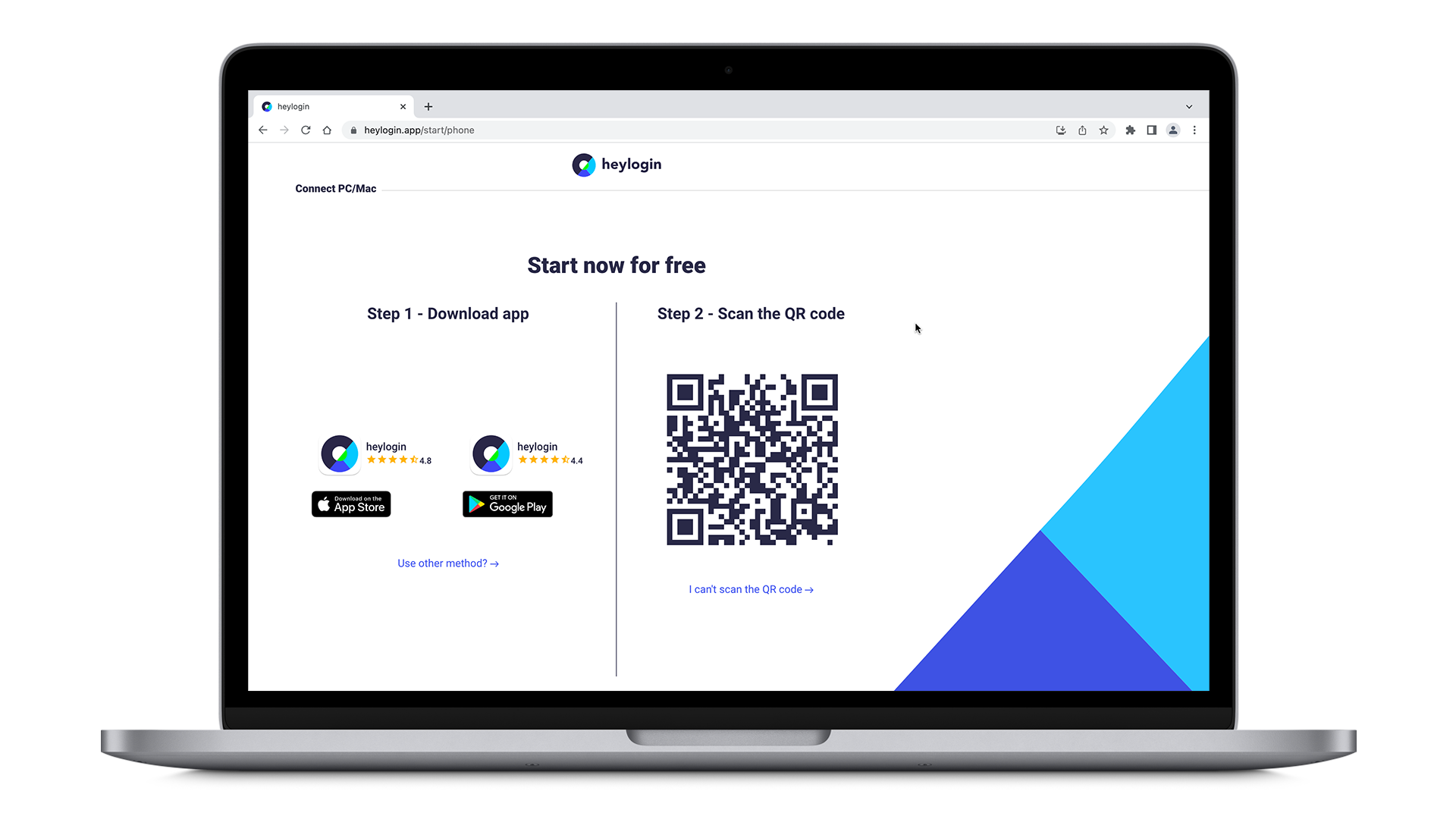
- Install the heylogin app from the AppStore.
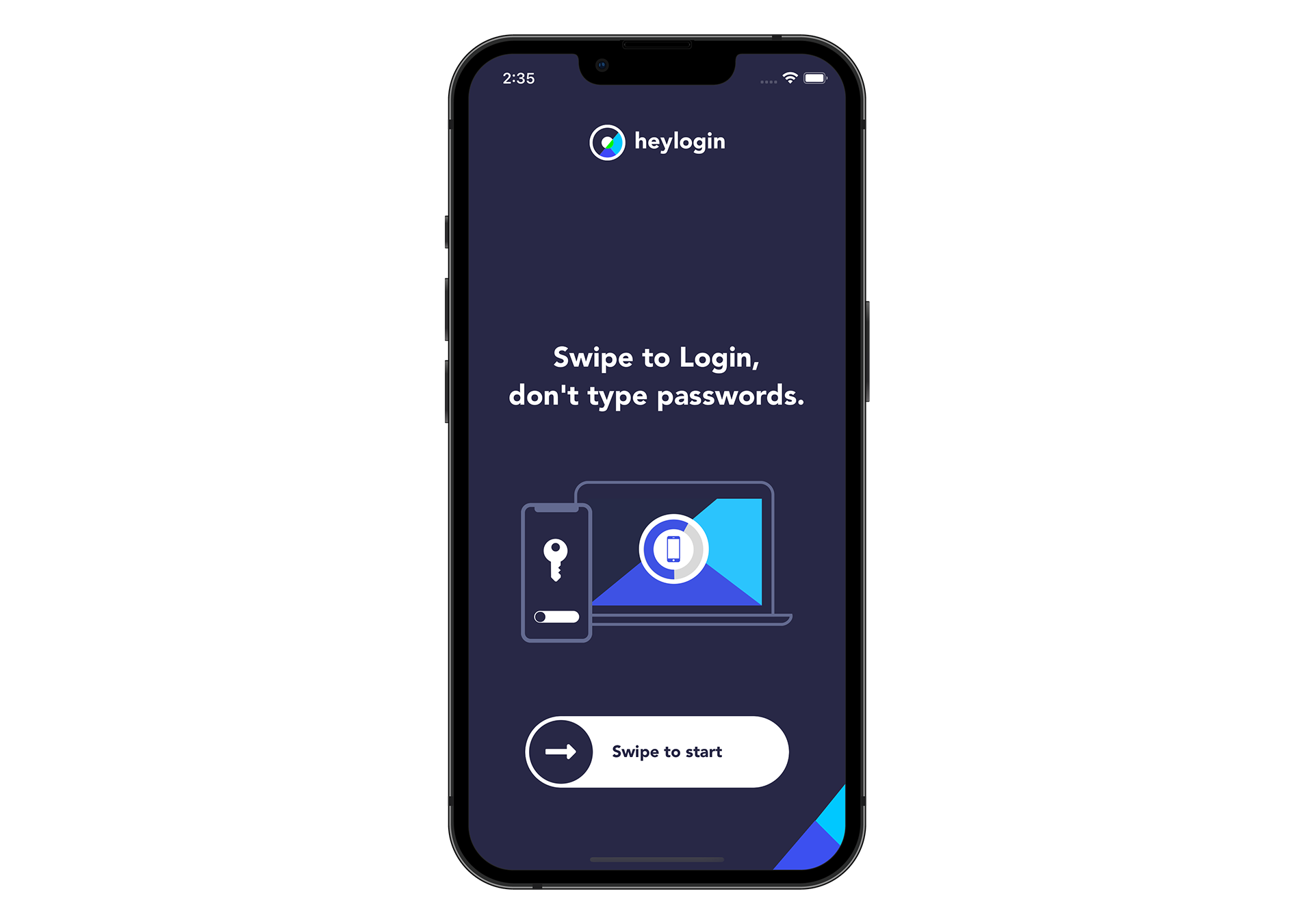
- Open your new heylogin app and swipe to start.
- Type in your email address, hit REGISTER and allow notifications → Tap enable swipe to login → tap enable camera and allow your camera to be used to scan the QR Code.
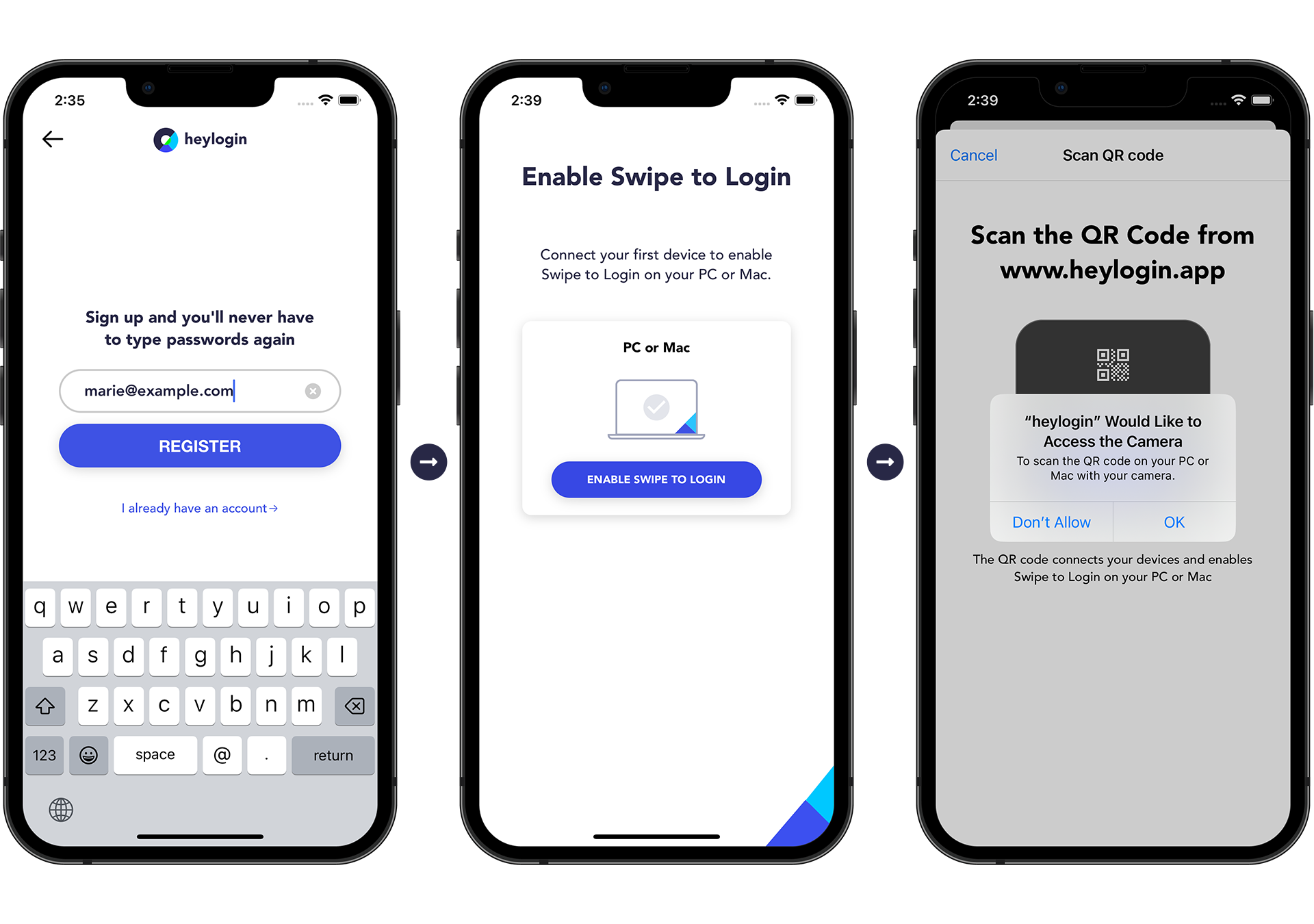
- Scan the QR Code from heylogin.app.
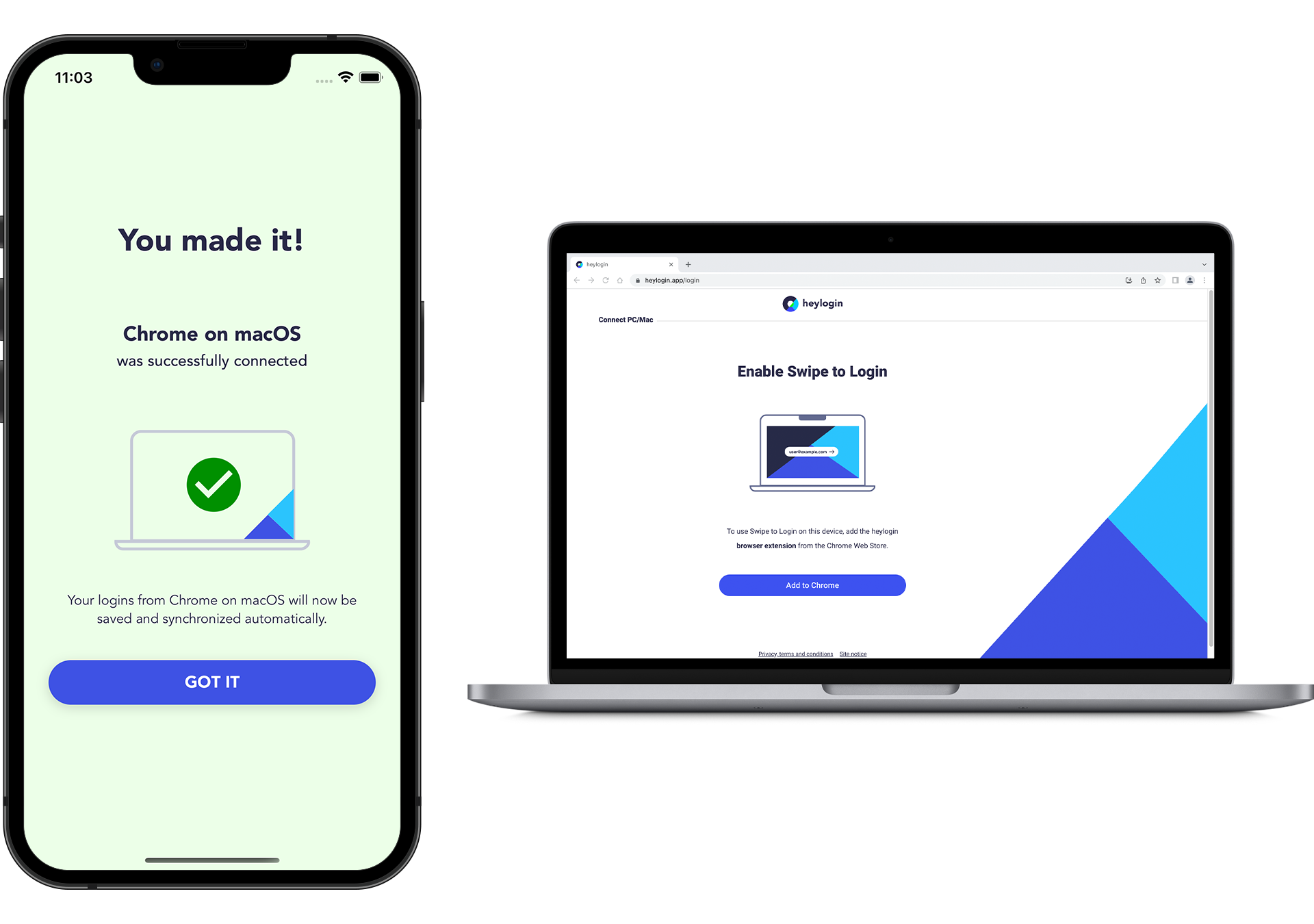
- You made it!
💡
You can set up a security key as an additional login device. Learn more here.
To complete setup download the heylogin browser extension:
Set up private account using Android phone
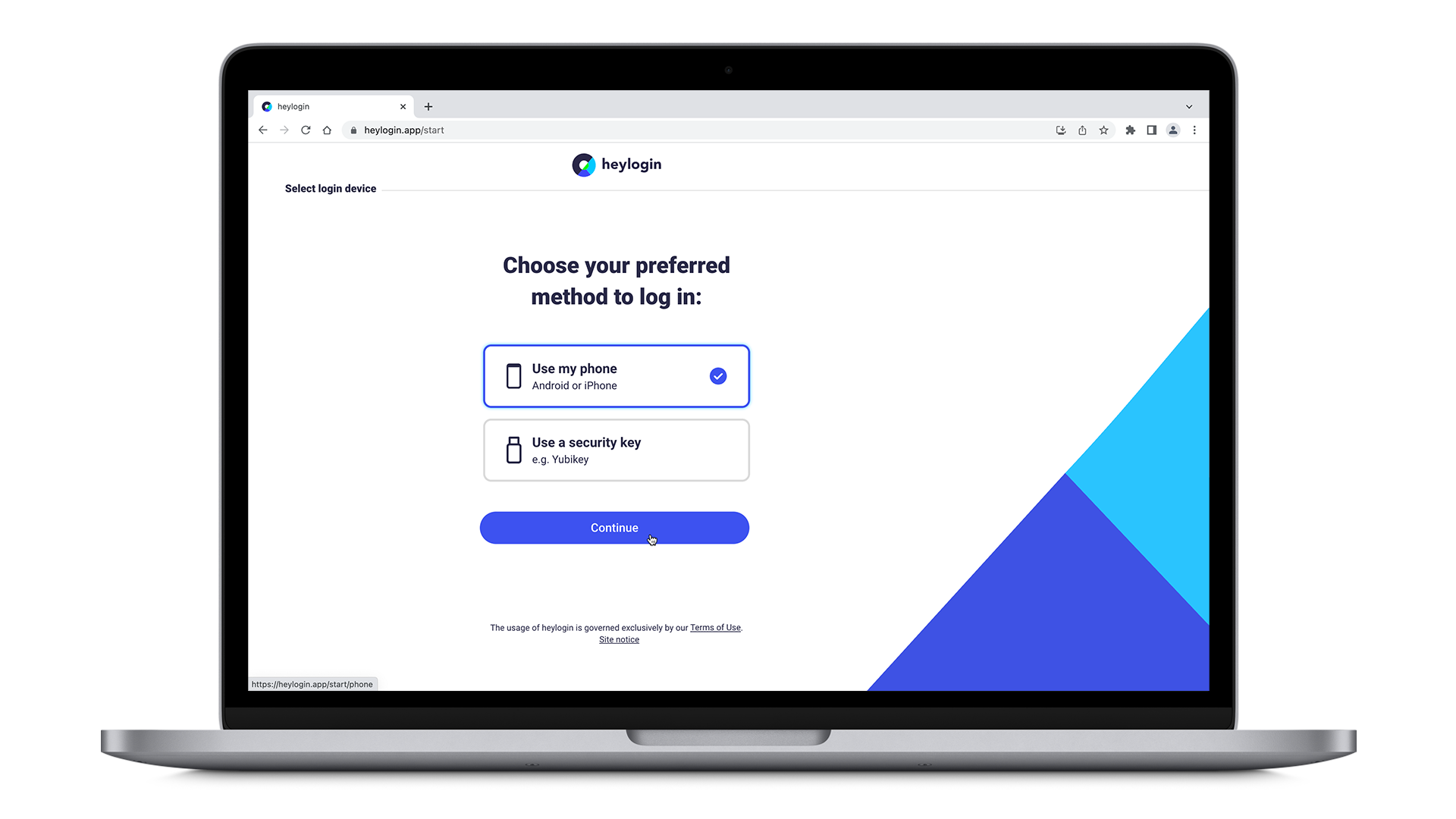
- Get your Mac or PC and visit heylogin.app/start in your preferred browser. Make sure to have Use my phone selected and hit Continue.
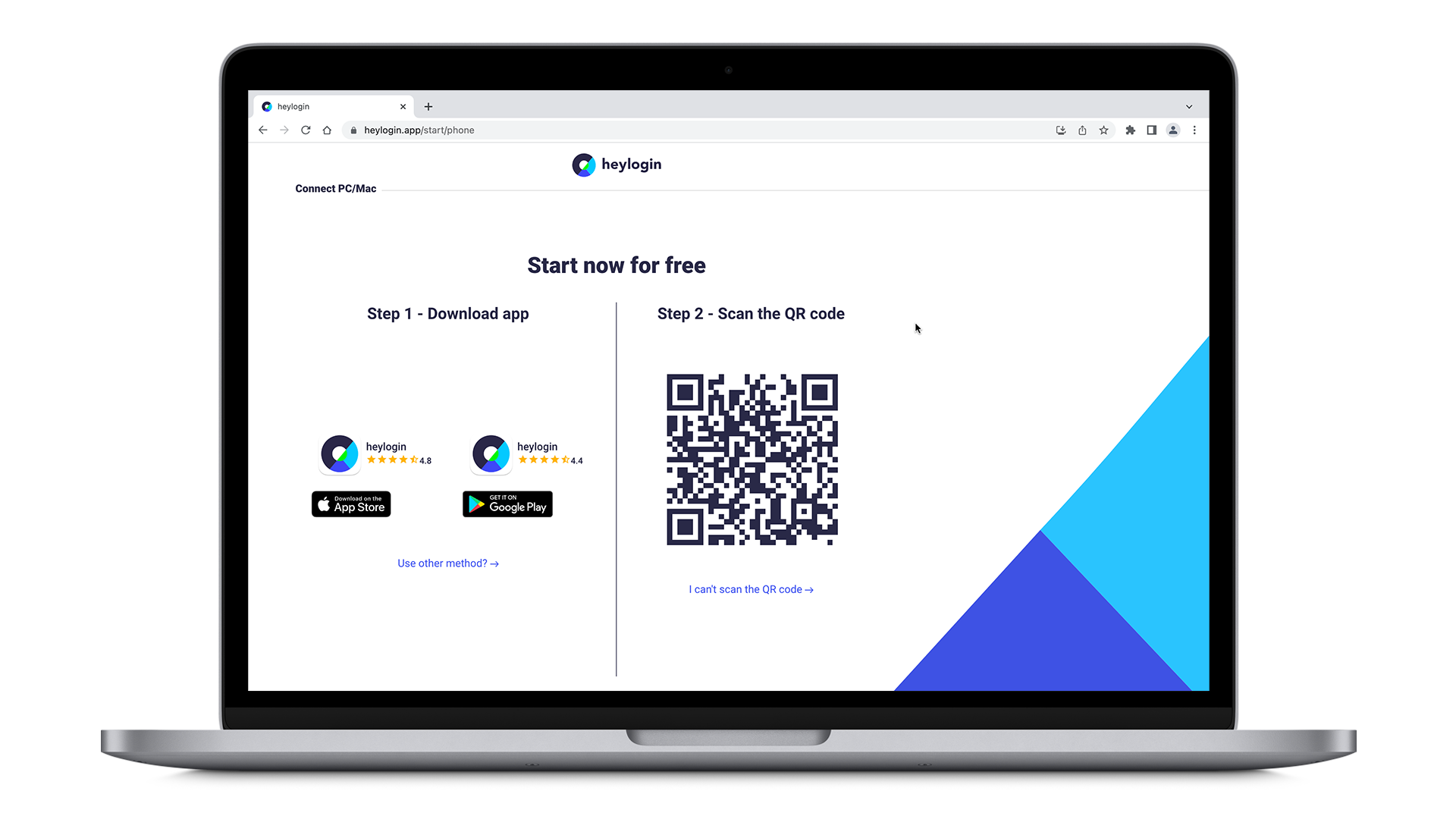
- Install the heylogin app from Google Play.
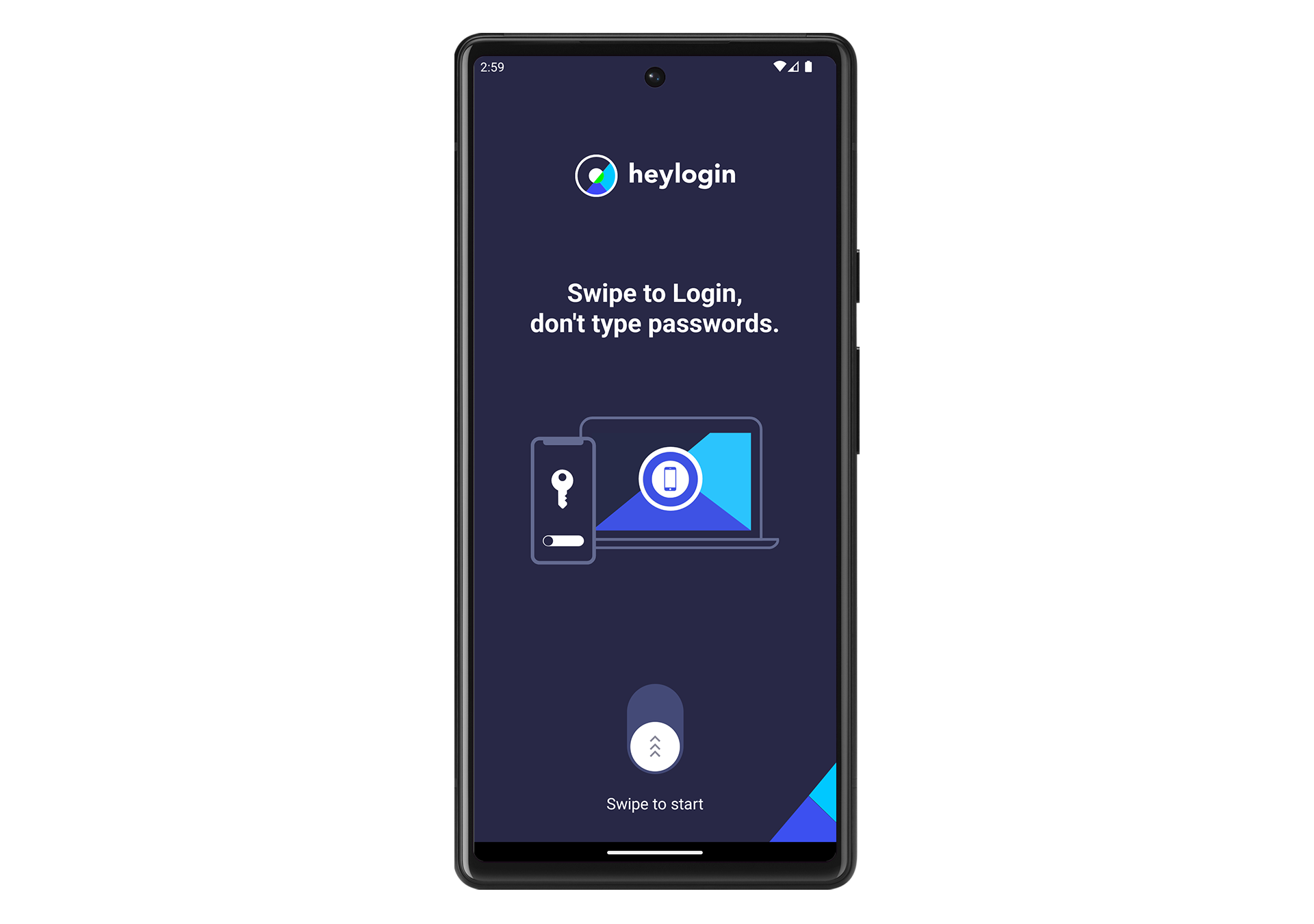
- Open your new heylogin app and swipe to start.
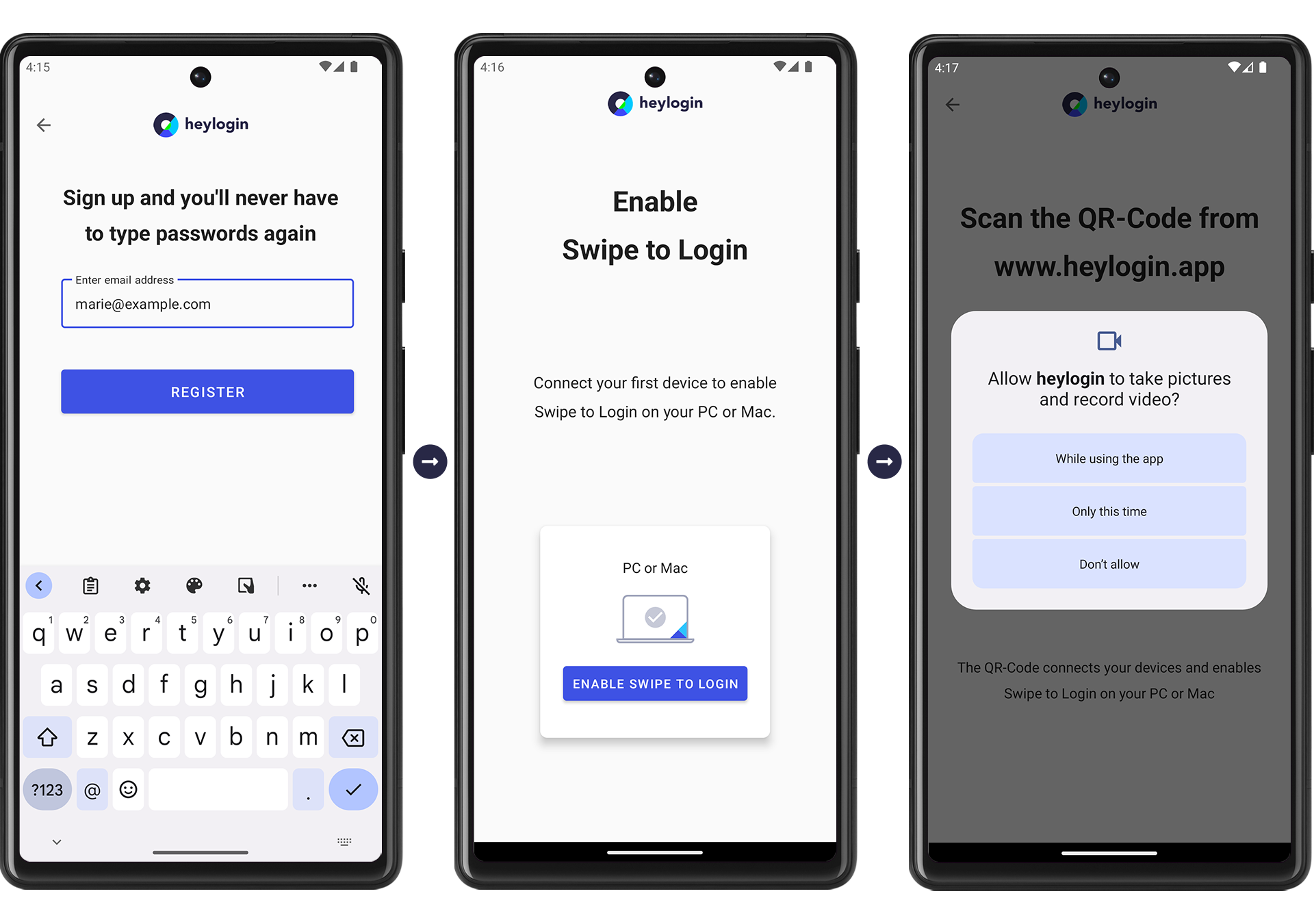
- Type in your email address and hit REGISTER → Tap ENABLE SWIPE TO LOGIN → tap ENABLE CAMERA and hit While using the app in order to scan the QR Code.
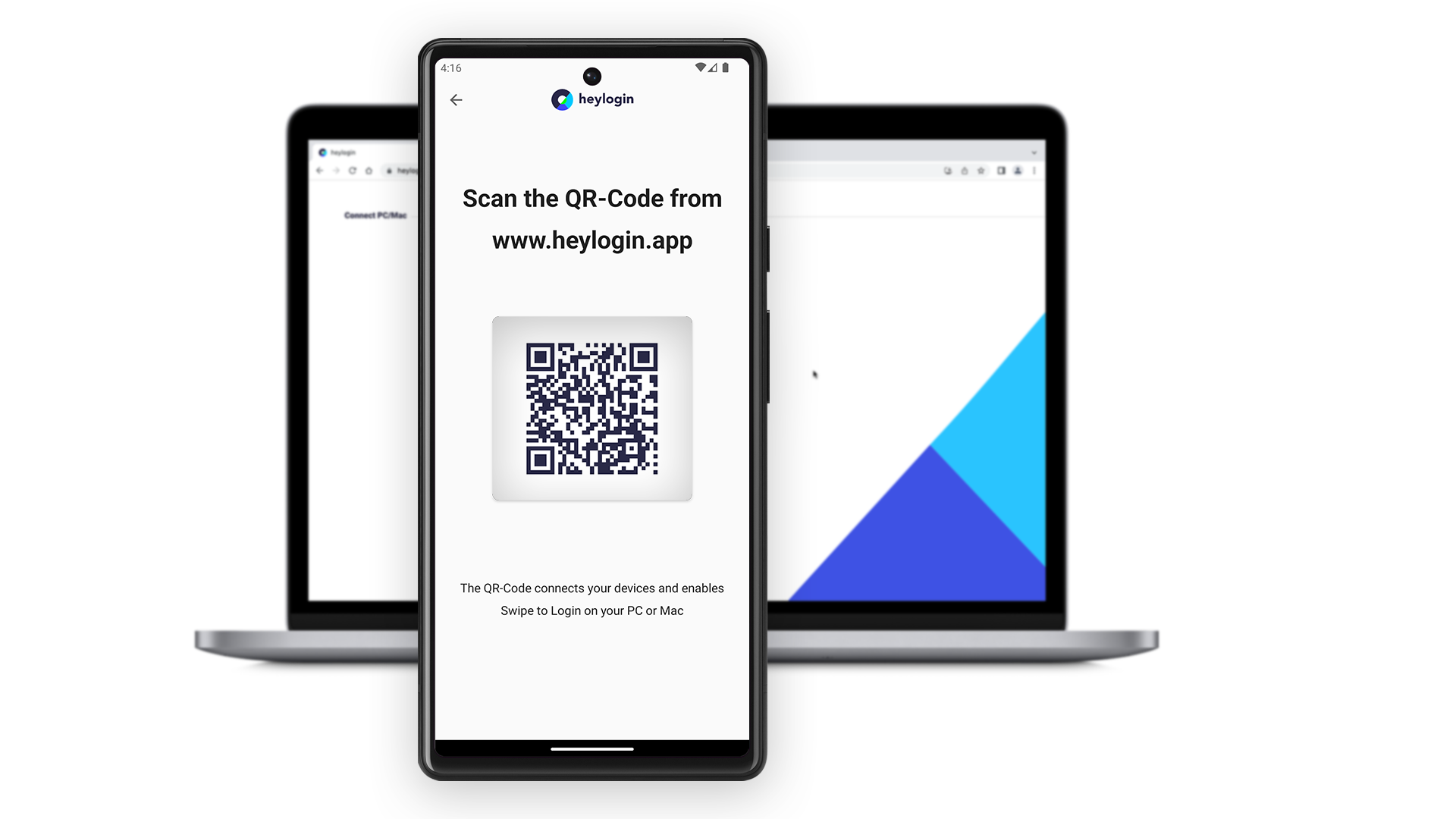
- Scan the QR Code from heylogin.app.
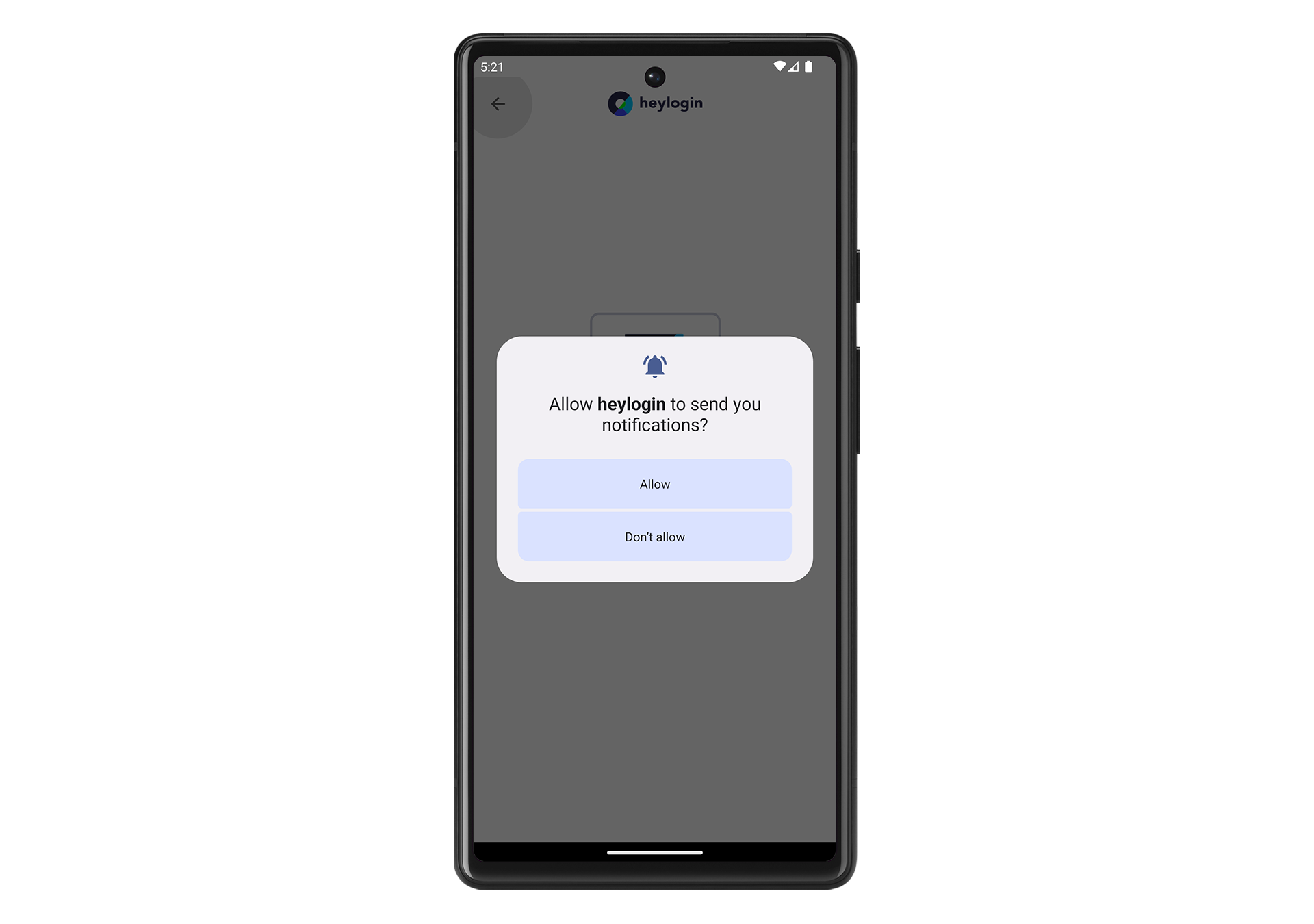
- Hit Allow to let heylogin notify you when you need to authenticate for logins.
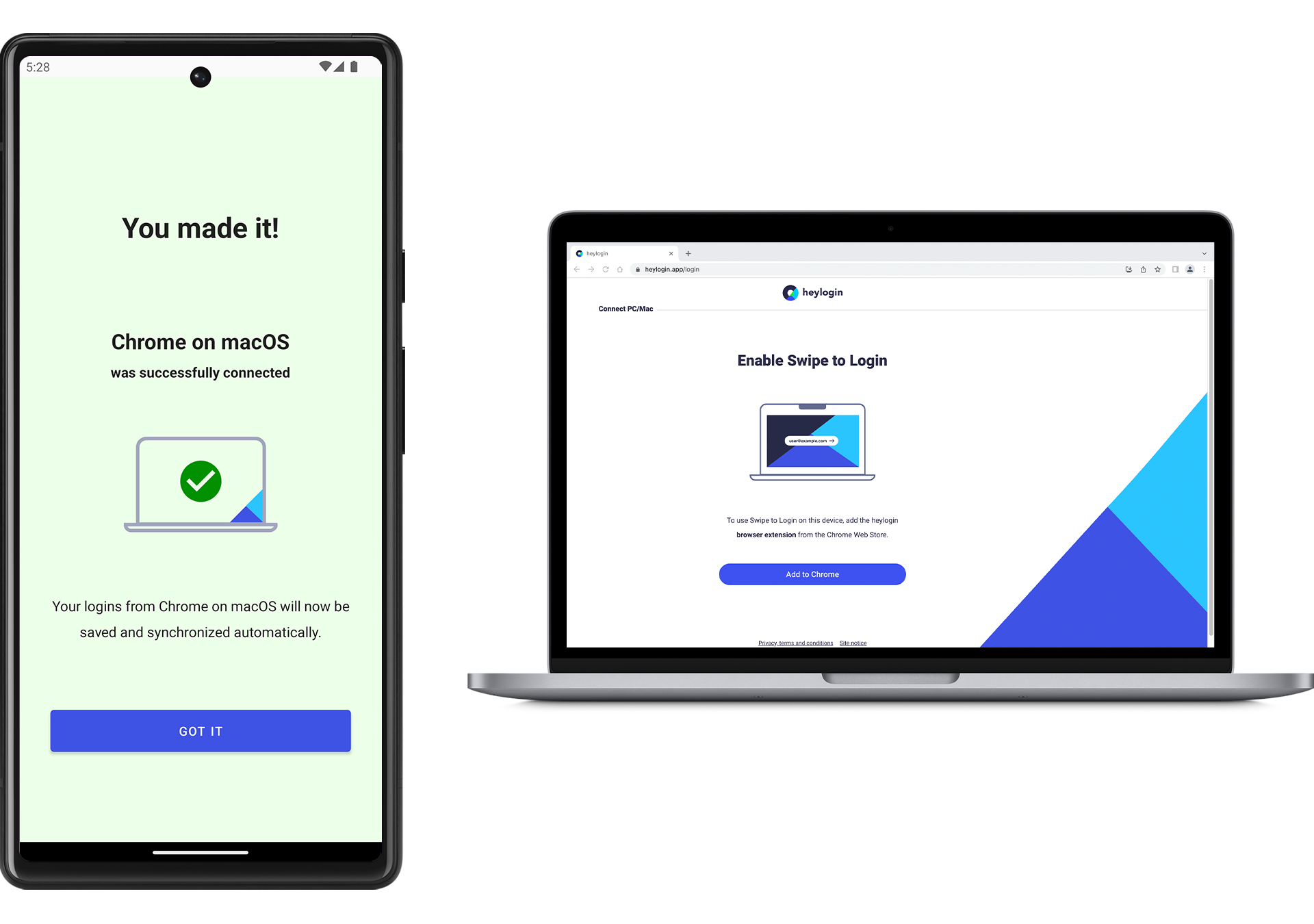
- You made it!
💡
You can set up a security key as an additional login device. Learn more here.
To complete setup download the heylogin browser extension: