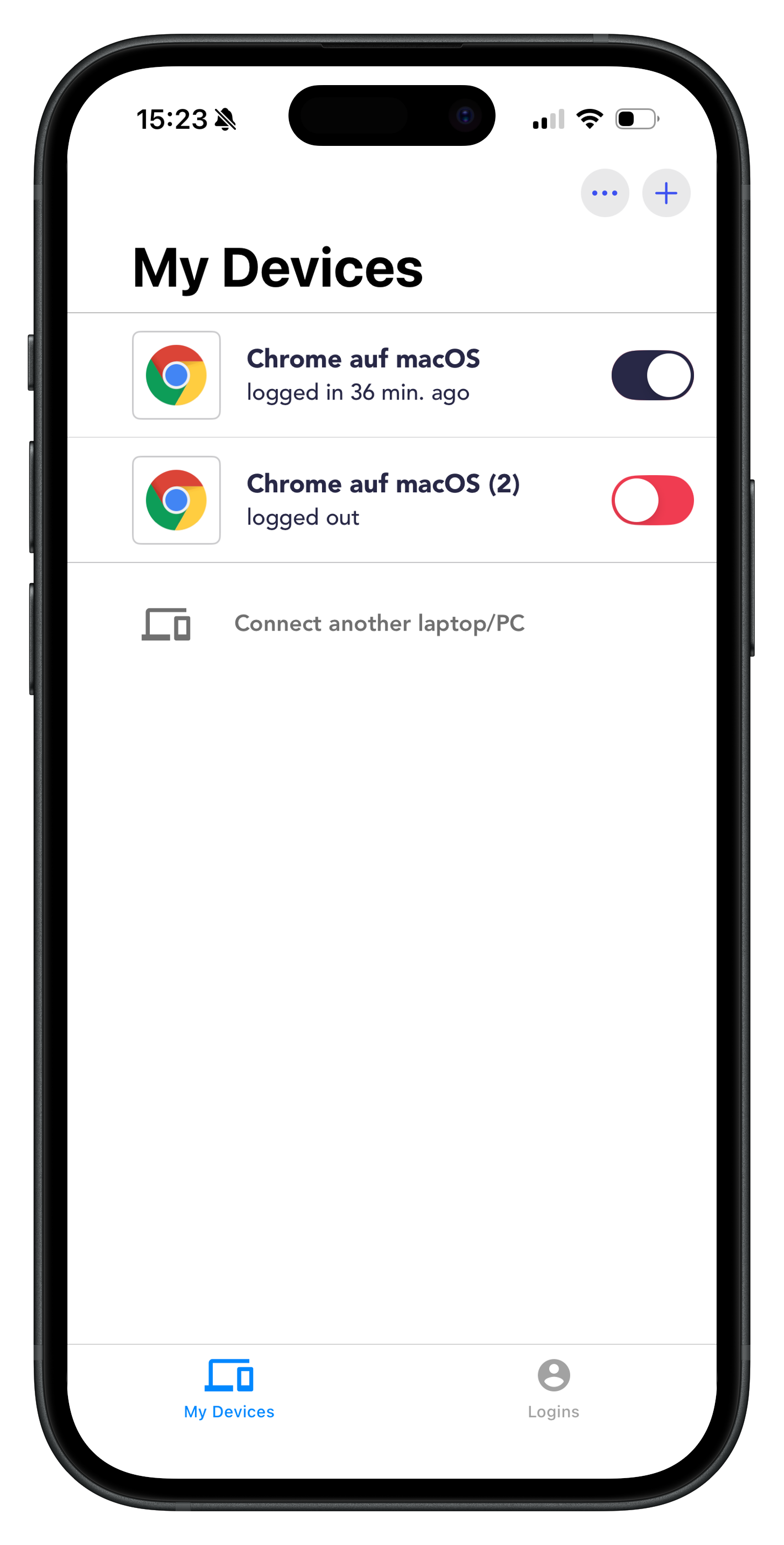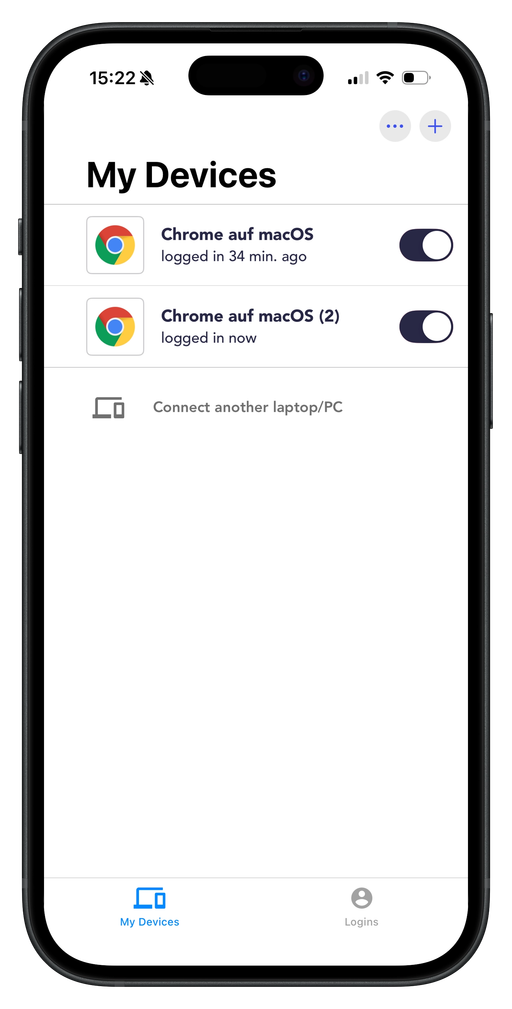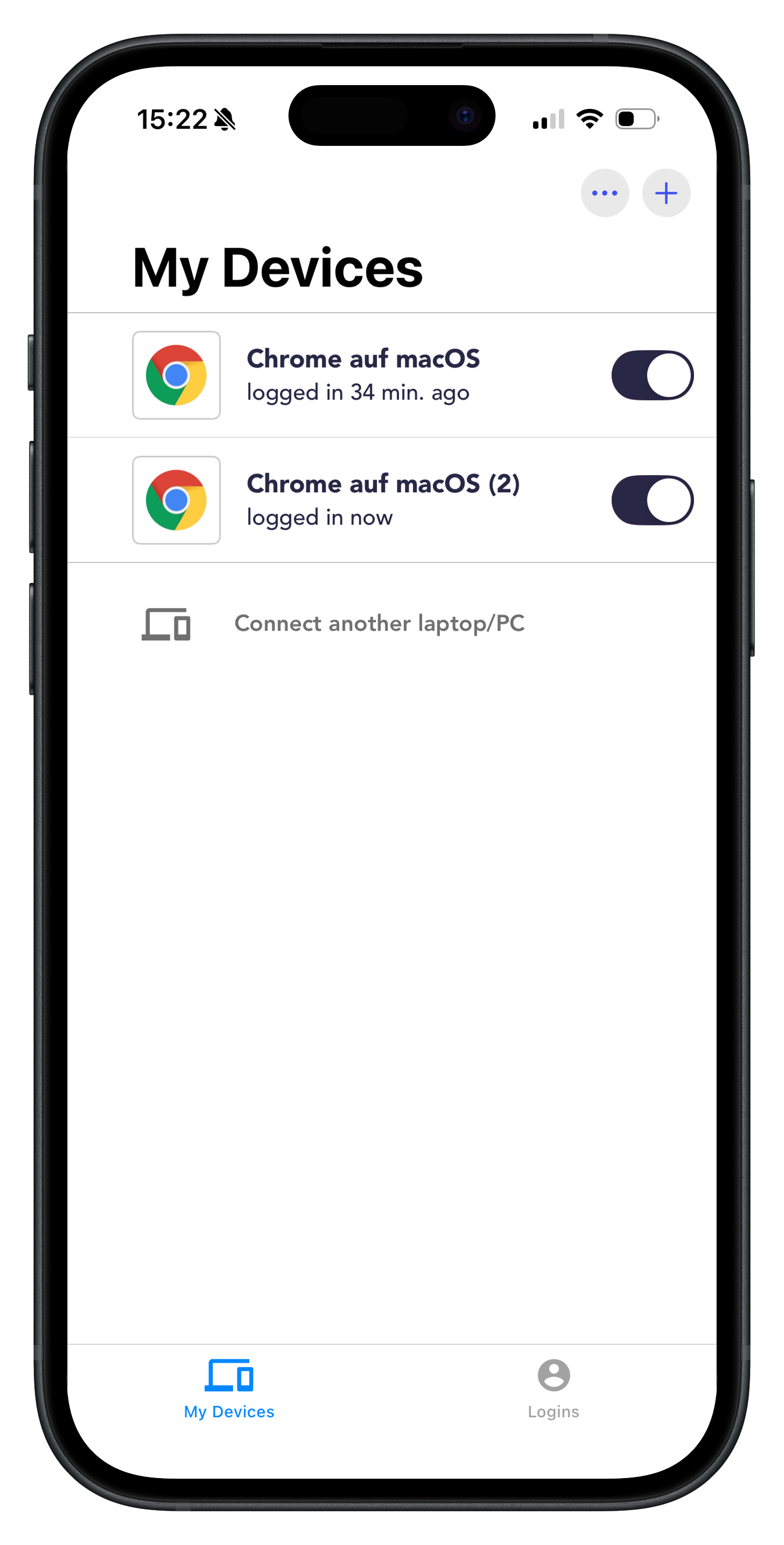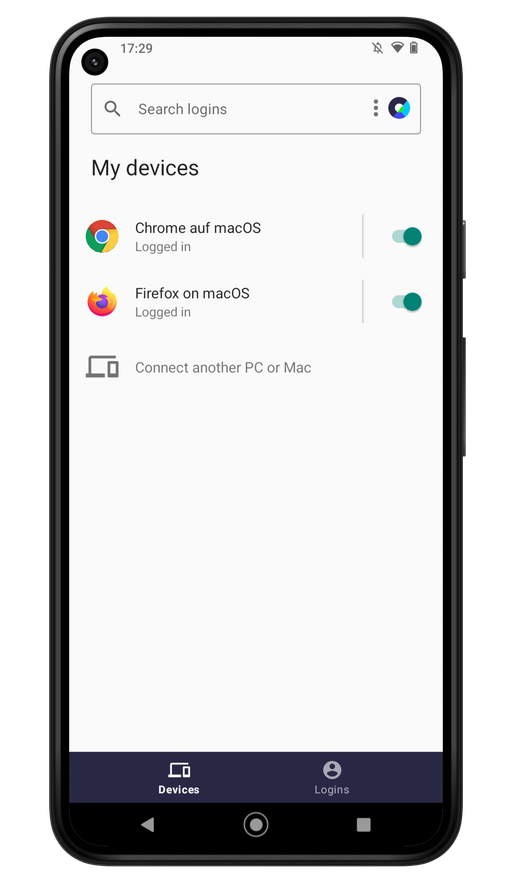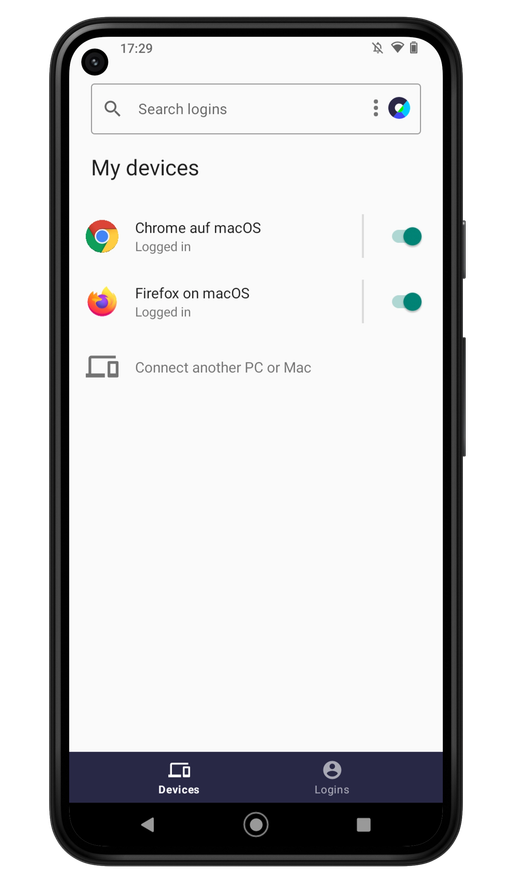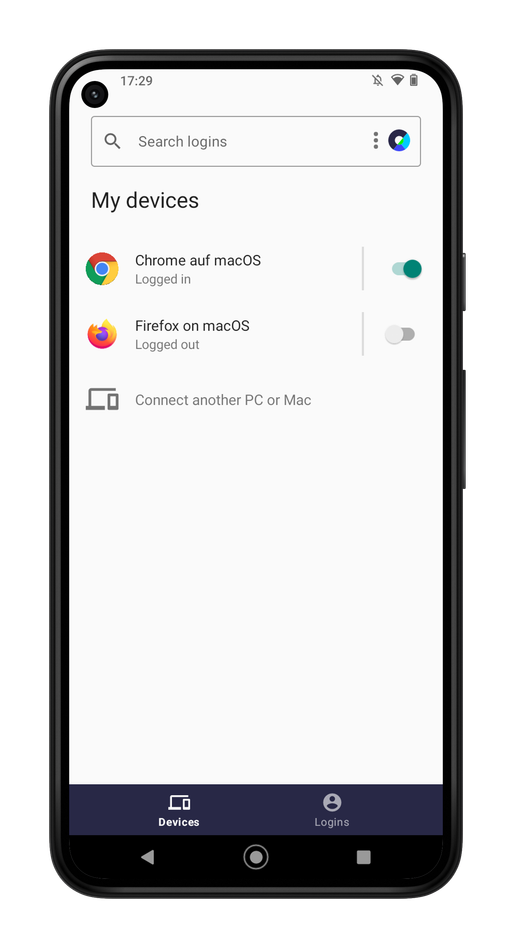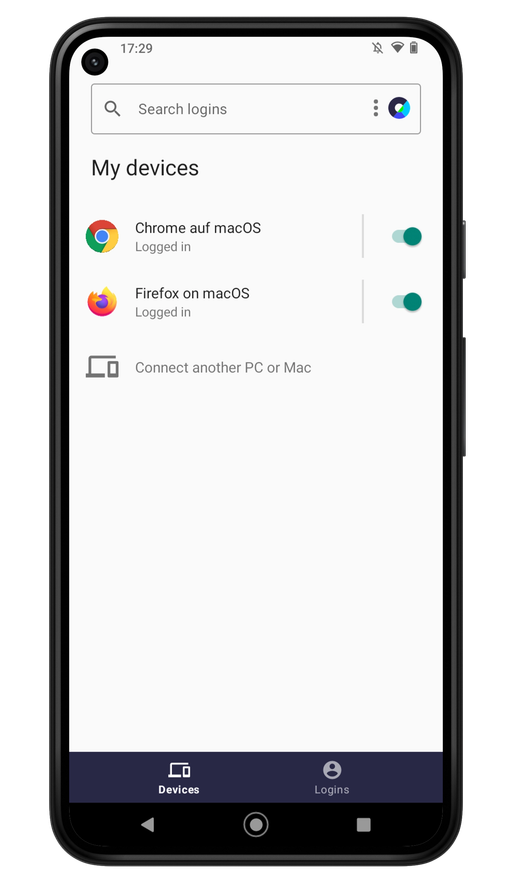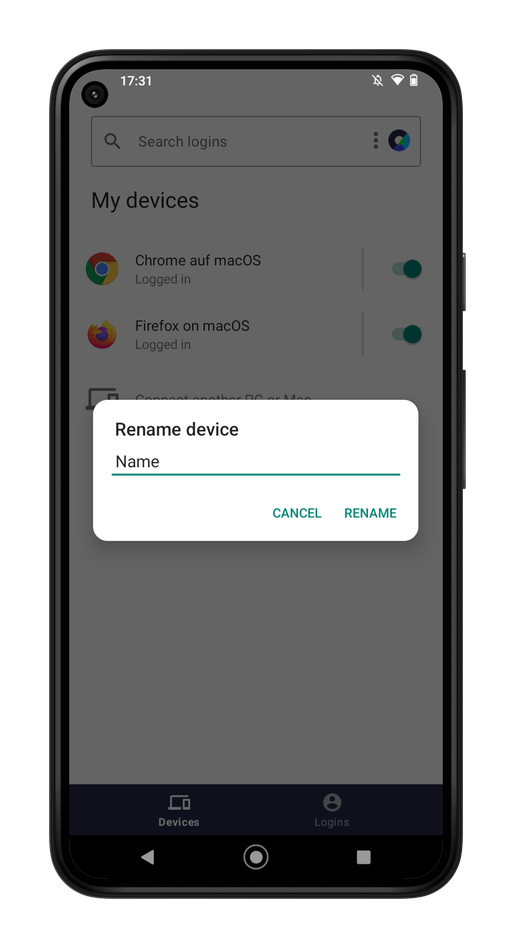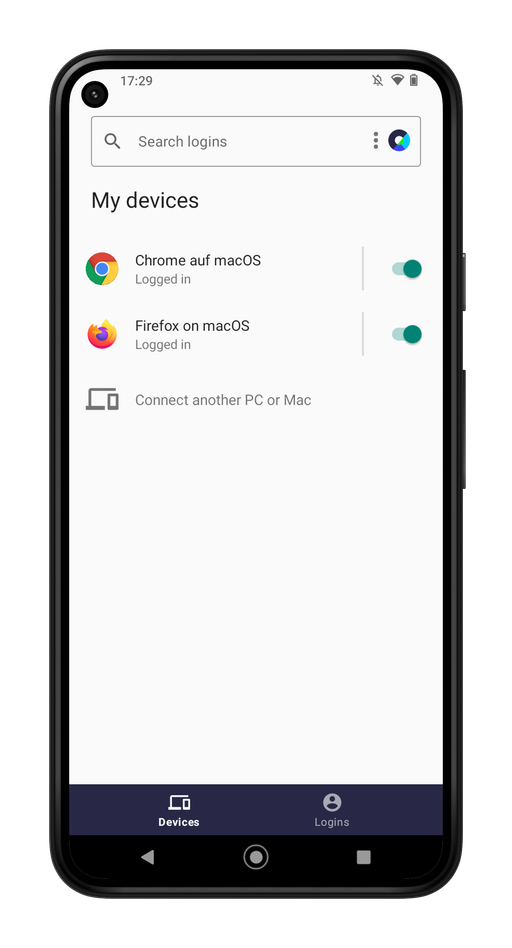
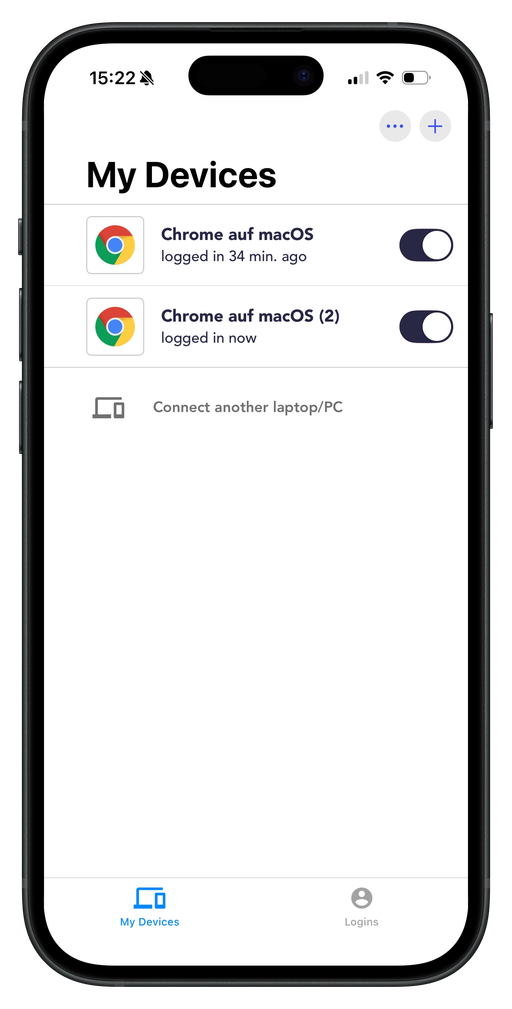
The device overview in the heylogin mobile app shows you which browsers (on which devices) your account is currently connected to. This gives you an overview of all active sessions, which you can manage or remove as needed.
iPhone
Log out devices
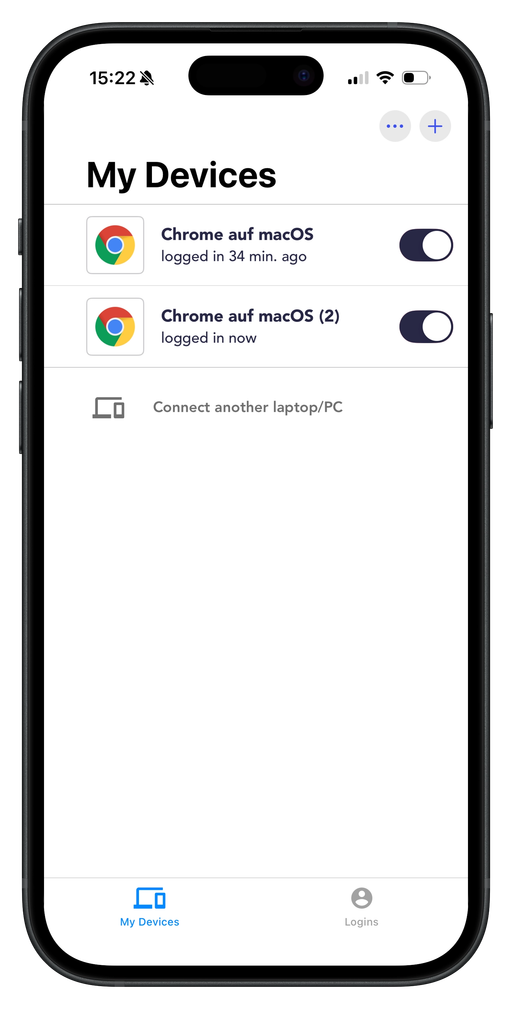
Open the heylogin app on your iPhone.
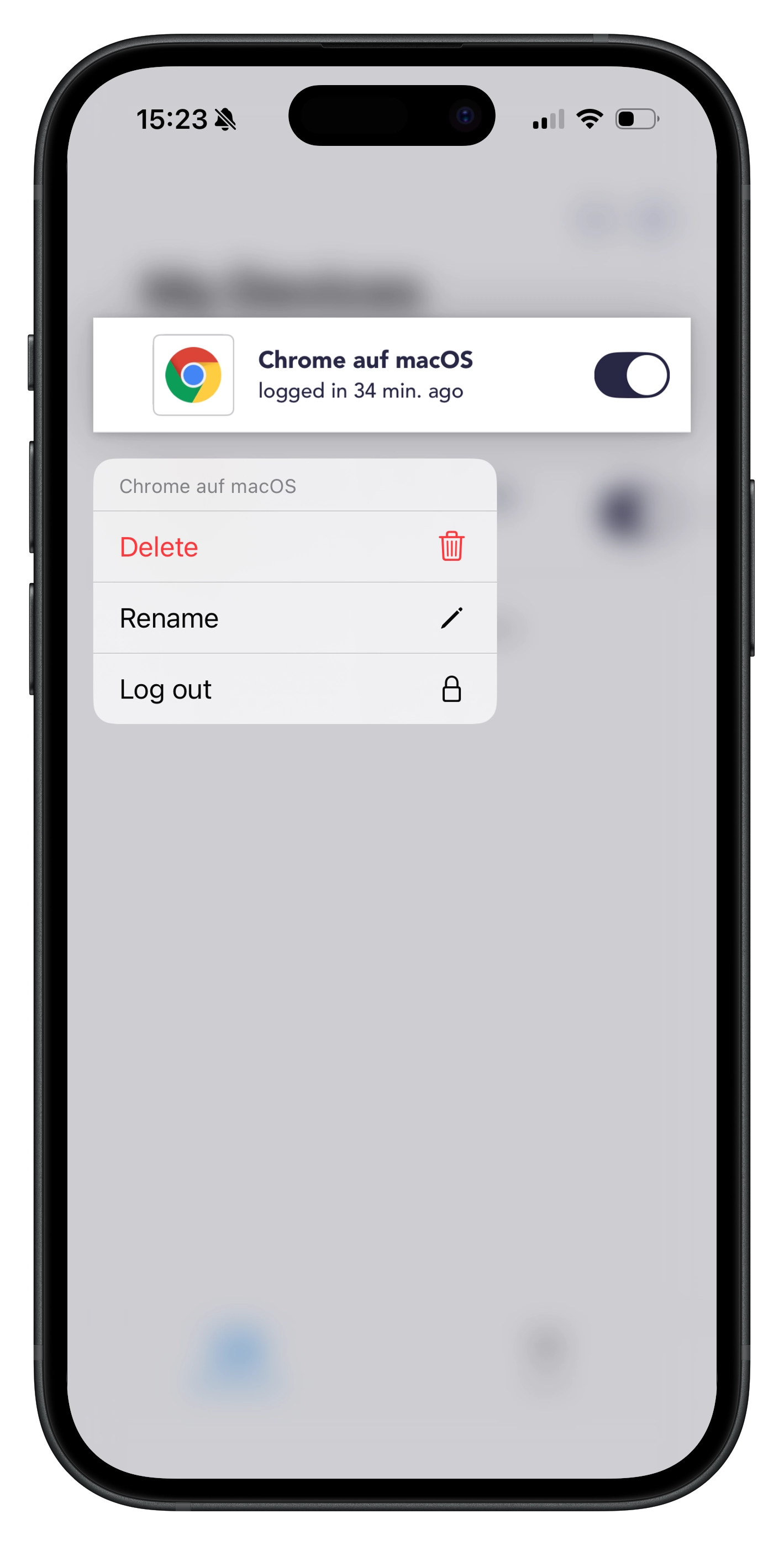
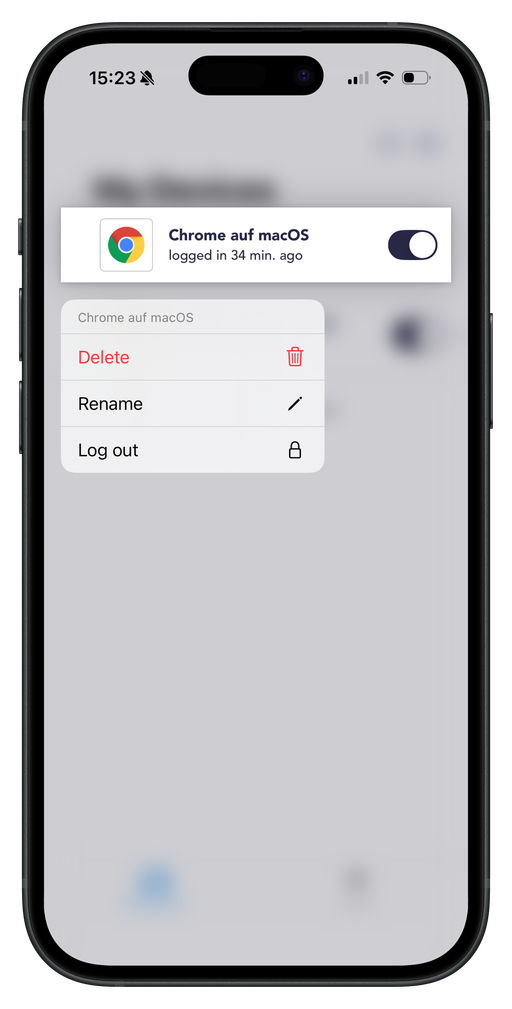
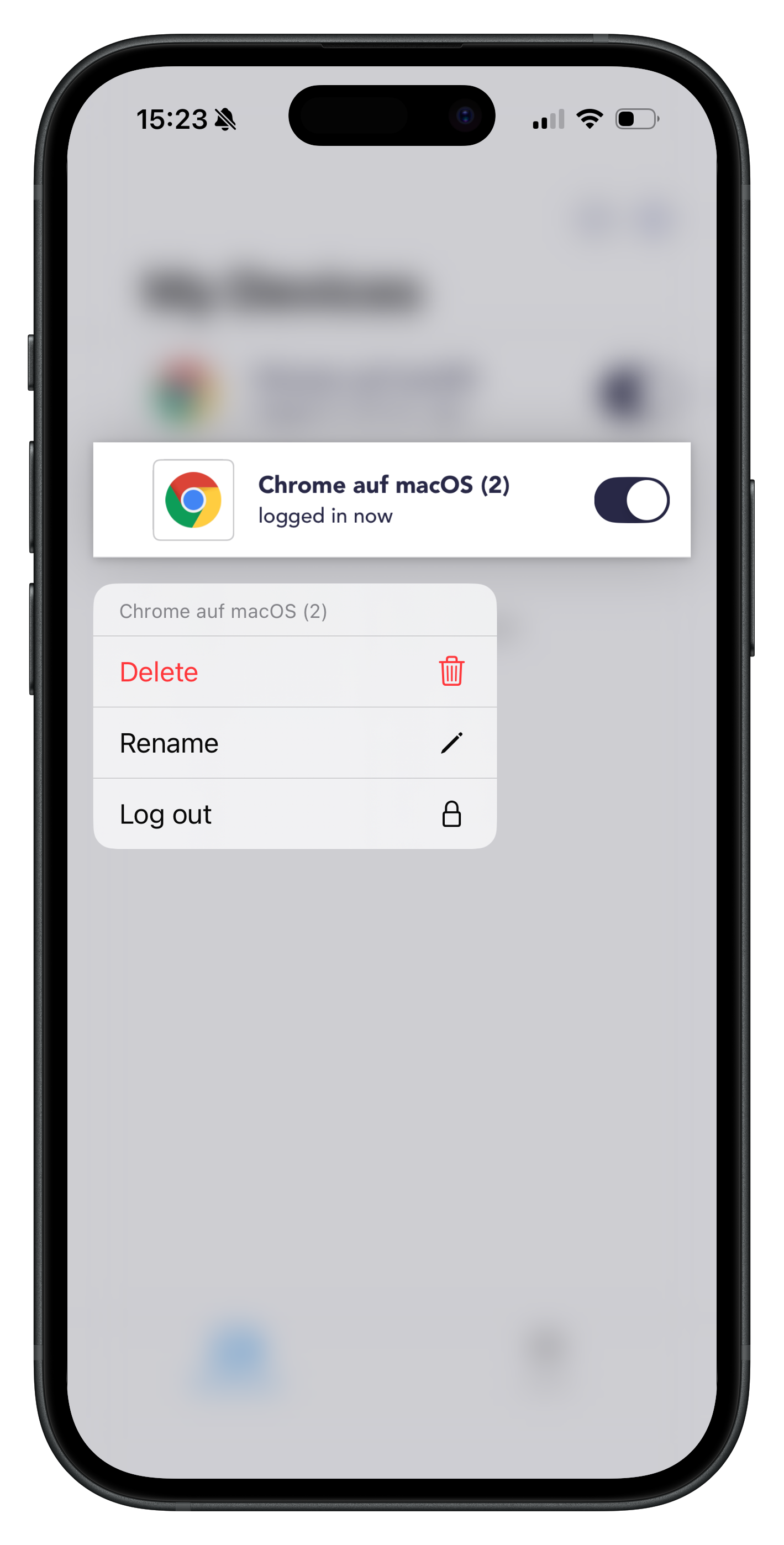
Tap the button next to the device entry to log it out. Alternatively, you can press and hold the entry and select Log out.
Rename devices
Open the heylogin app on your iPhone.
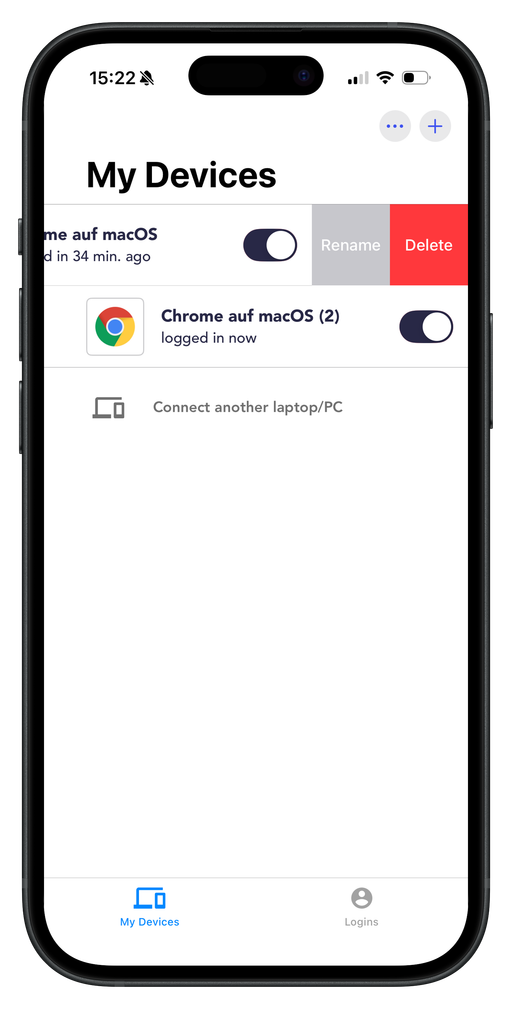
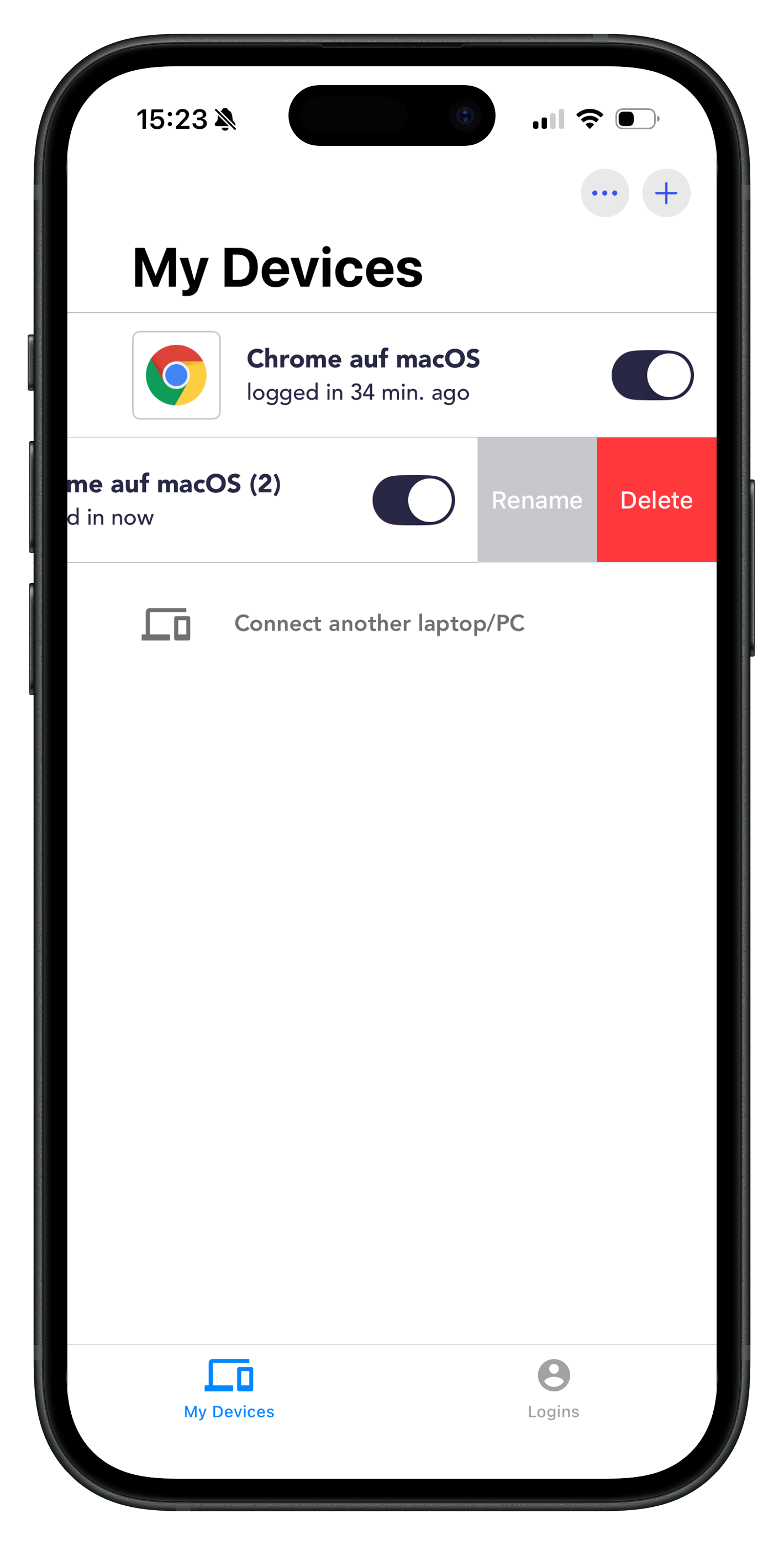
Swipe the selected device entry to the left to display the options. Alternatively, you can press and hold the entry.
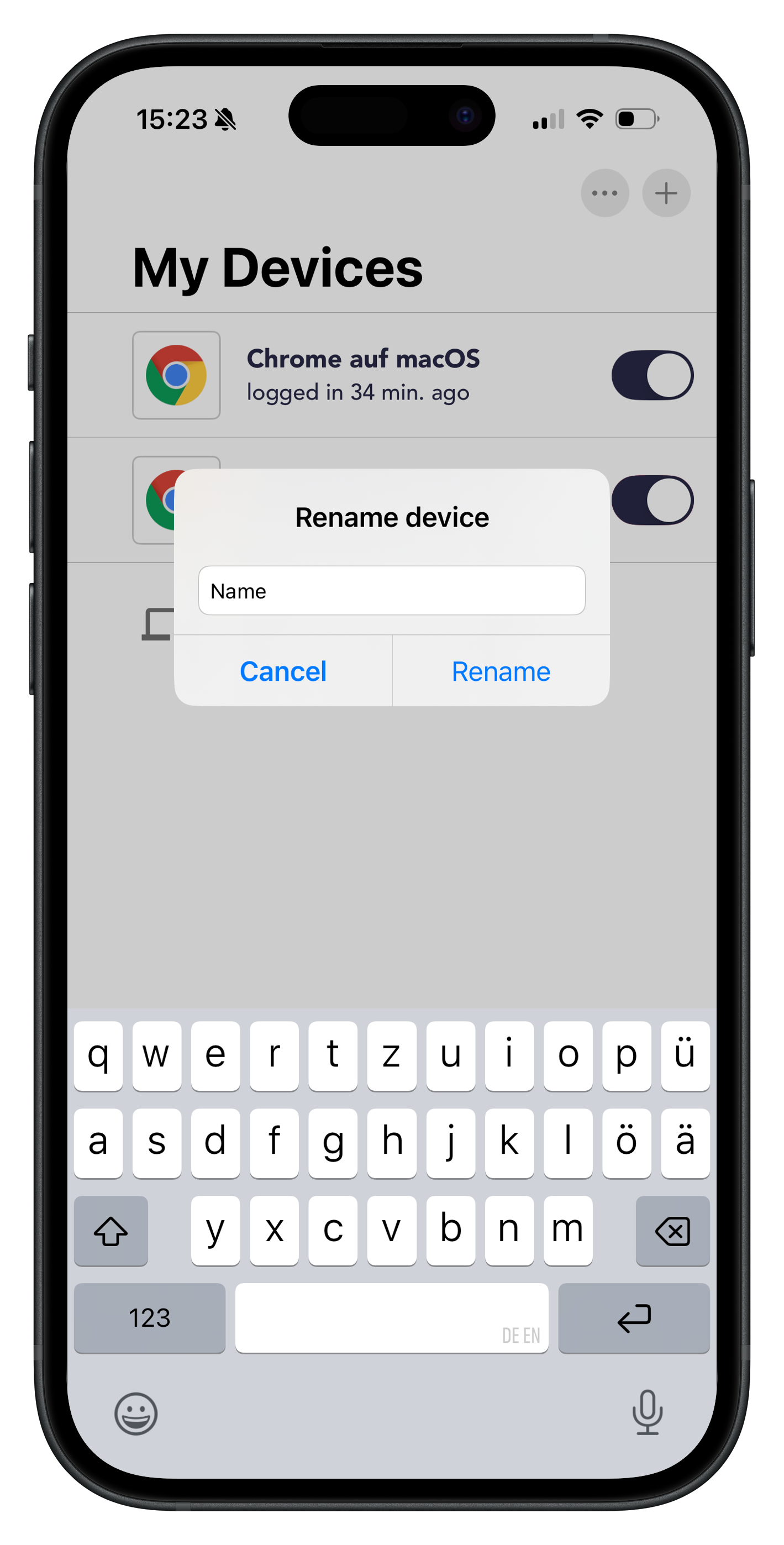
Select Rename and assign a new name. Tap Rename to confirm.
Delete devices
Open the heylogin app on your iPhone.
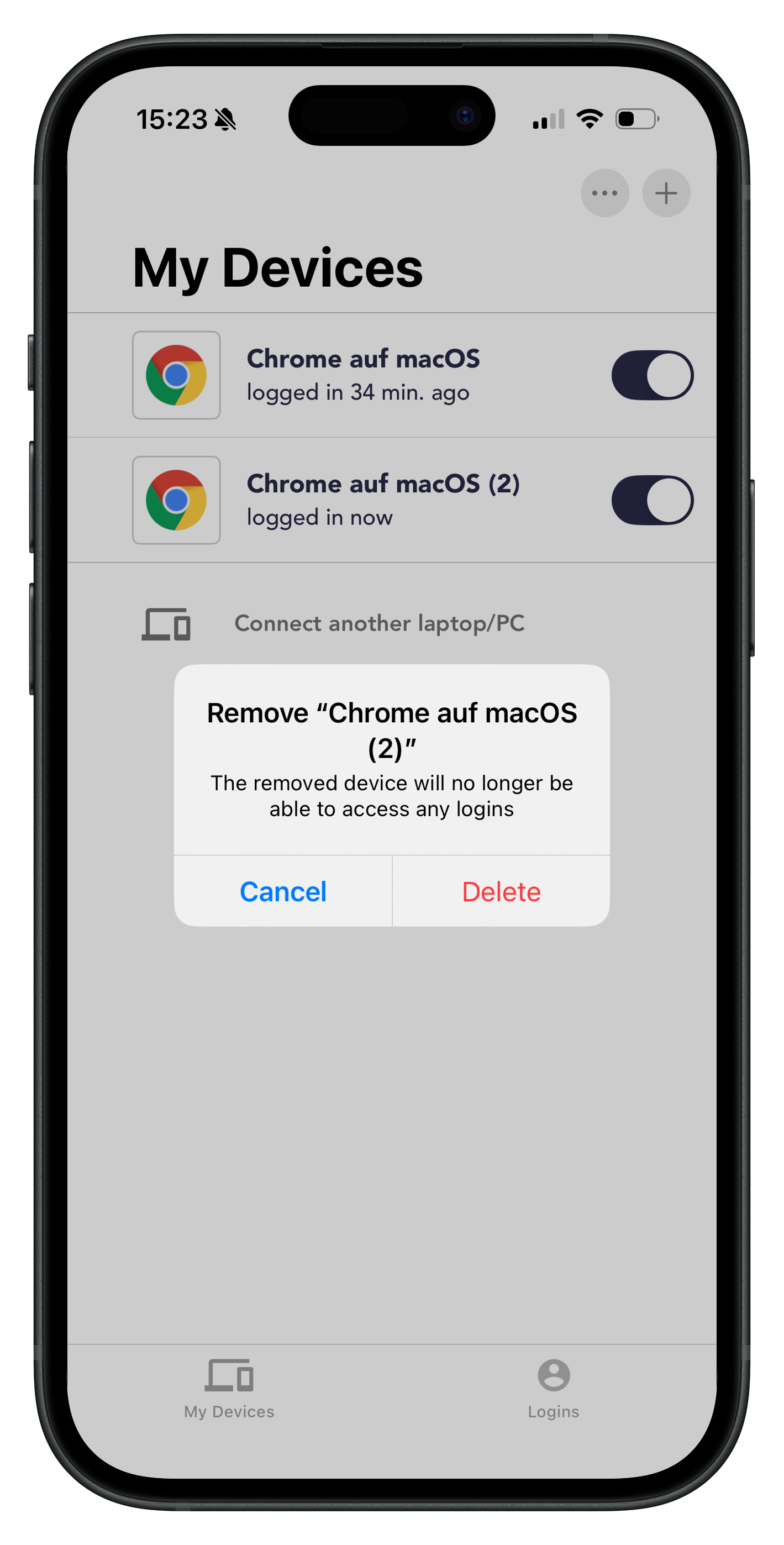
Swipe the selected device entry to the left to display the options. Alternatively, you can press and hold the entry.
Select Delete to remove the device and log it out.
Android
Log out devices
Open the heylogin app on your smartphone.
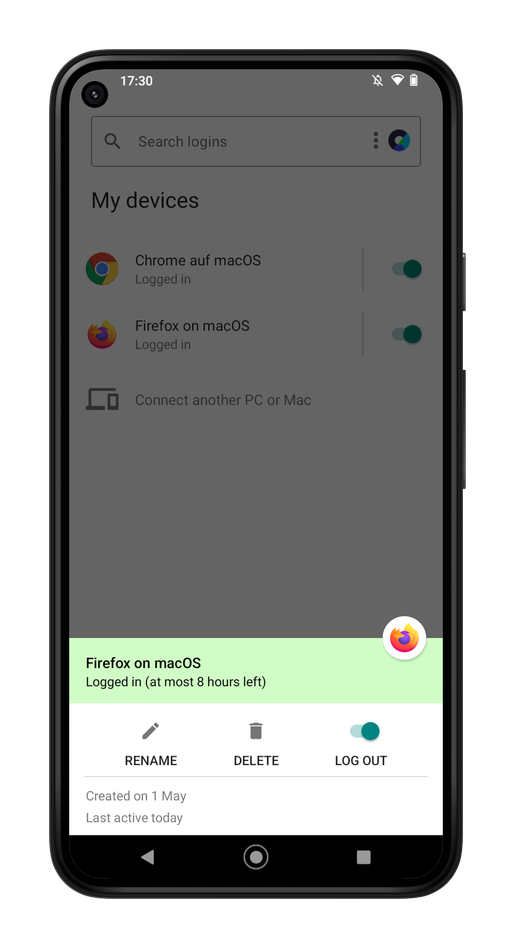
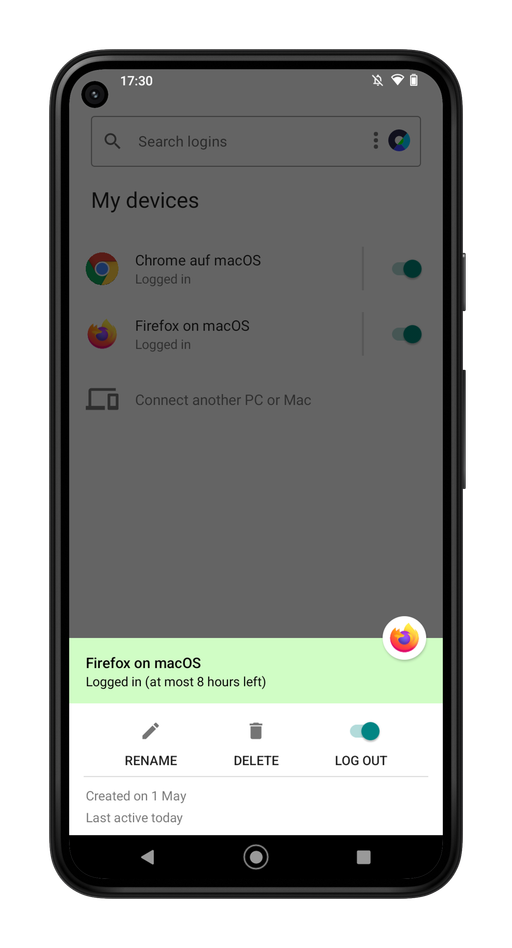
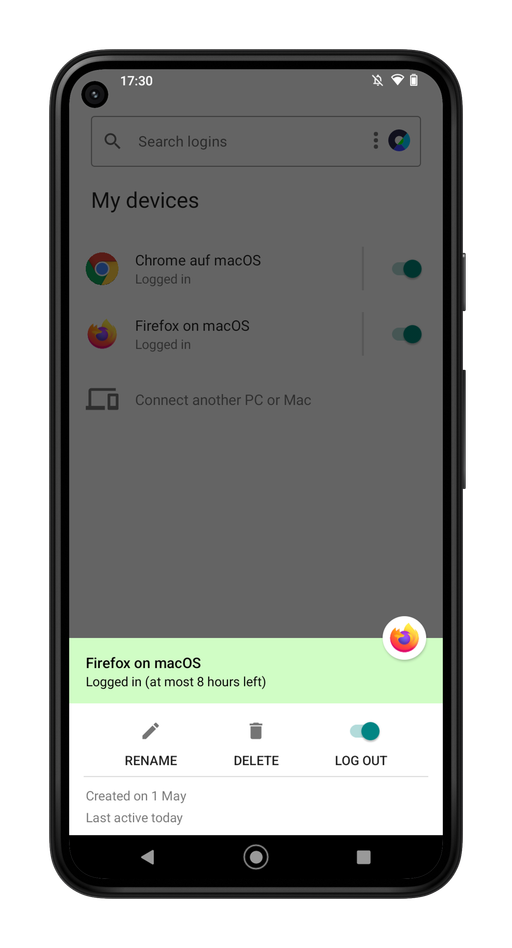
Tap the button next to the device entry to log it out. Alternatively, you can tap the entry and select LOG OUT.
Rename devices
Open the heylogin app on your smartphone.
Tap the selected device entry.
Select RENAME and assign a new name. Tap RENAME to confirm.
Delete devices
Open the heylogin app on your smartphone.
Tap the selected device entry.
Select DELETE to remove the device and log it out.