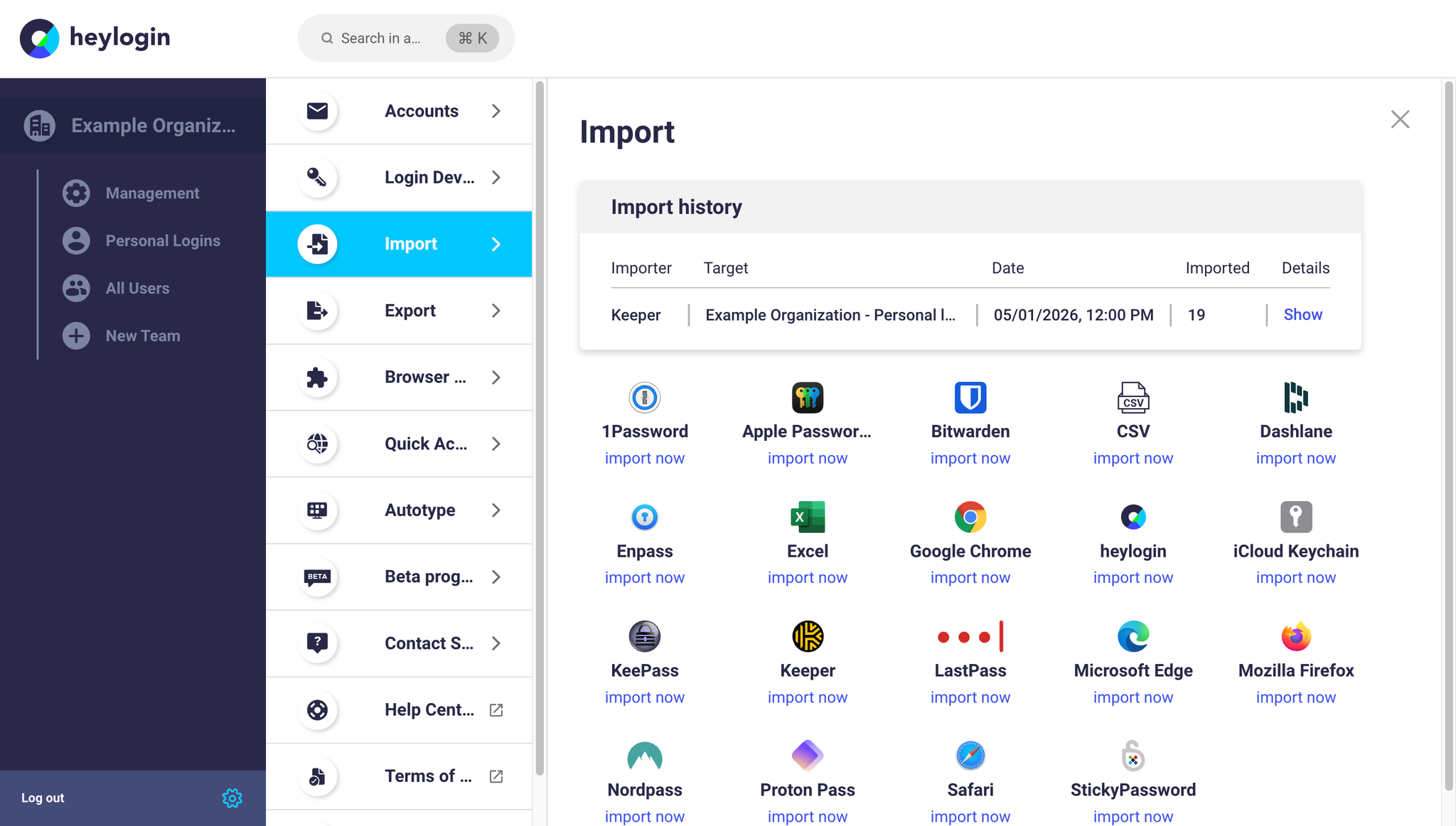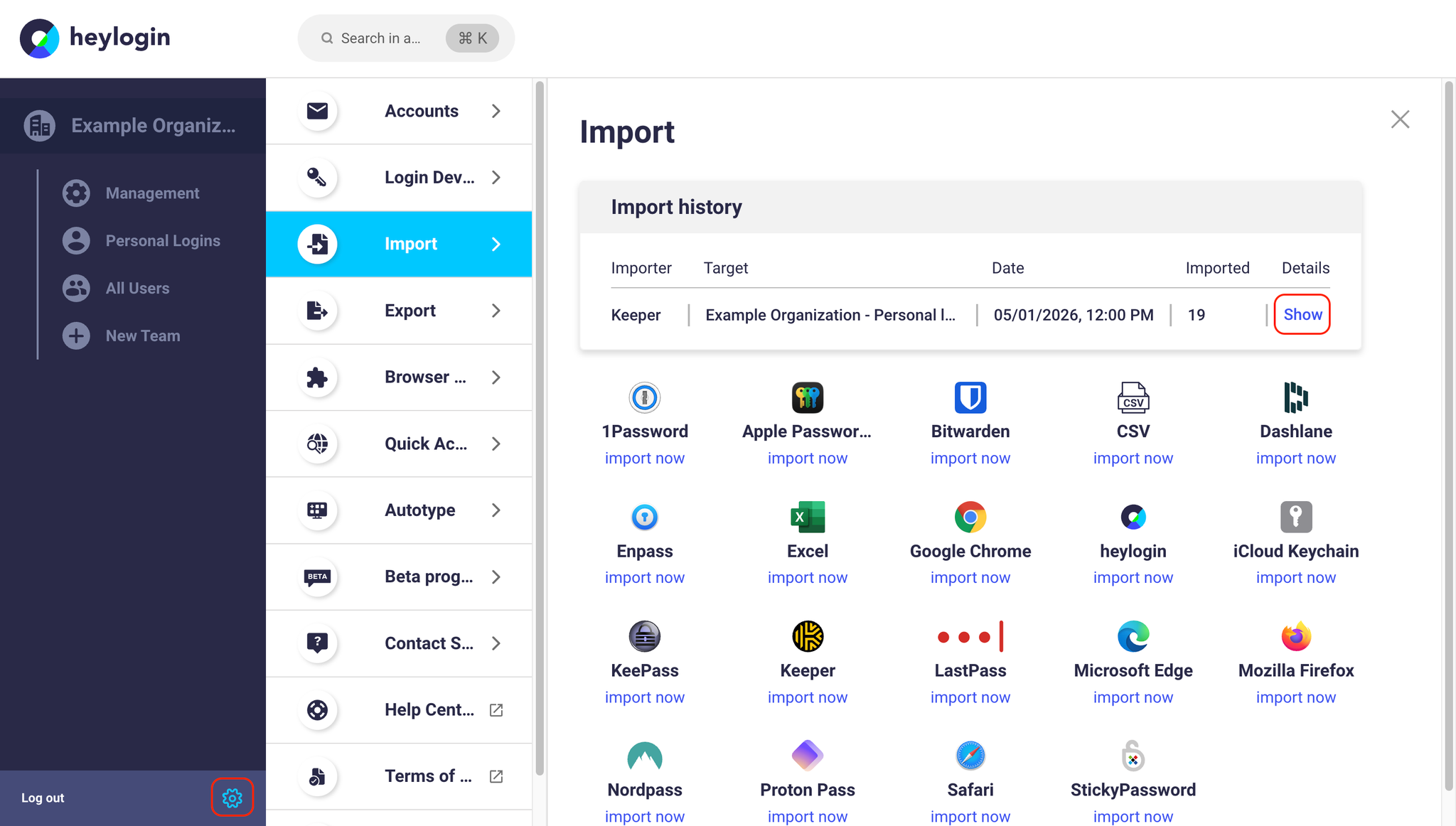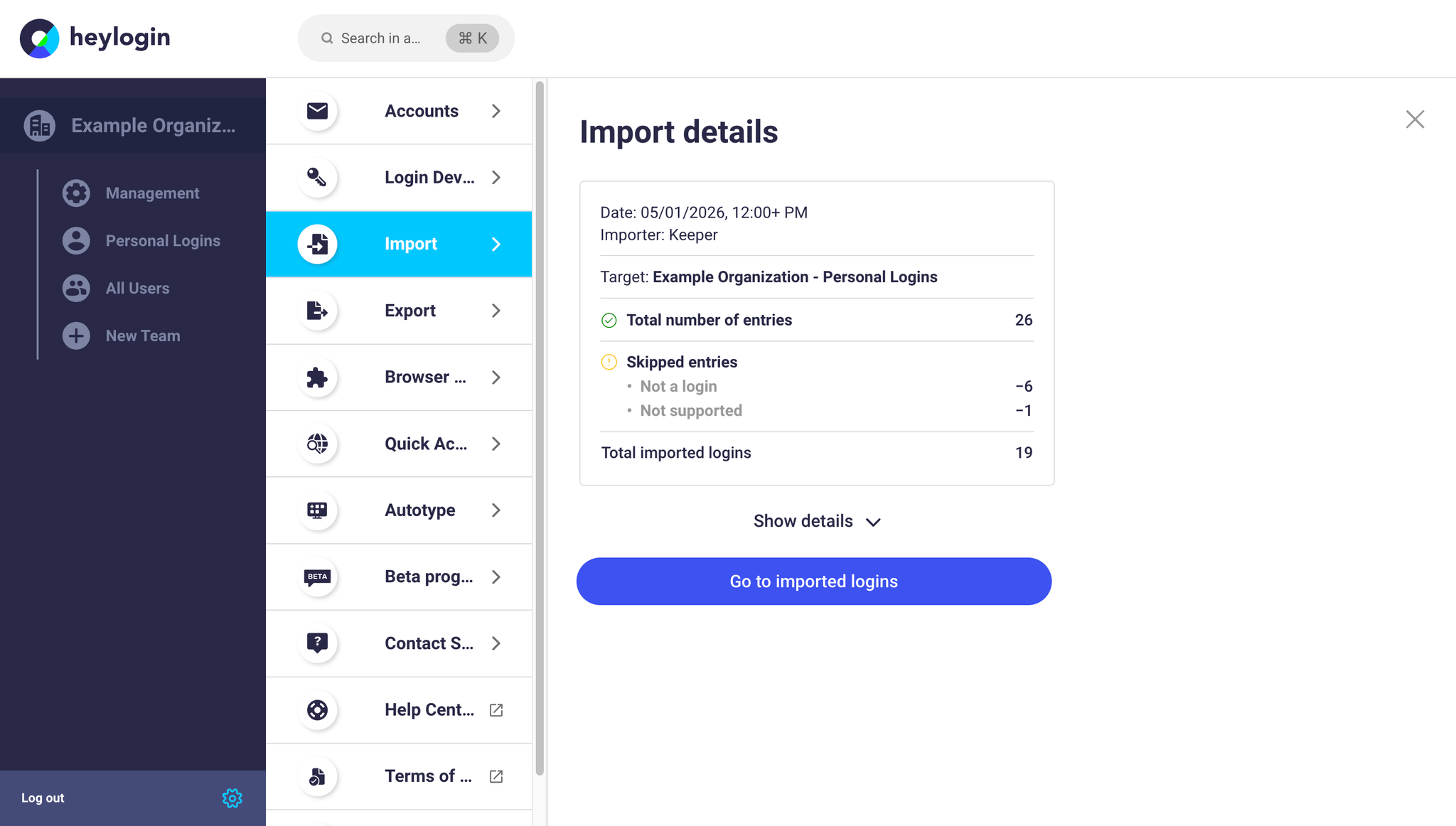
On this page you will find step-by-step guides to import logins via the importers on heylogin.app.
Import from browsers



Import from password managers
We support all common password managers:











Import from generic formats
In addition to password managers, we also support imports from generic formats: