
logo
To heylogin.comContact support
Help Center - English
🚀
Welcome
First steps
First steps for admins
Import & export
Import
Google Chrome
Microsoft Edge
Mozilla Firefox
1Password
Apple Passwords
Bitwarden
Dashlane
Enpass
heylogin
KeePass
LastPass
NordPass
Proton Pass
Sticky Password
Excel
CSV
Export
📱
Access
Supported devices
Additional backup methods
Change phone
Lost phone
⭐
Features
Browser extension
Passkeys
Two-factor authentication (TOTP)
Desktop apps
Manage logins
Private & work
Settings
👥
Organizations
Manage organizations
Share logins
Integrations
Managed organizations
🧾
Account & product
Billing and subscription
Managed Service Provider
Leaving heylogin
Security, privacy and compliance
Roadmap and release notes
Help Center - English
/
Welcome
/
Import & export
/
Import

1Password

You can export your logins from 1Password and import them into heylogin.

Export logins from 1Password

  1. Export your data in the 1PIF or 1PUX format.
  1. Follow the 1Password export guide to export your data.
  1. Save the exported file.

Import the file into heylogin

  1. Open https://heylogin.app/settings/import/1password.
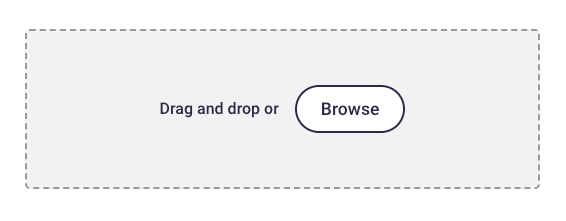
  1. Drag and drop the exported file into the highlighted area.
    💡
    If you have any problems, please contact heylogin support
    Mozilla Firefox
    Apple Passwords

    Powered by Notaku
    Helpful?
    Privacy
    Site Notice
    Share
    Content
    1Password
    Export logins from 1Password
    Import the file into heylogin