
You can export your logins from LastPass and import them into heylogin.
Export logins from LastPass
- Follow the LastPass export guide to export your data in the CSV format.
Exporting via the LastPass website may currently cause issues. We recommend exporting your data using the LastPass browser extension in Google Chrome instead.
More information you can find here.
Import the file into heylogin
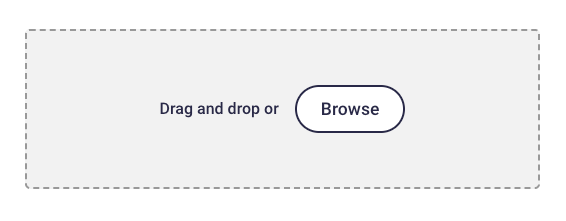
- Drag and drop the exported CSV file into the highlighted area.
If you have any problems, please contact heylogin support