
You can export your logins from Dashlane and import them into heylogin.
Export logins from Dashlane
- Export your logins in the CSV format.
- Follow the Dashlane export guide.
- Save the exported .zip file.
Import the file into heylogin
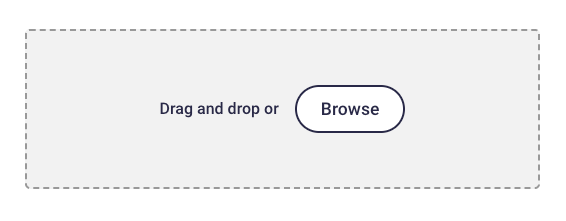
- Drag and drop the exported file into the highlighted area.
If you have any problems, please contact heylogin support